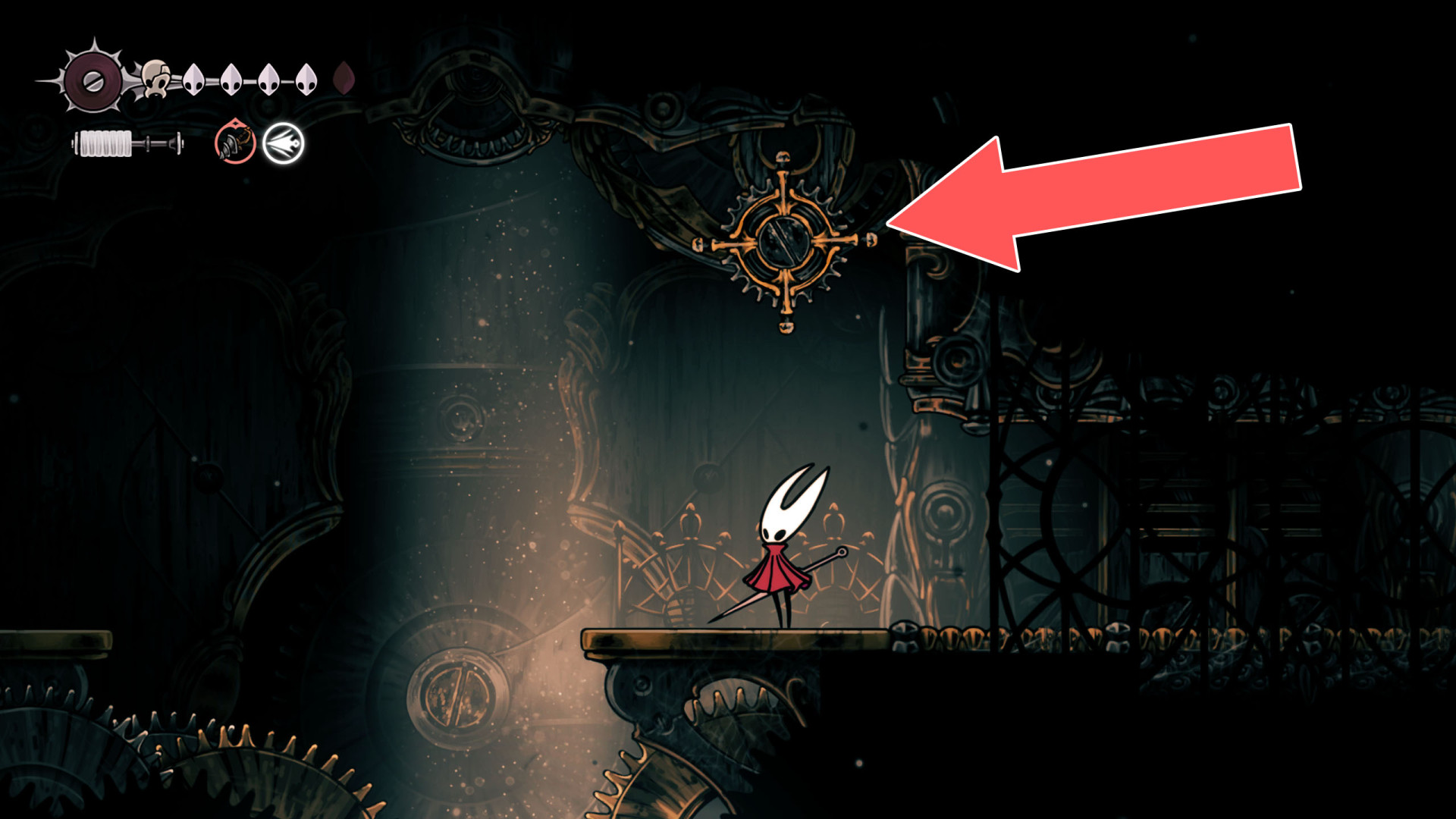
Other switches, levers, movable objects, and other interactive environmental elements or mechanics. They allow you to manipulate the game world by toggling states such as opening or activating passages, triggering puzzles, etc.
Switches
Locations on Pharloom
1 Box
Box
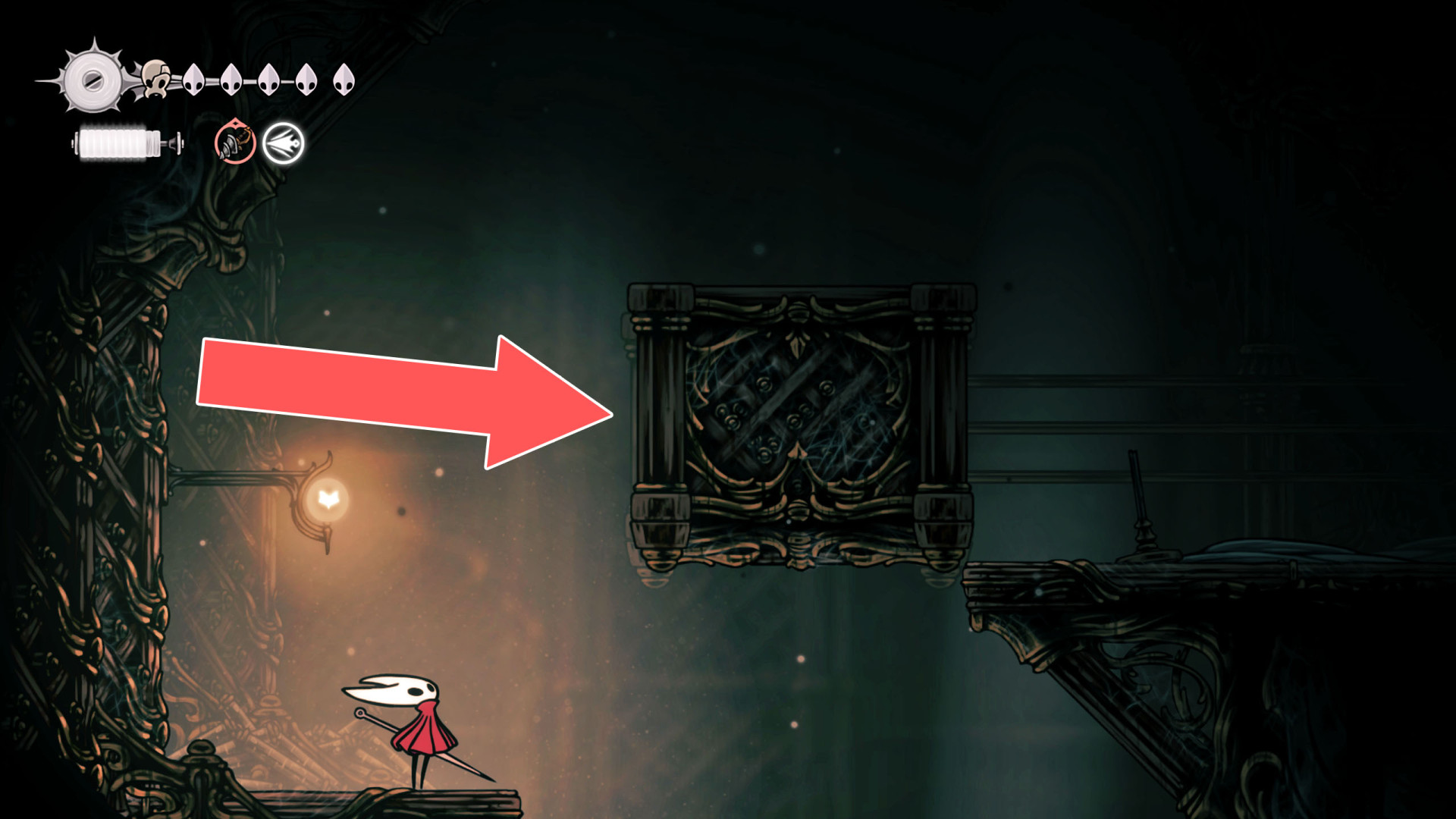
2Fan Lever
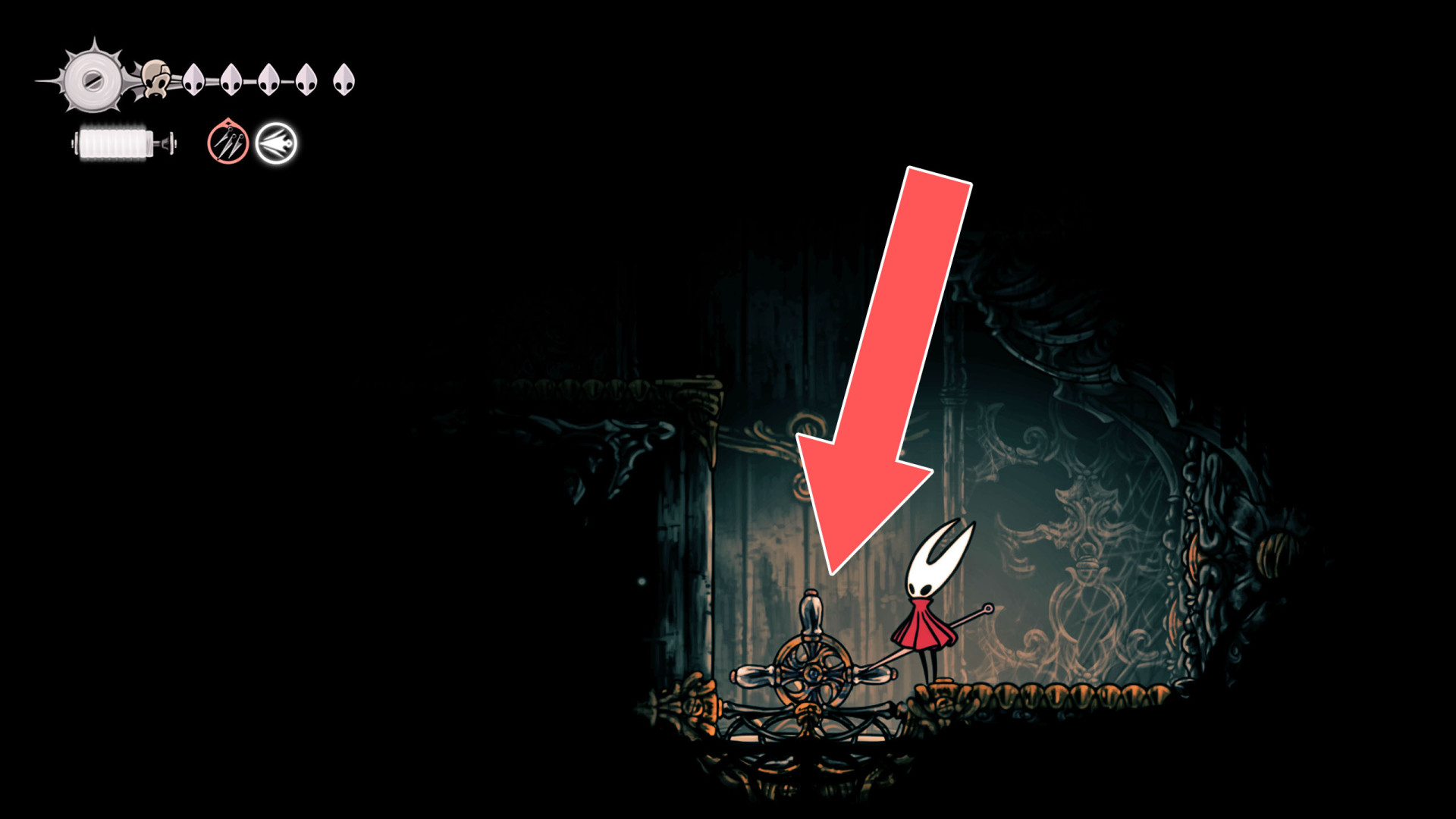
3Jammed Cog Wheels
Destroy the creepers to unlock the cogs and the Sinner's Road bench above.
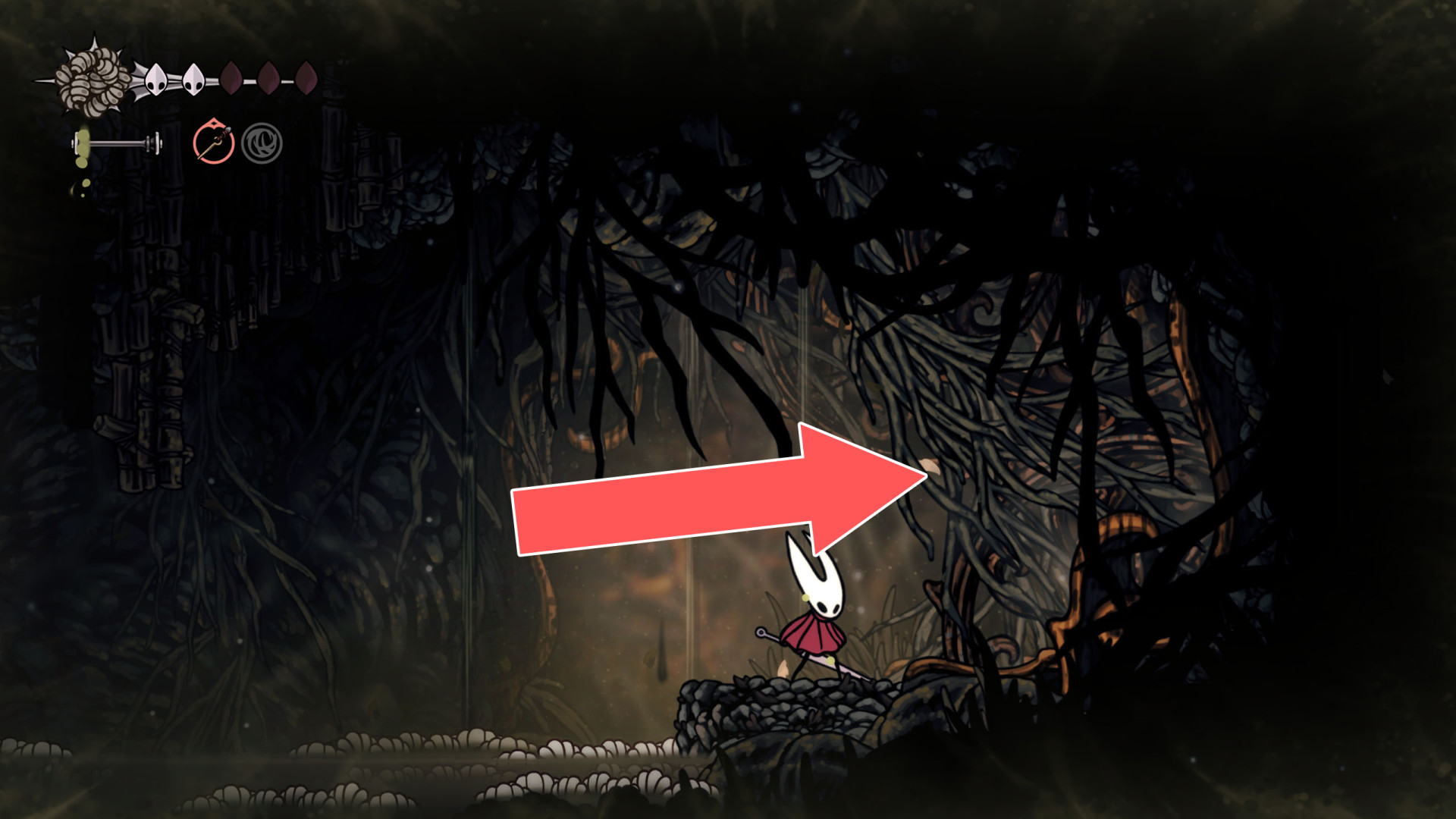
4Lever
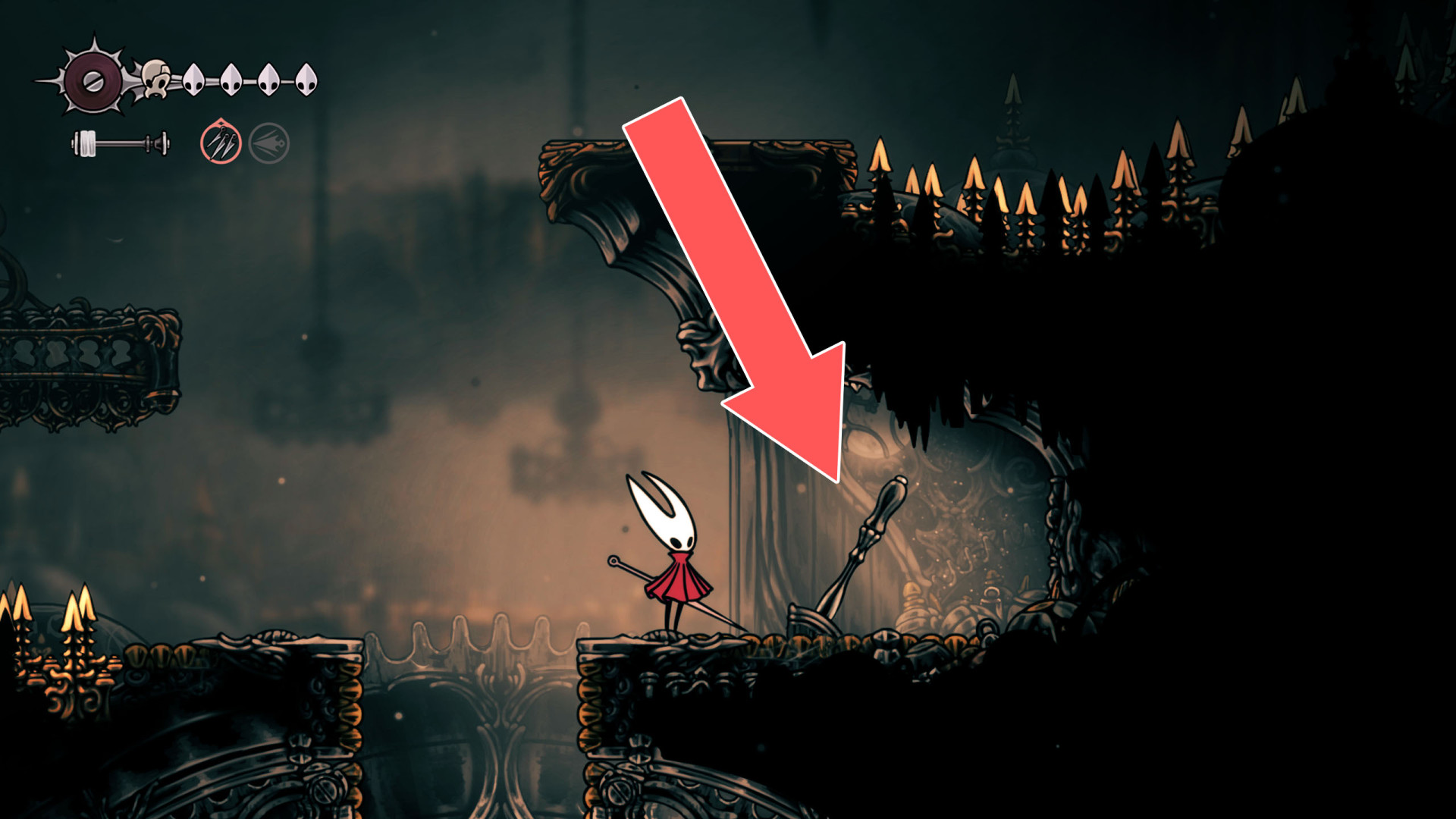
5Lever
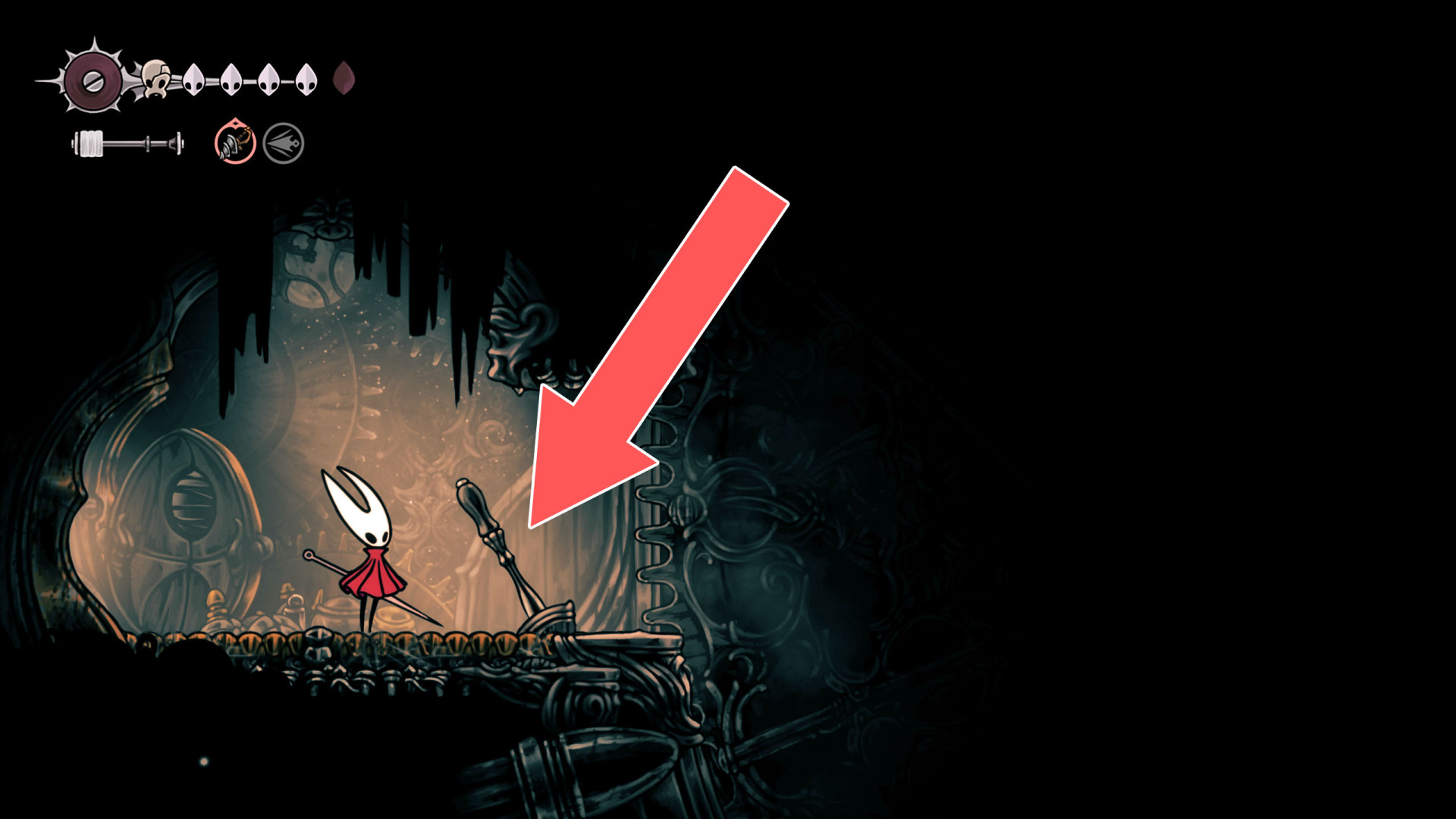
6Lever
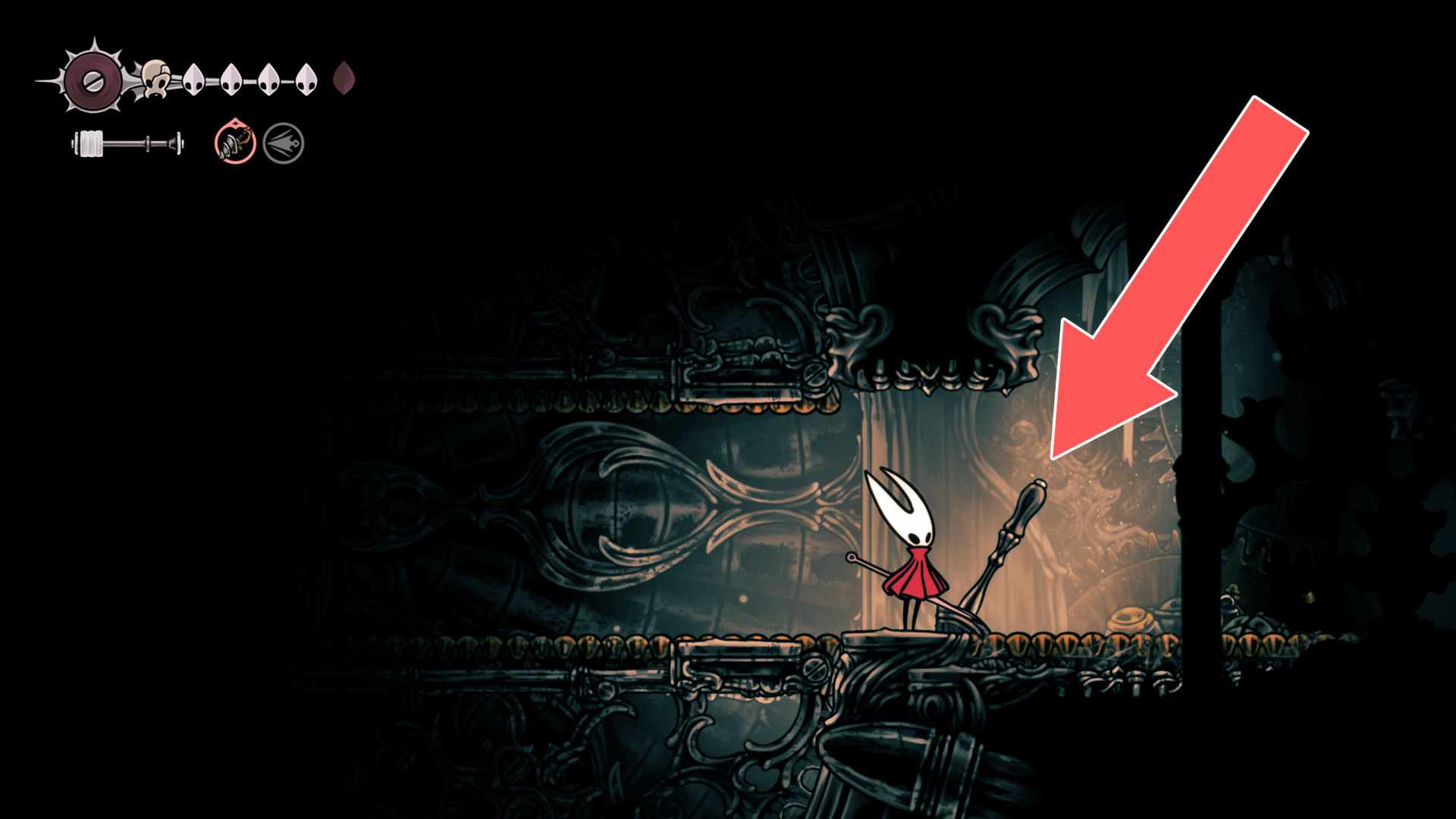
7Lever
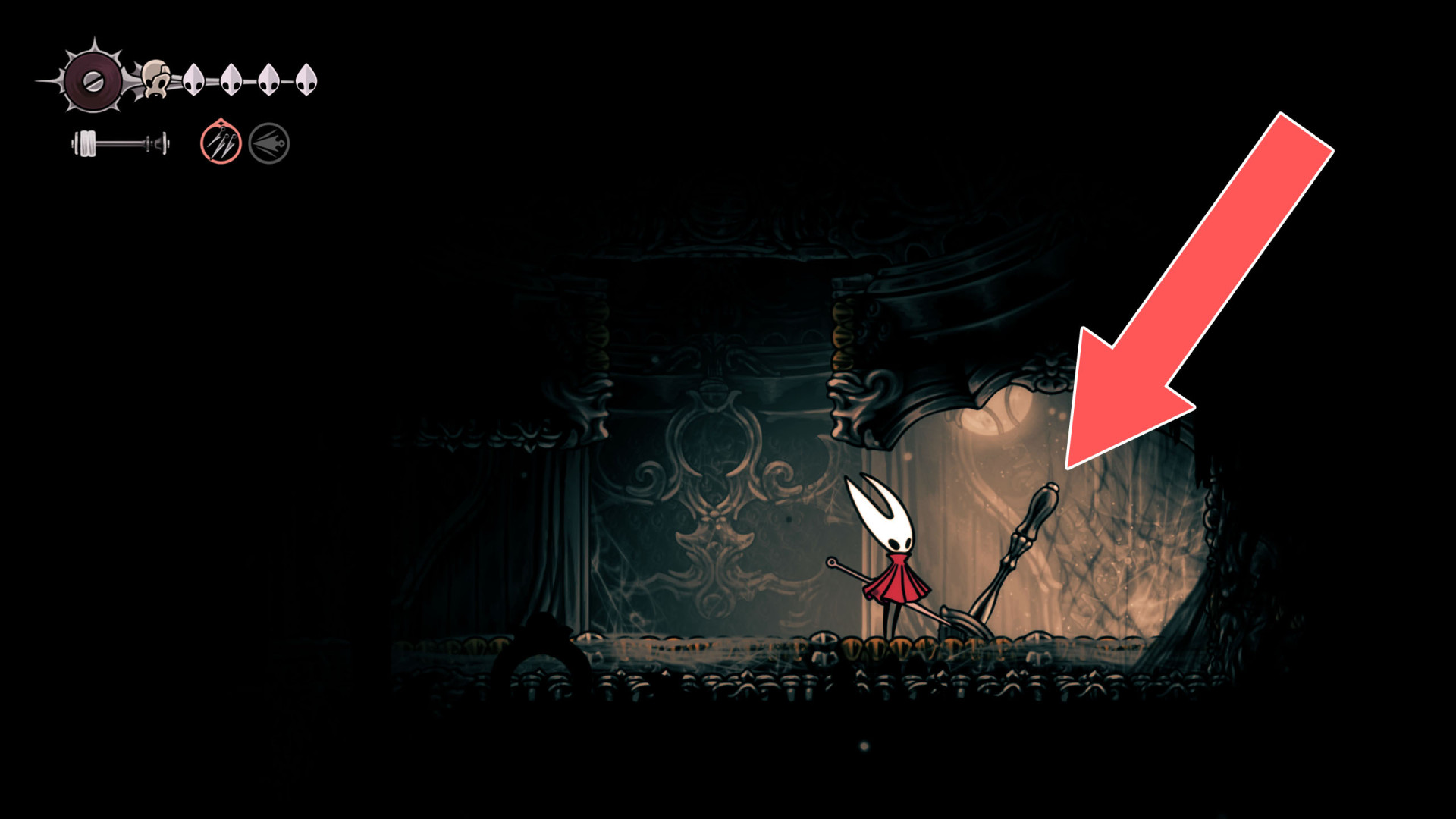
8Lever
9Lever
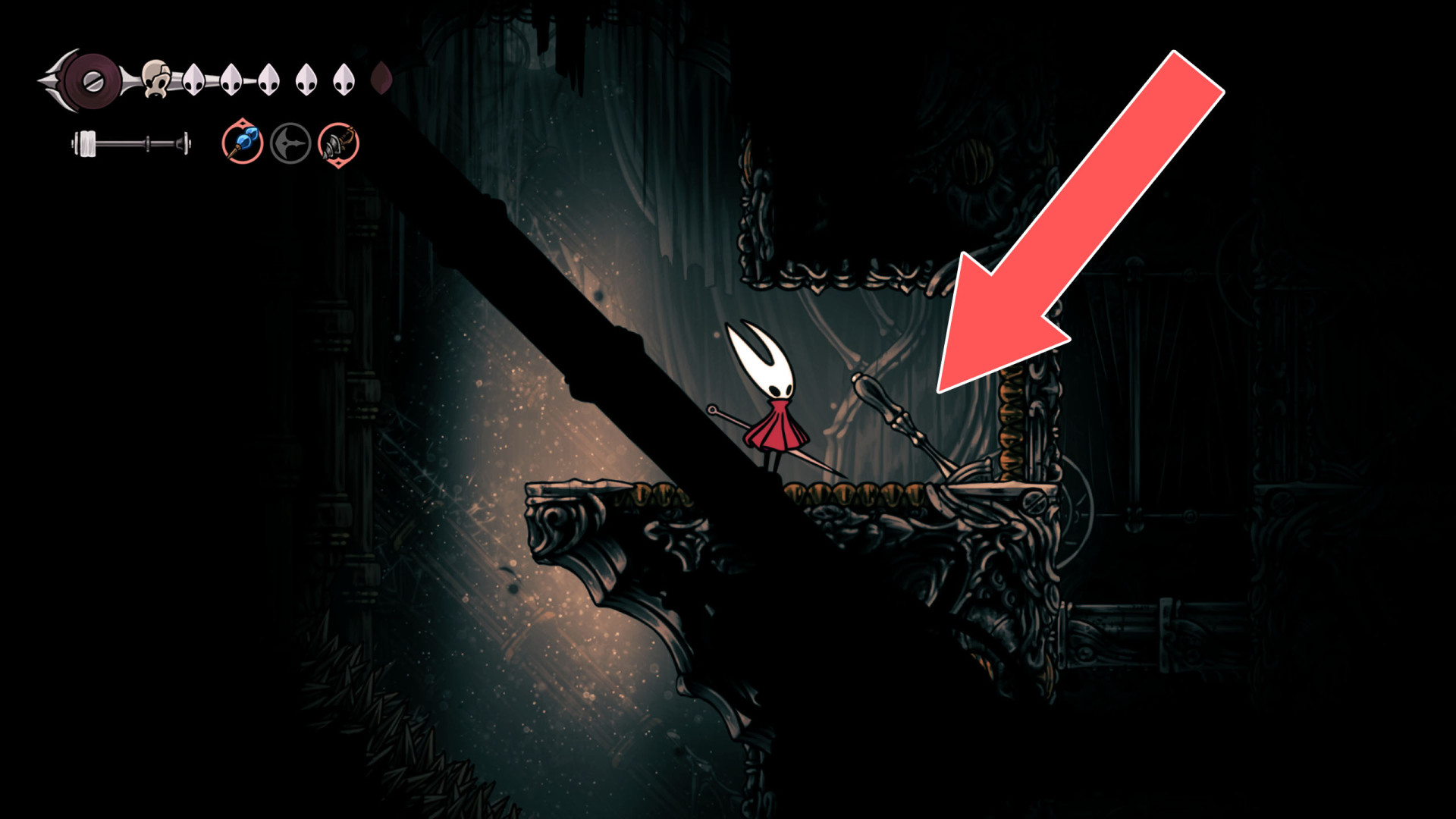
10Lever
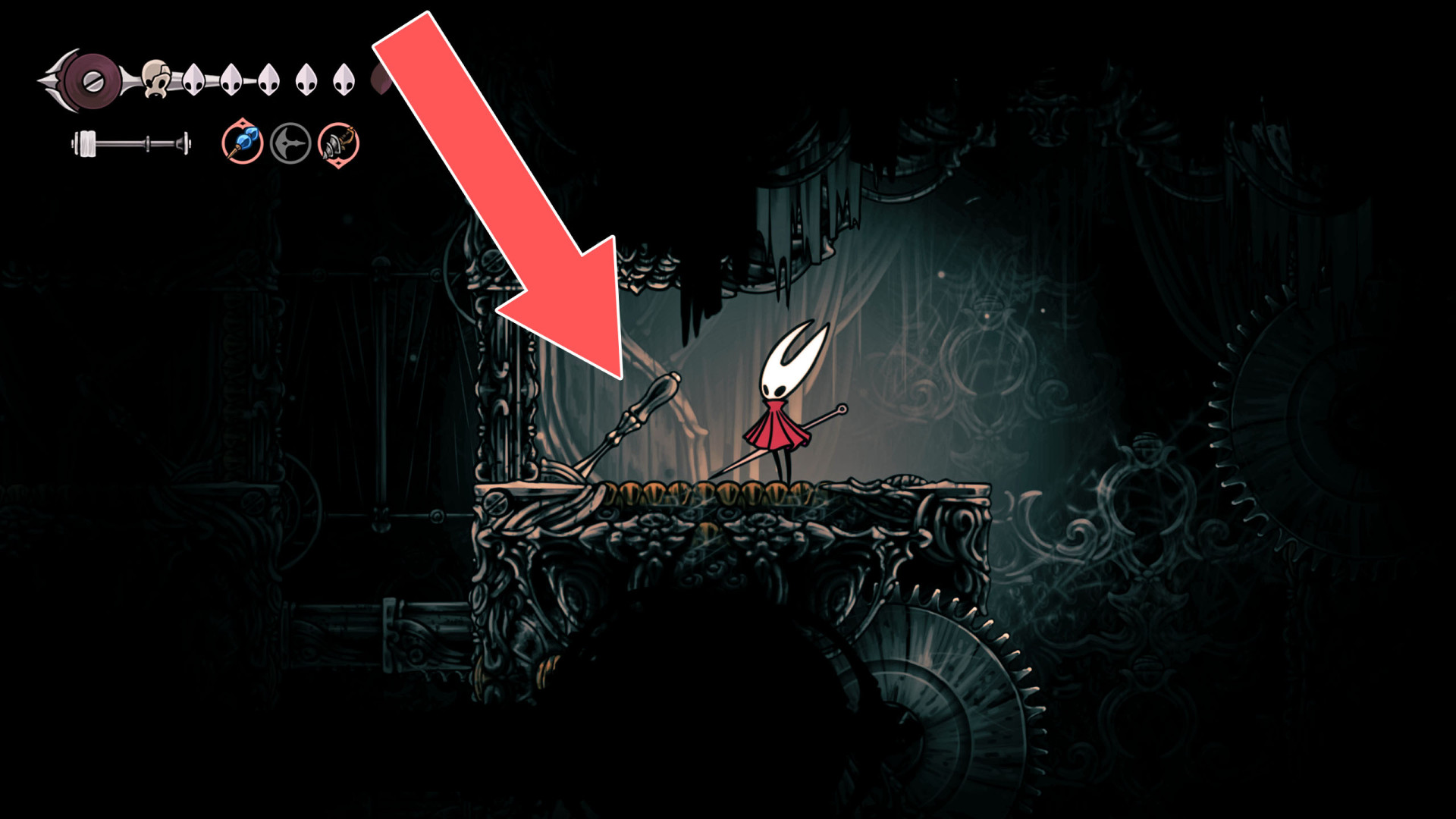
11Lever
Hit it a few times to start a fan, then stand on the pressure plate next to it. This will open the way to the eastern part of Songclave.
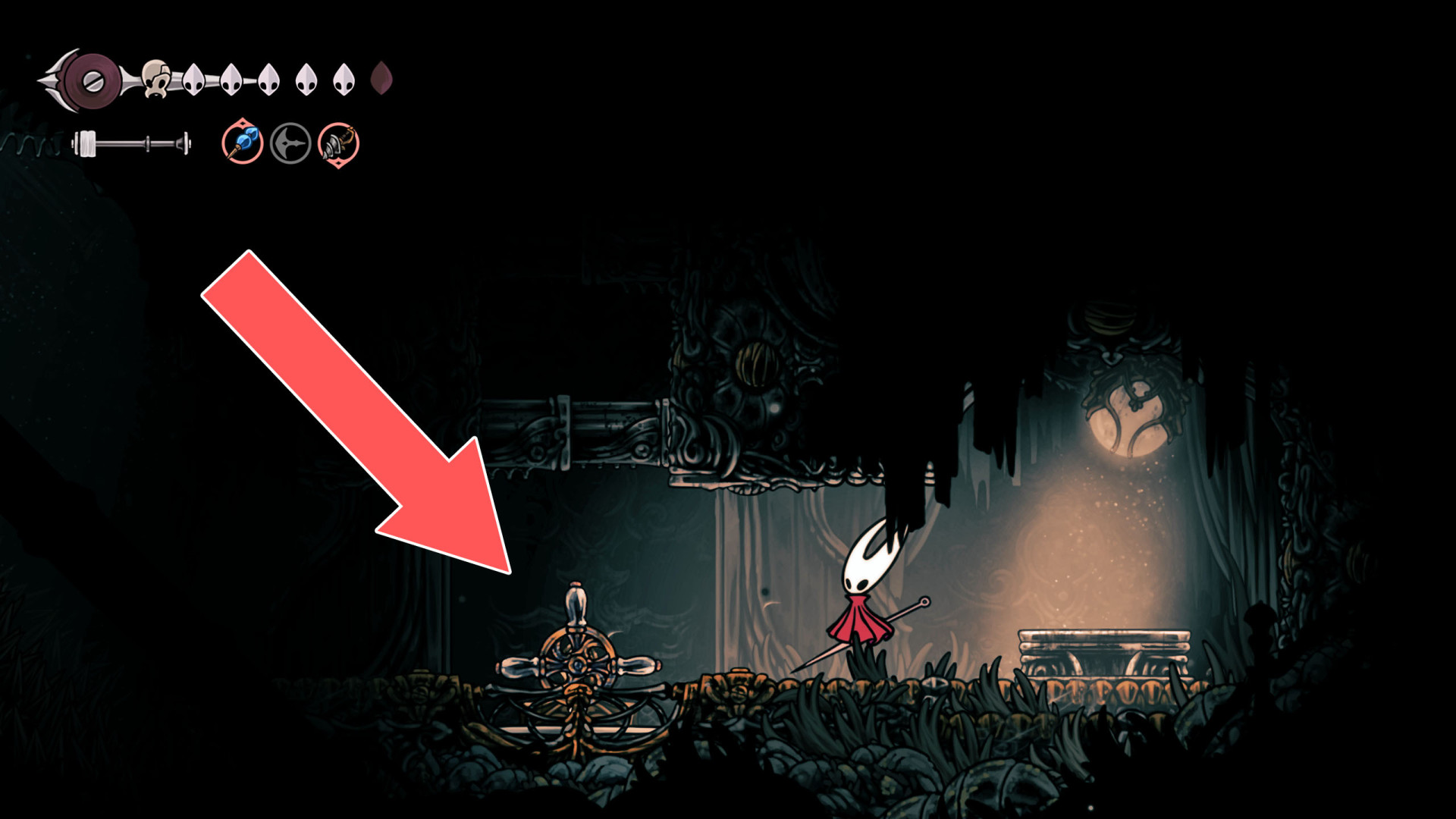
12 Lever
Lever
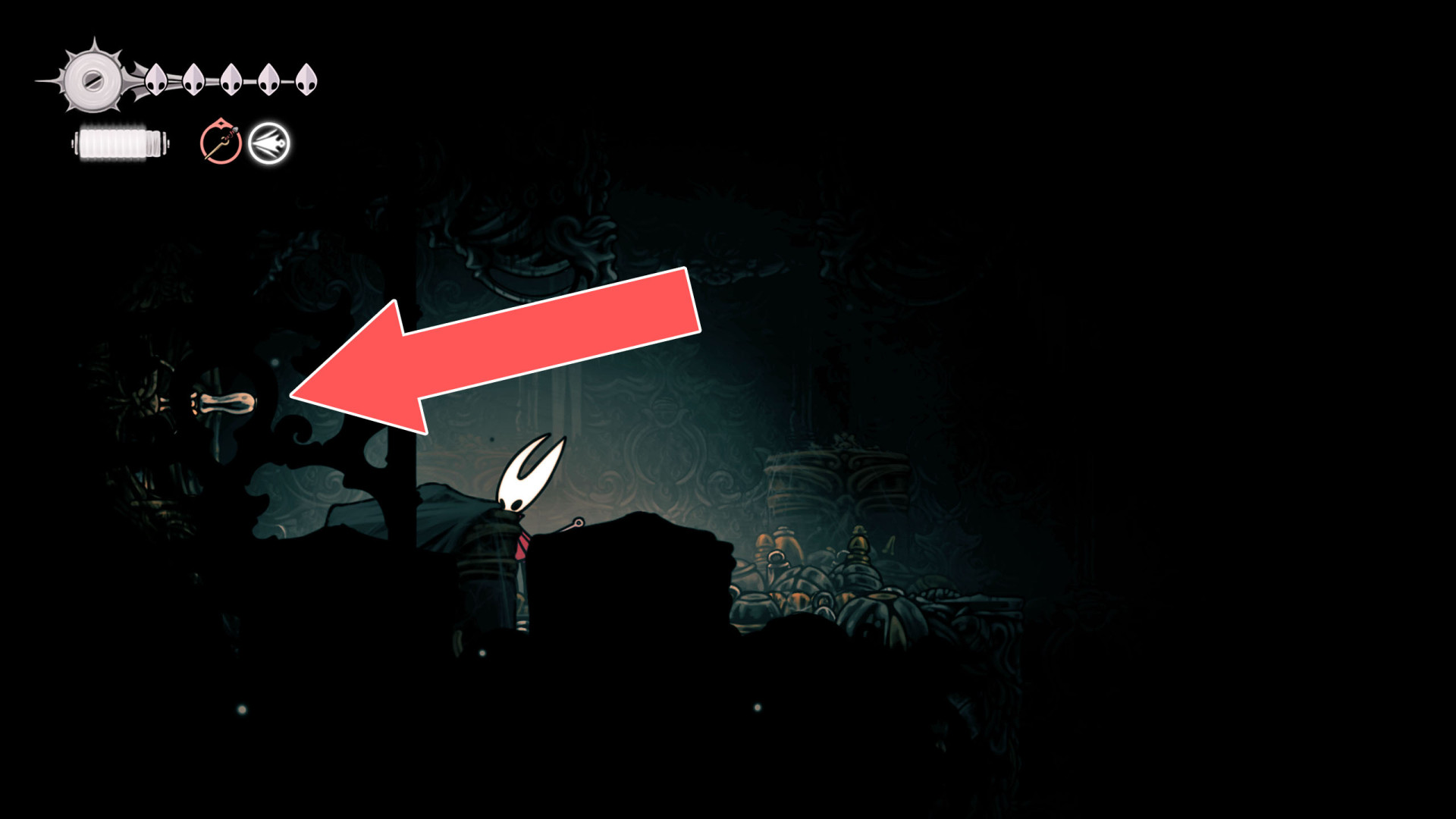
13 Lever
Lever
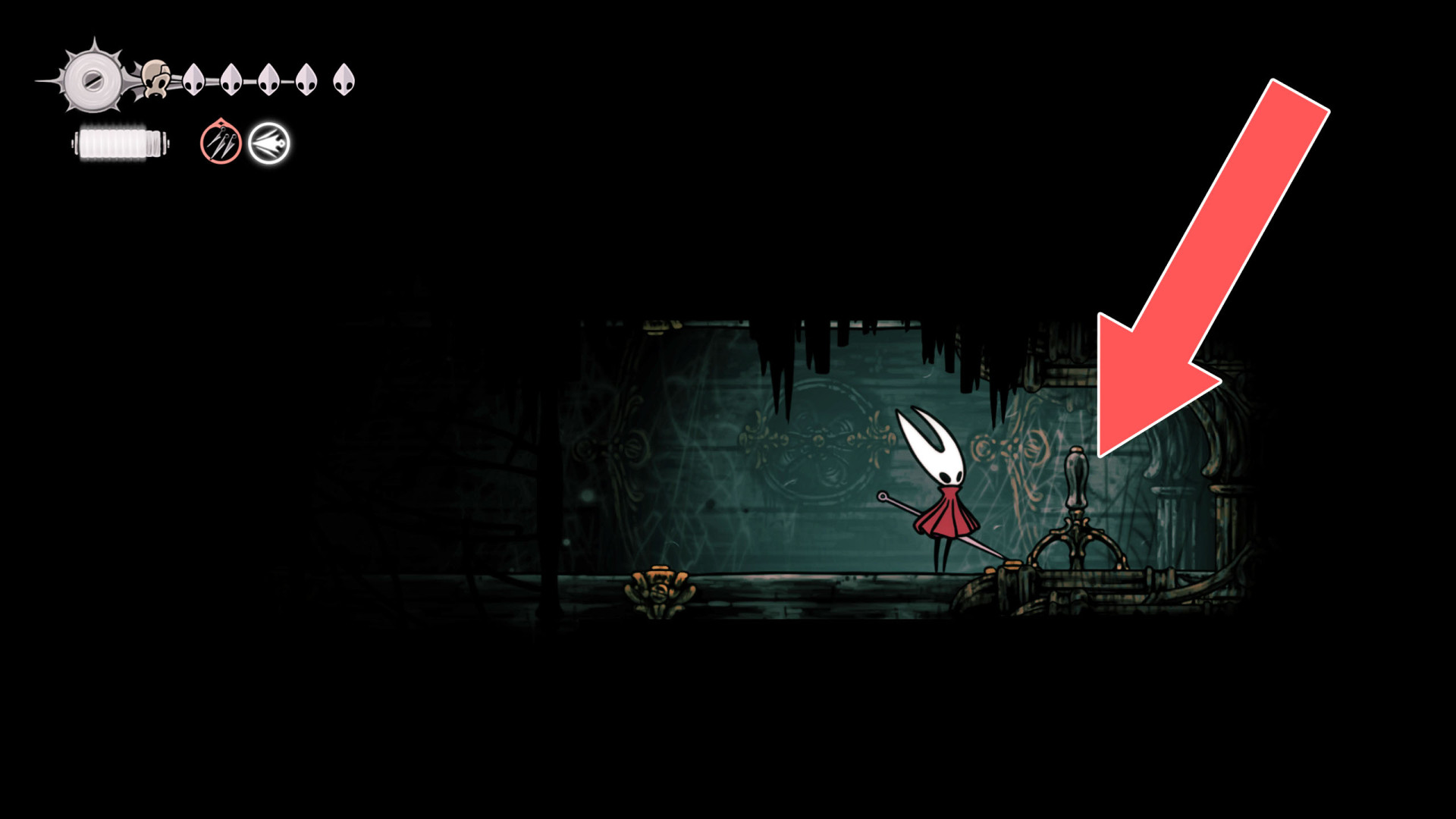
14Lever
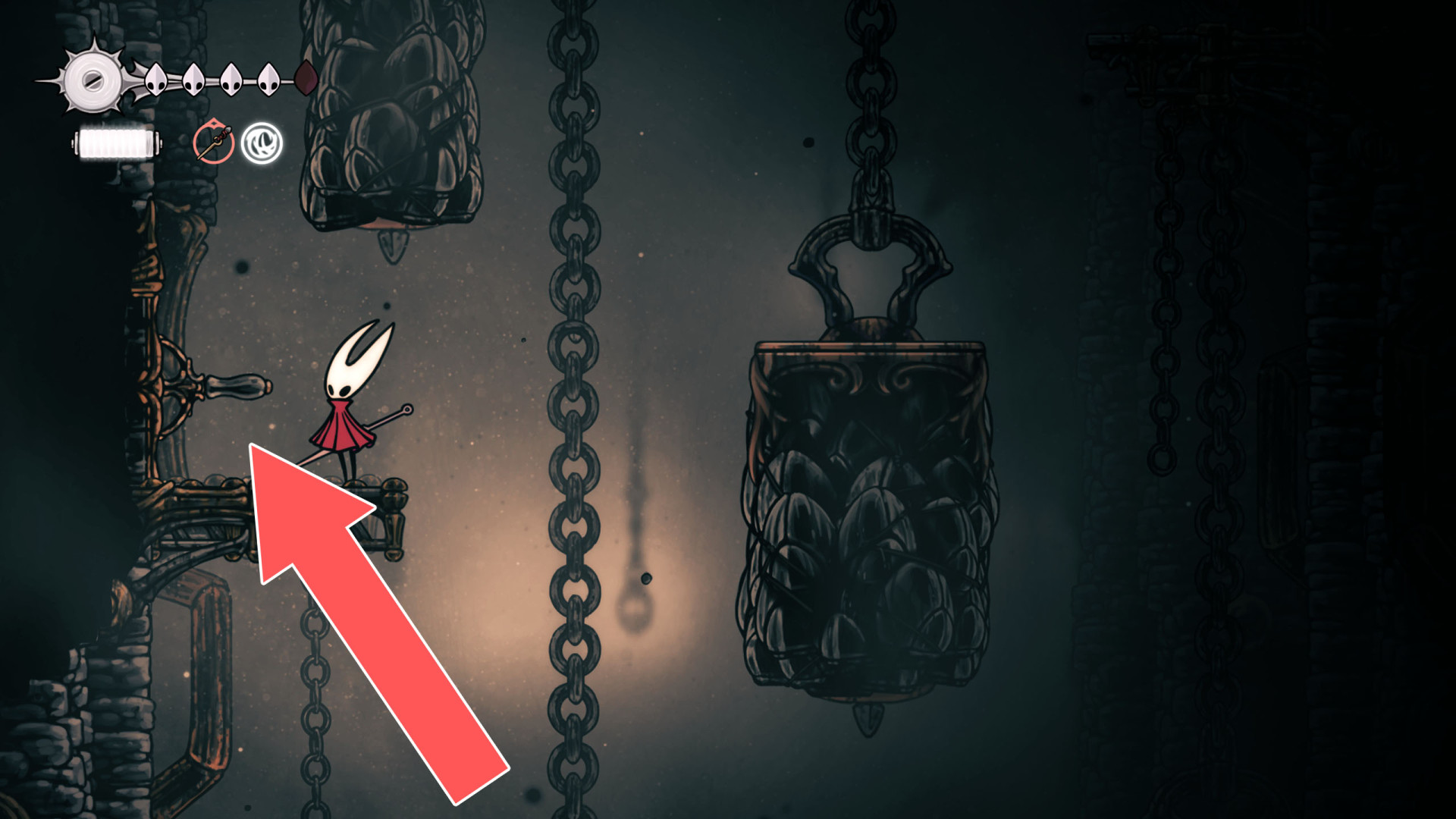
15Lever
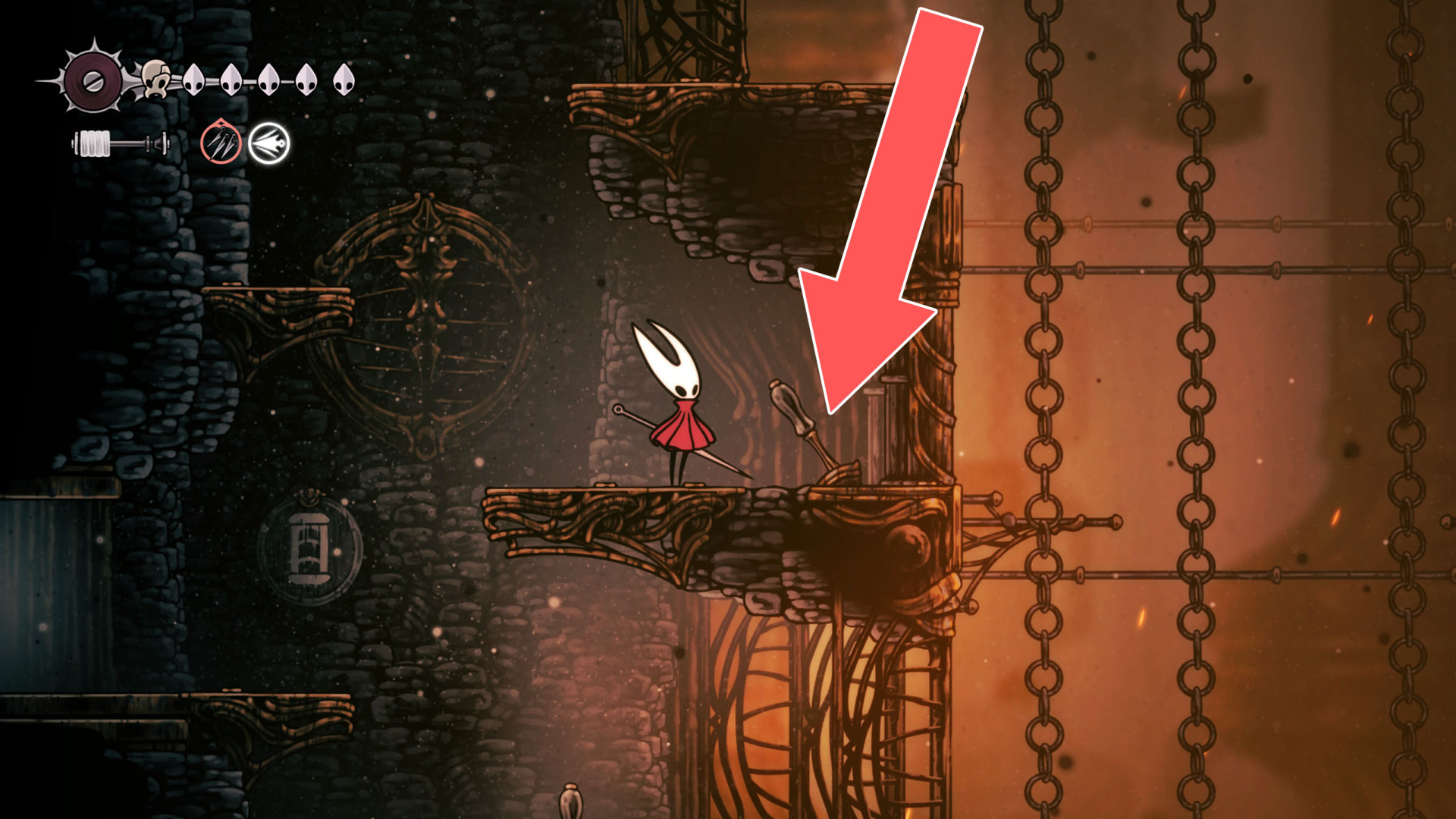
16Lever
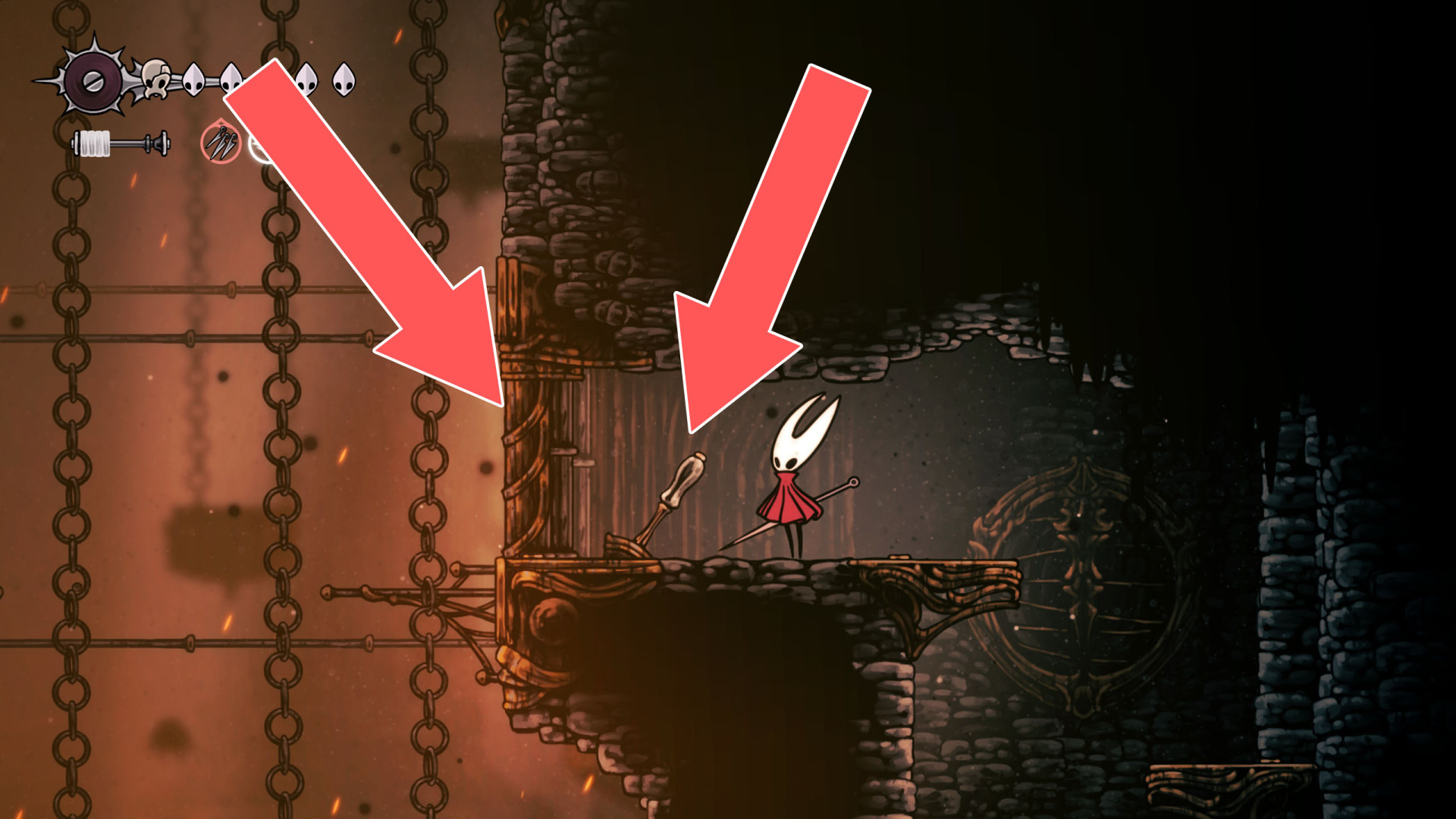
17Lever
18Lever
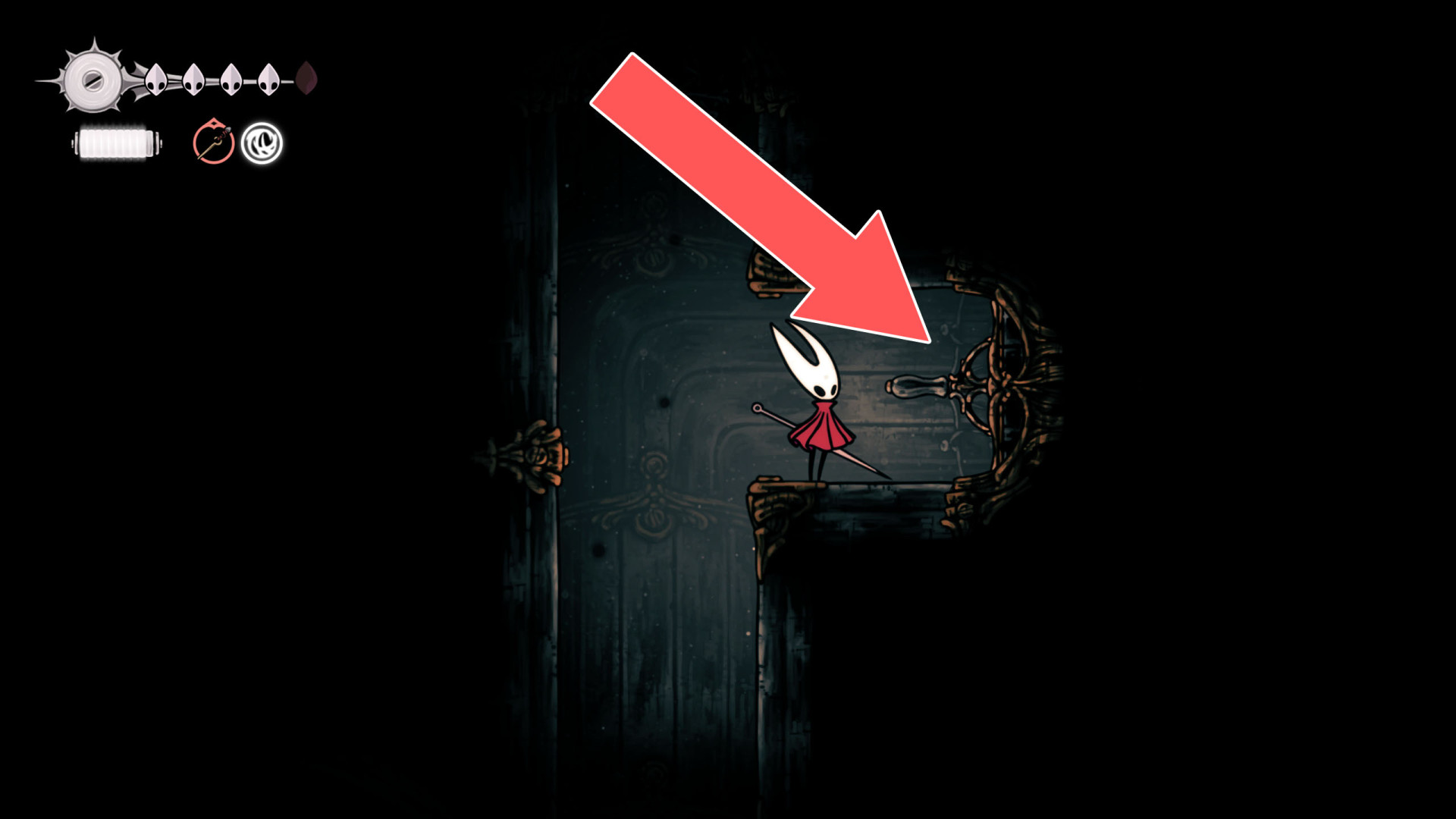
Passage
19Lever
20Lever
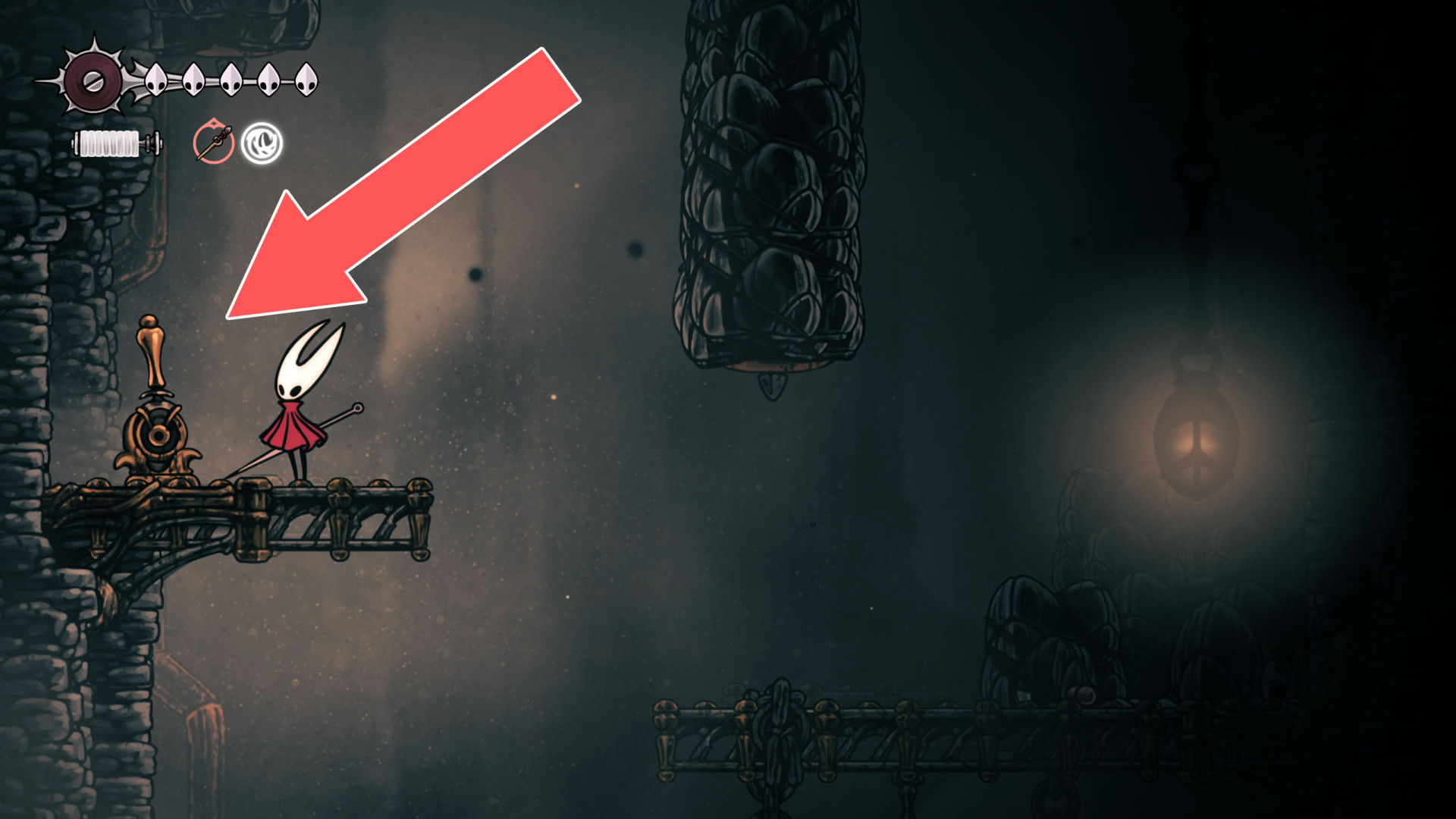
Unblocks the passage below.
21Lever
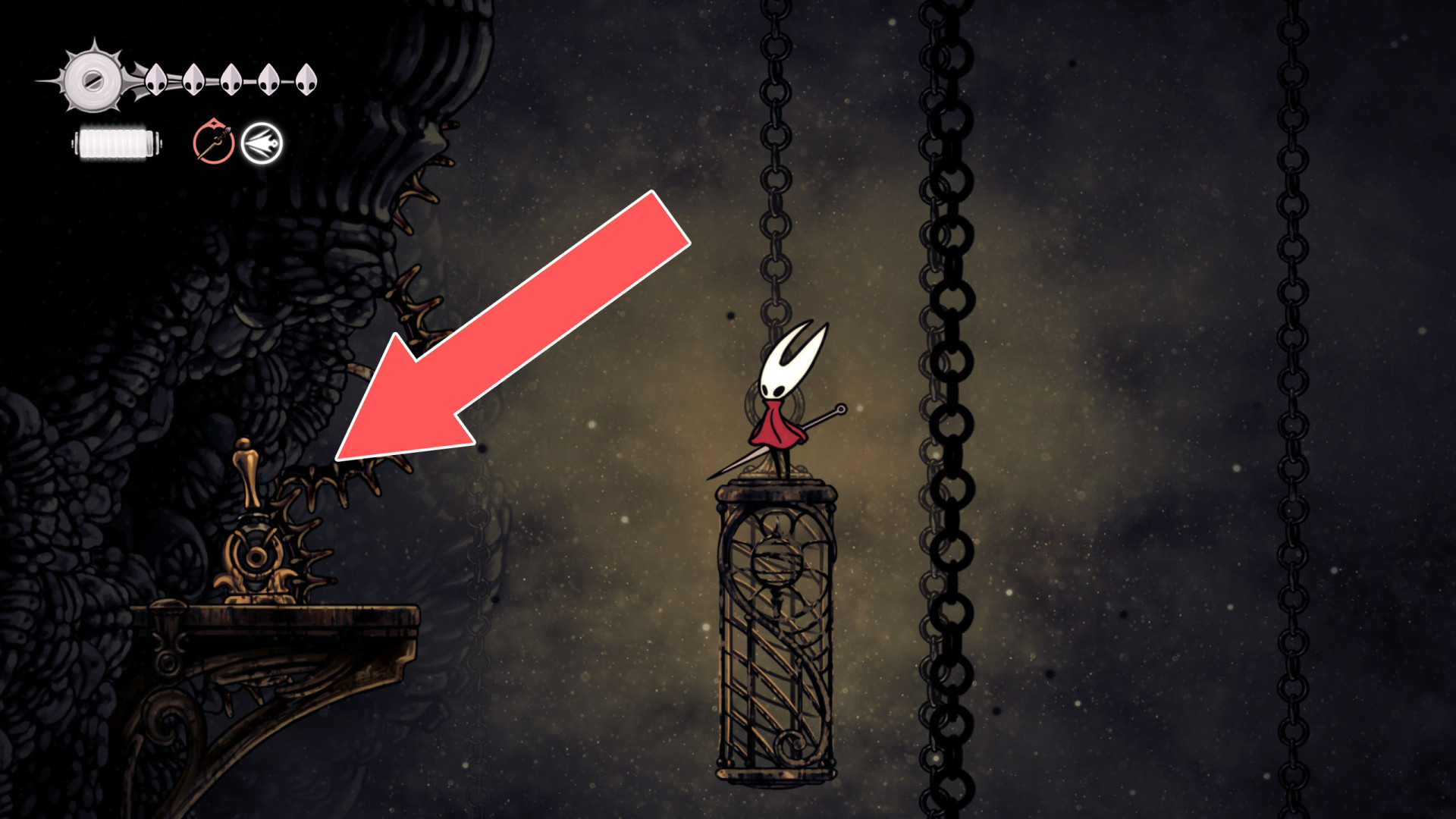
22Lever
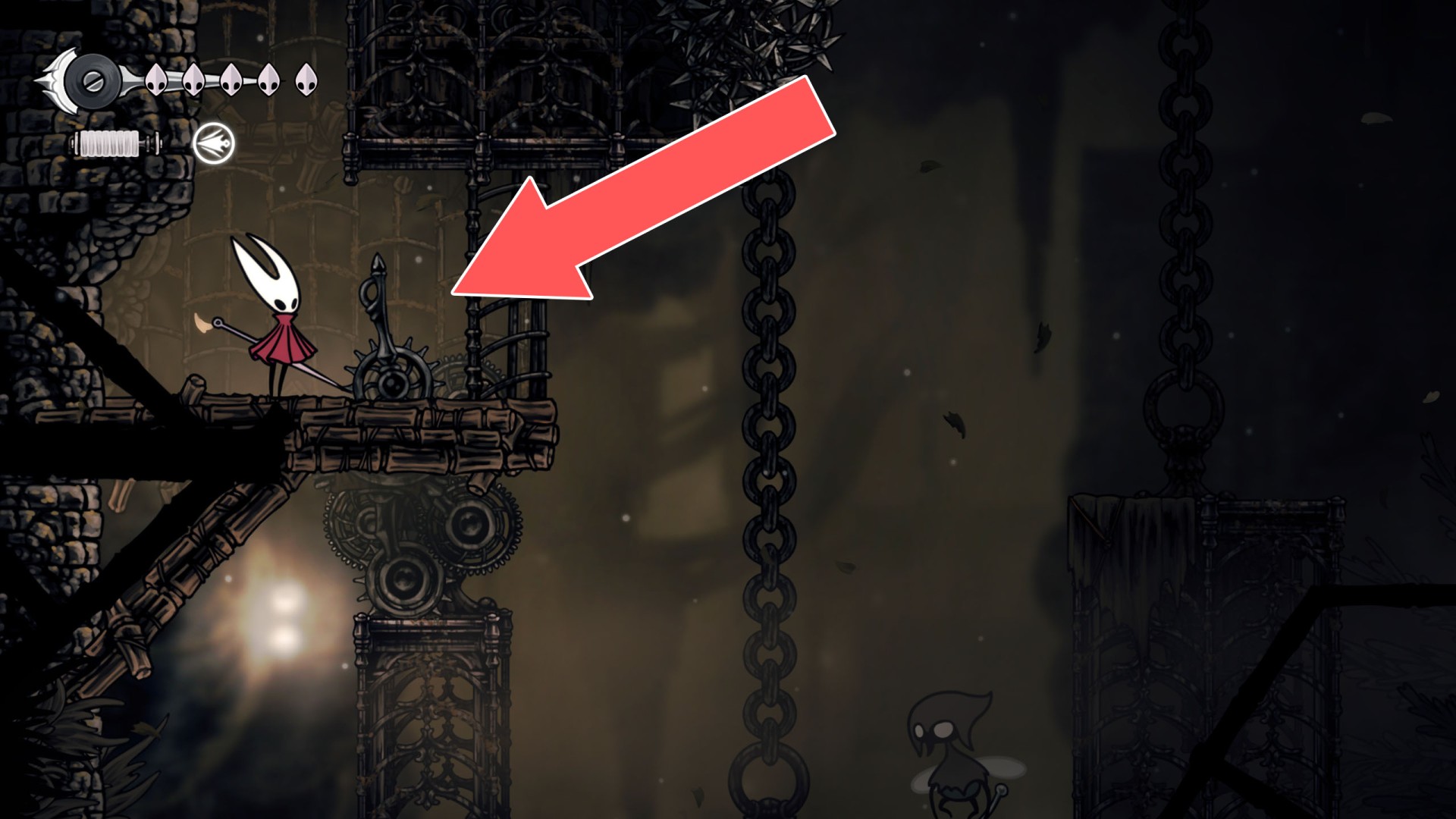
23Lever
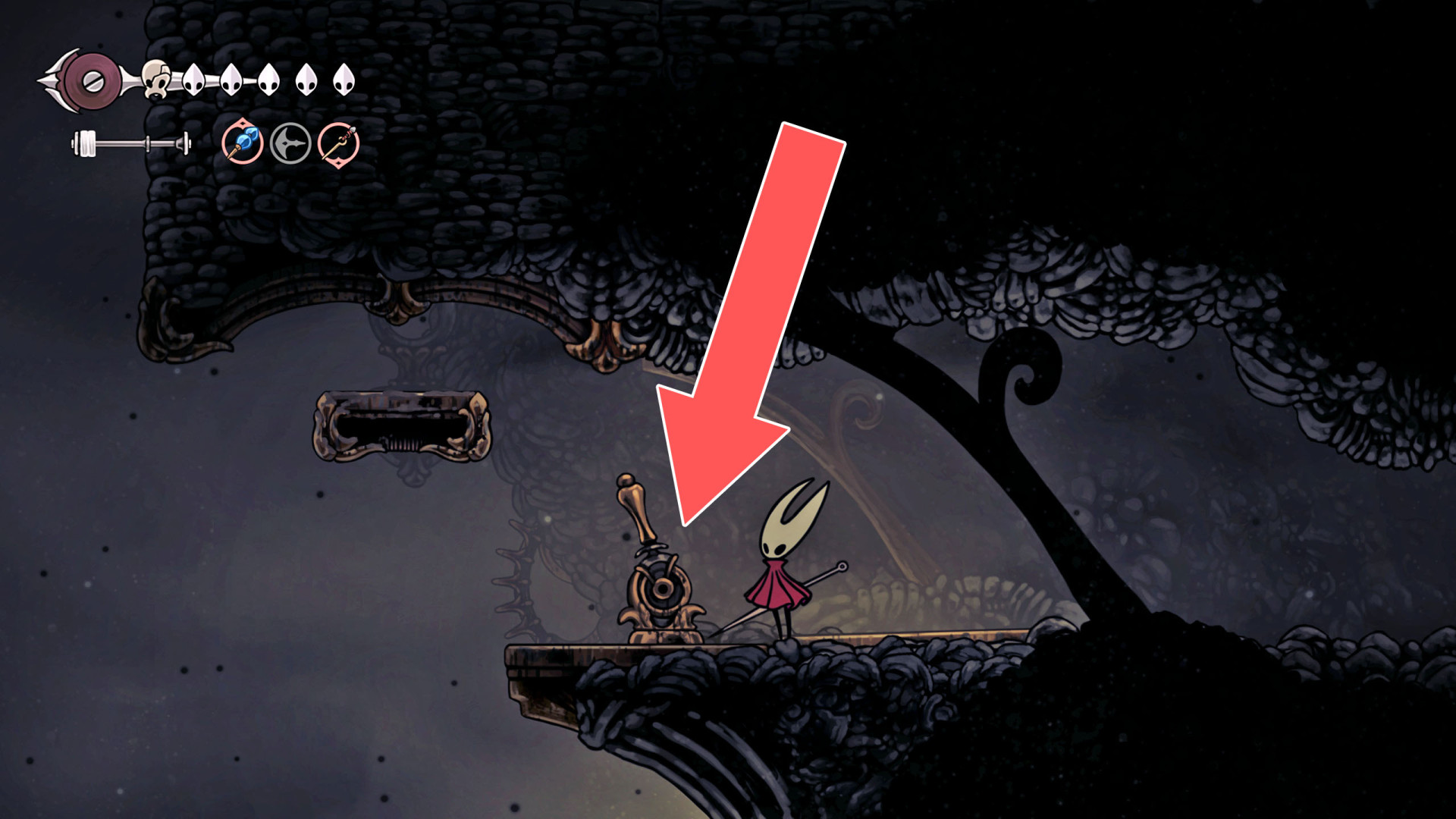
24Lever
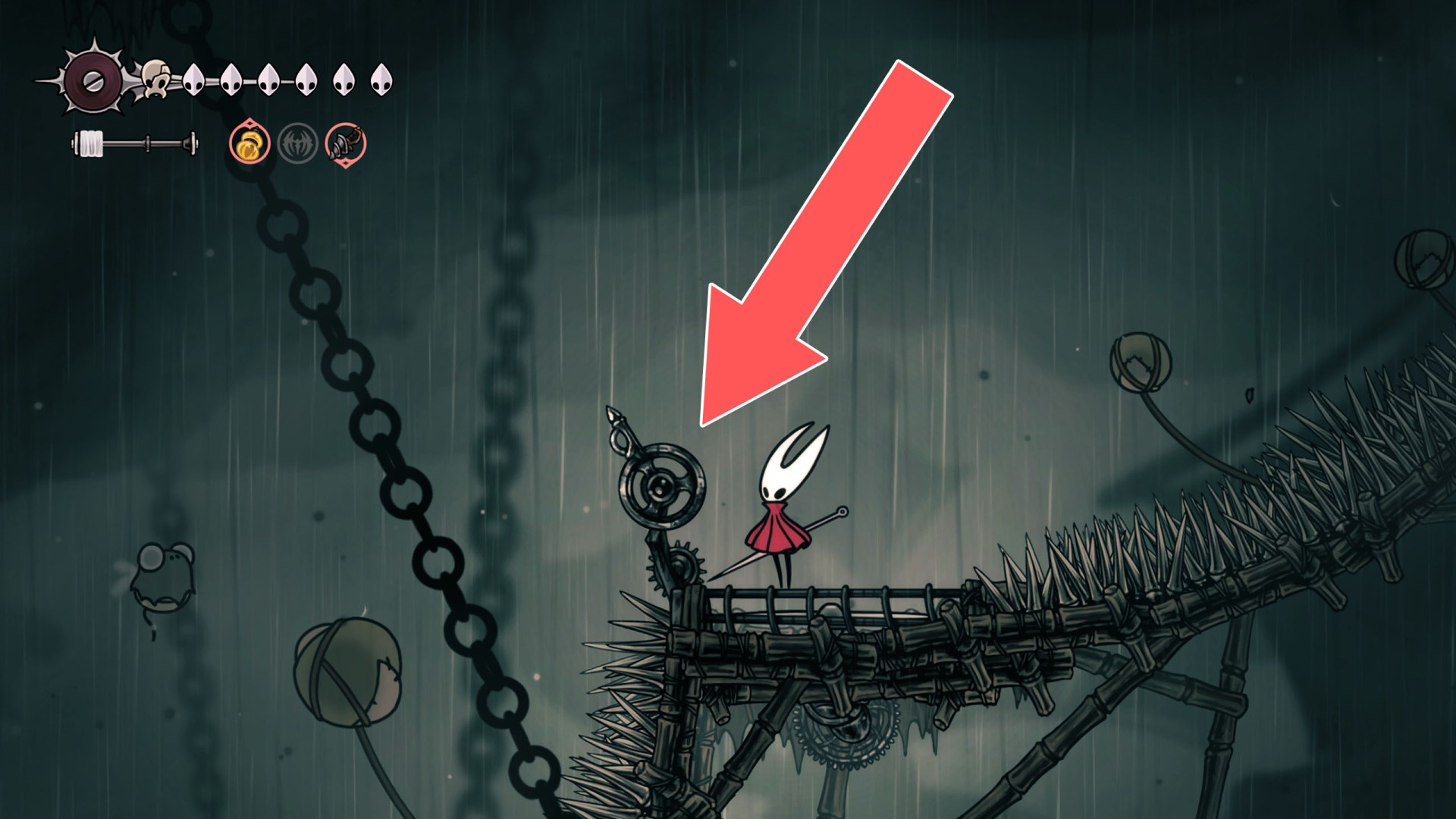
25Lever
Hit it a few times to start up a fan above.
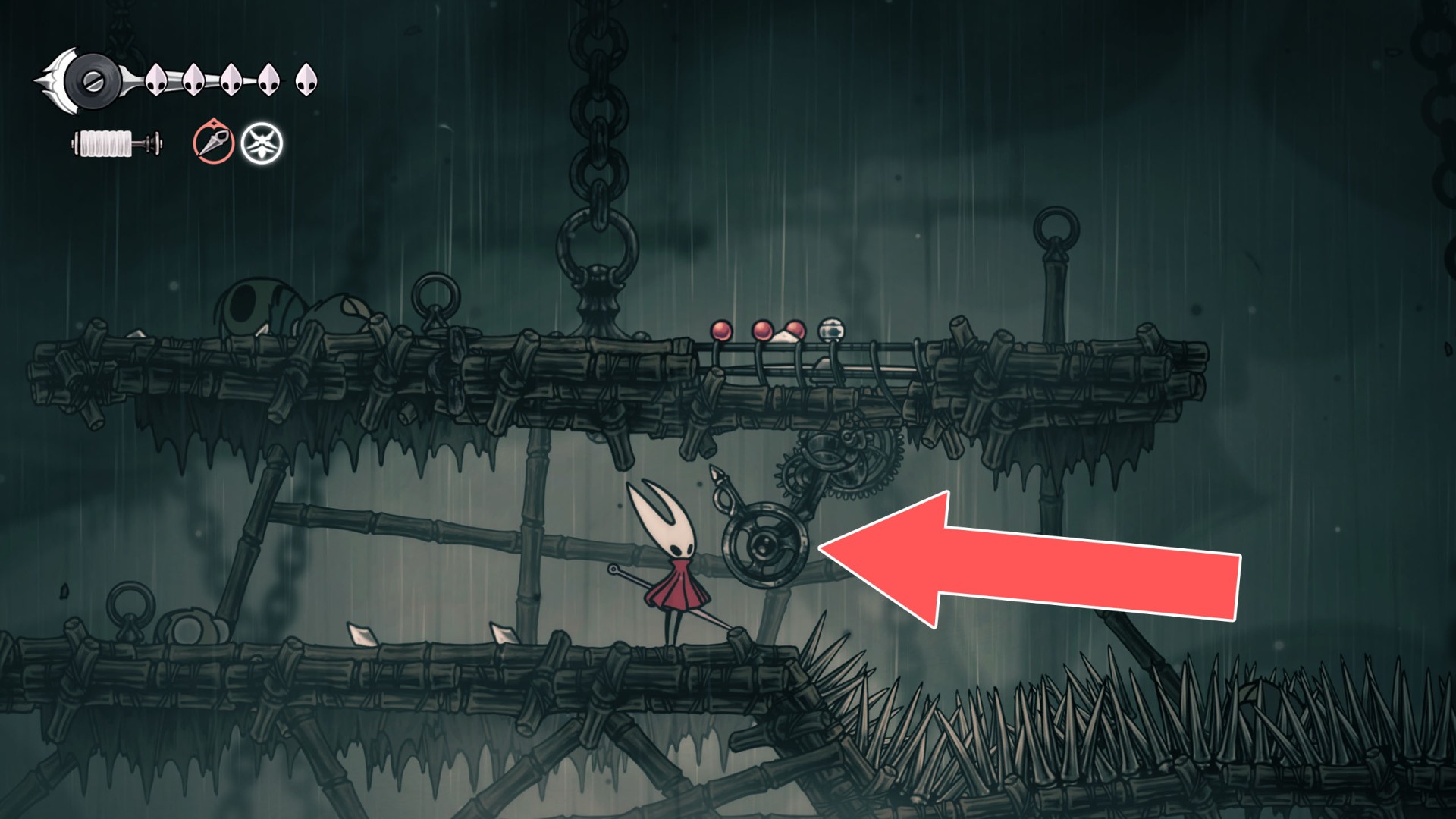
26Lever
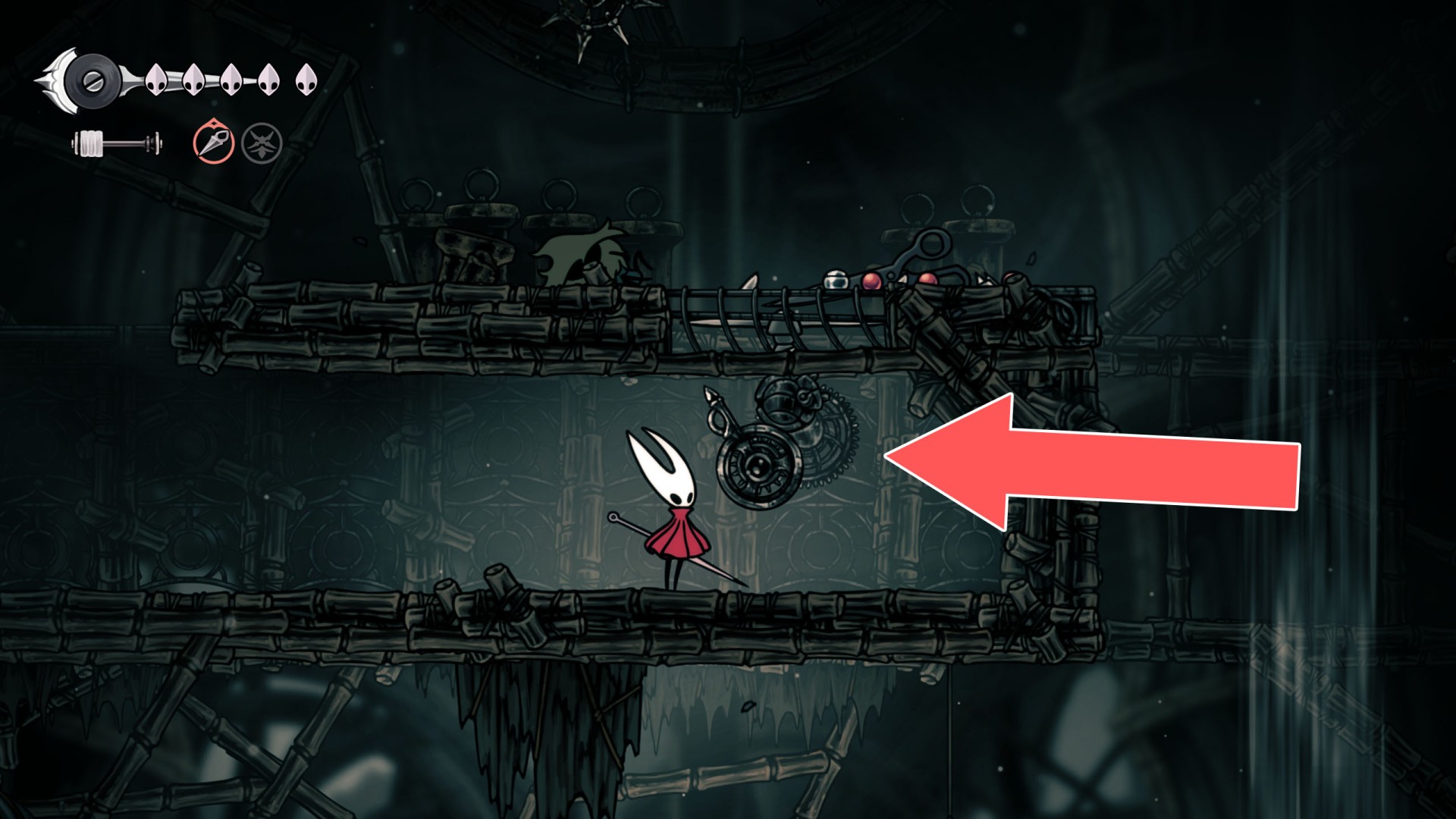
27Lever
Hit it a few times to start up a fan above.
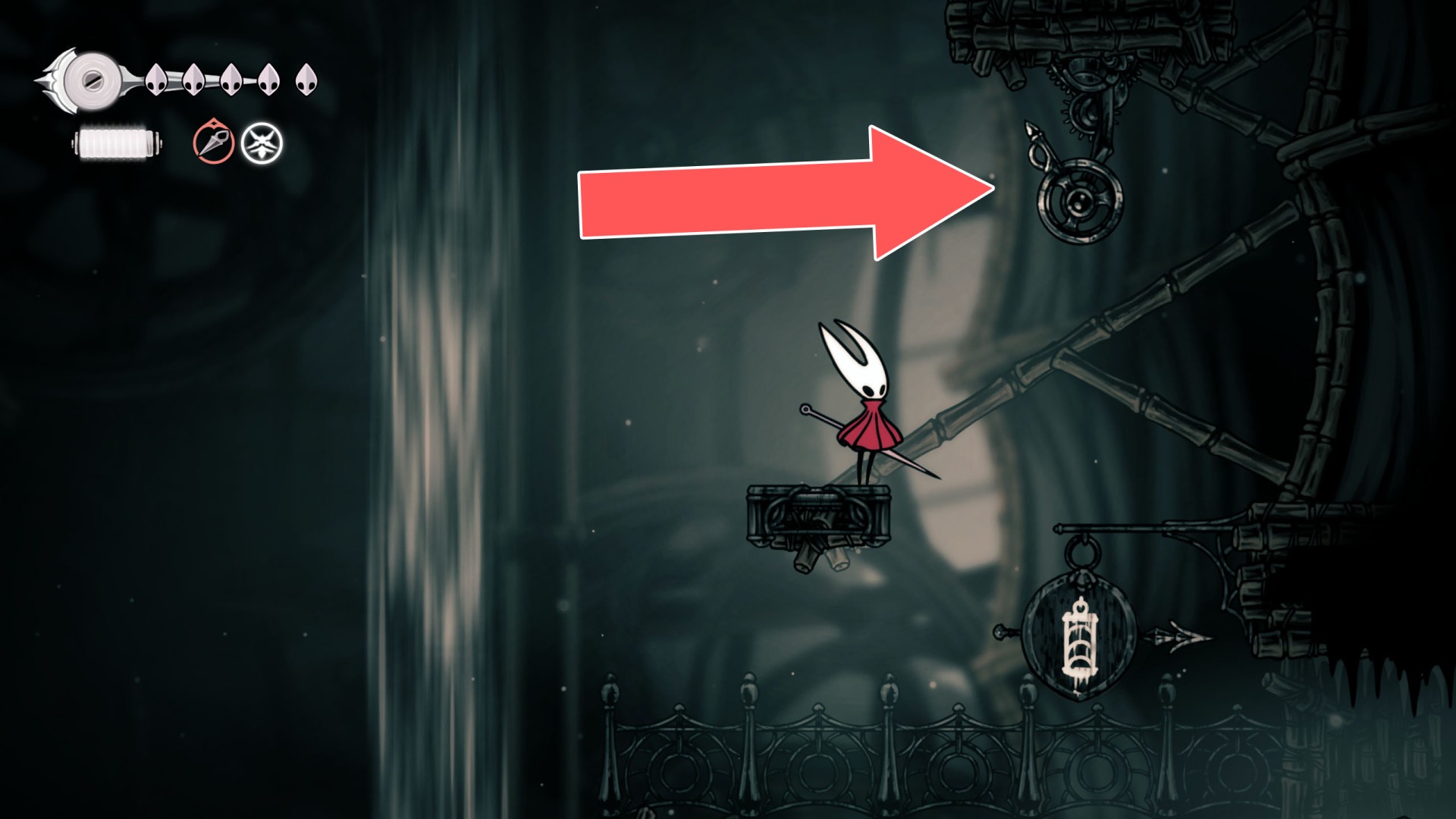
28Lever
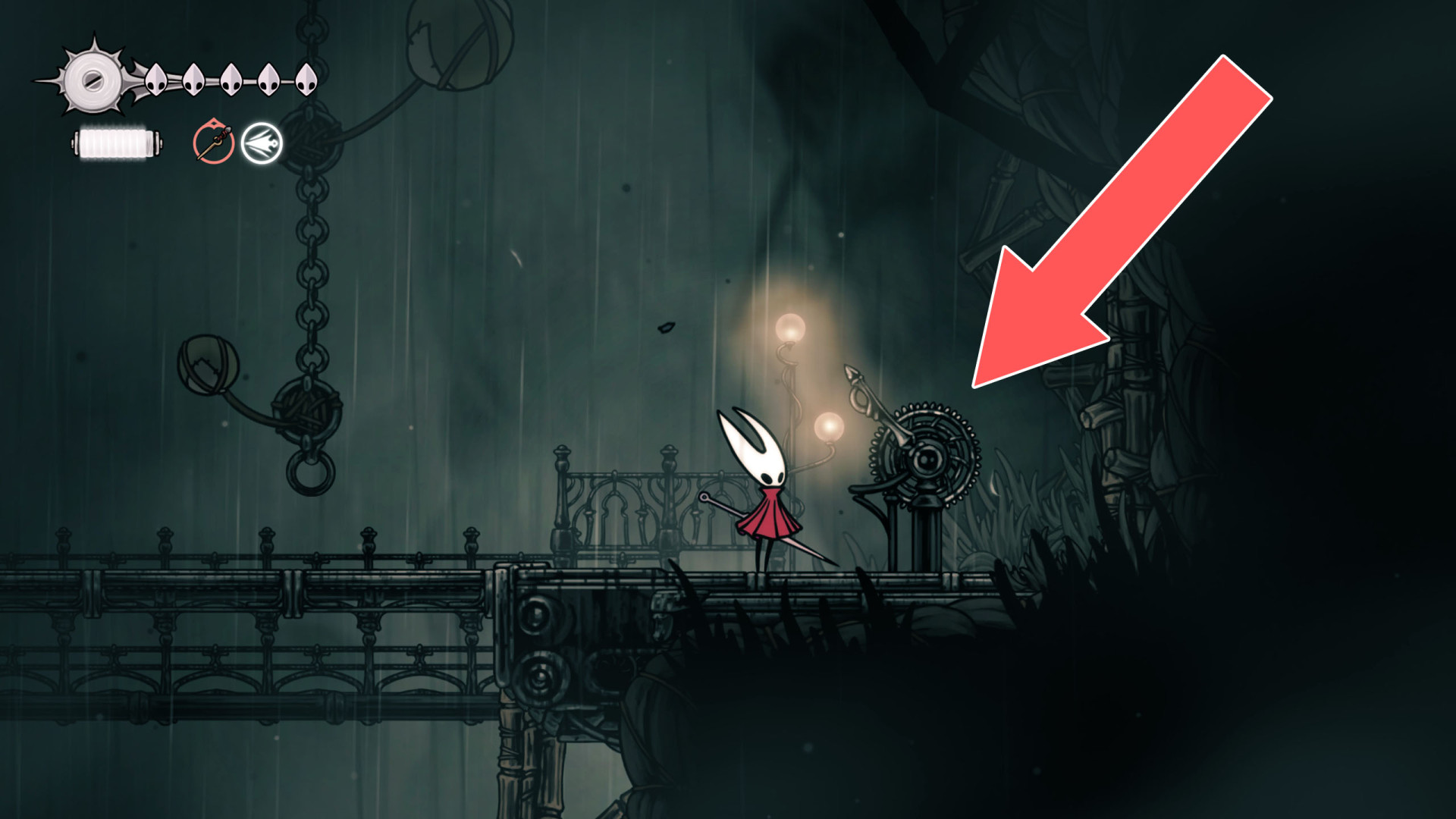
29Lever
Hit it a few times to start up a fan above.
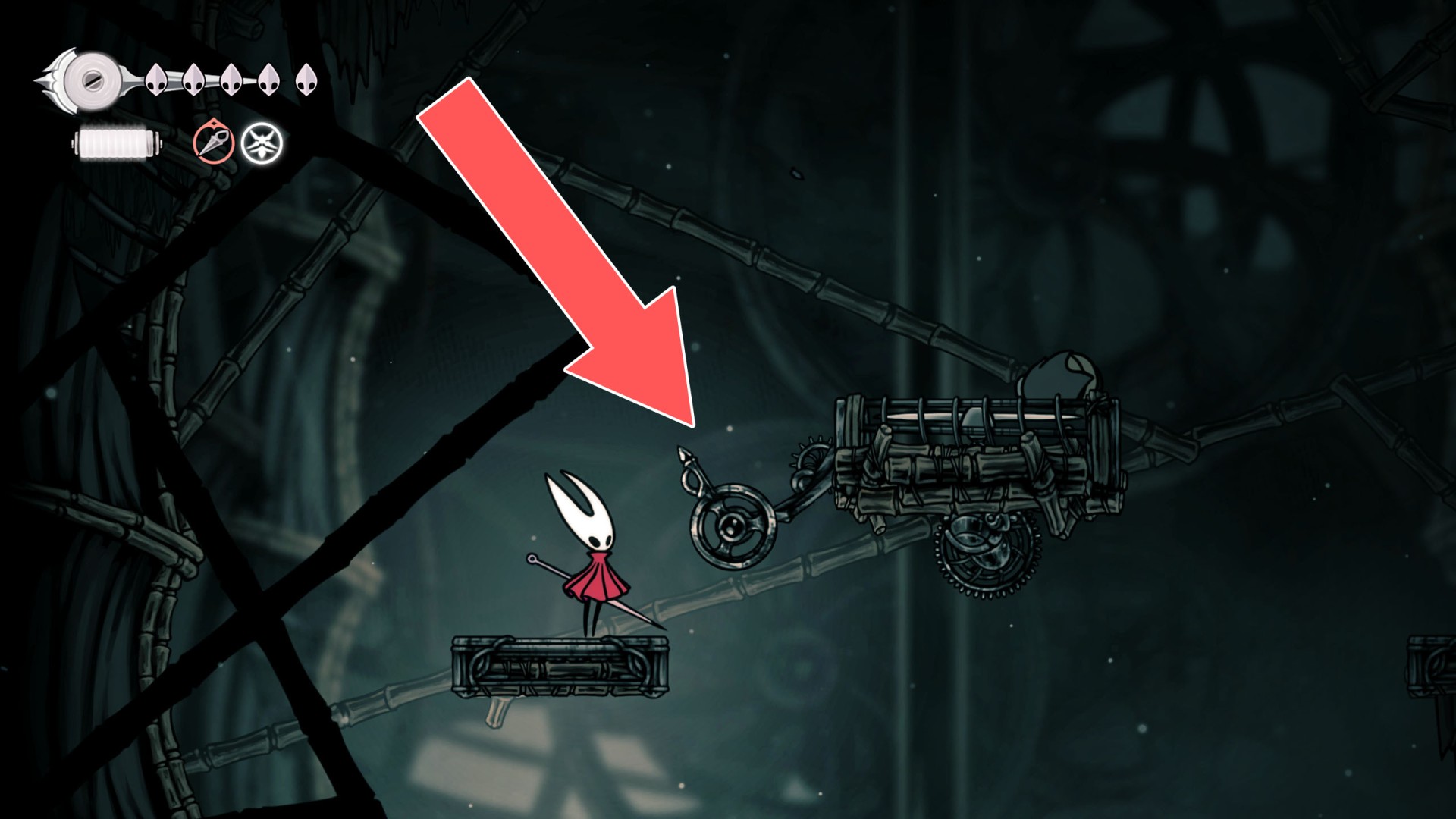
30Lever
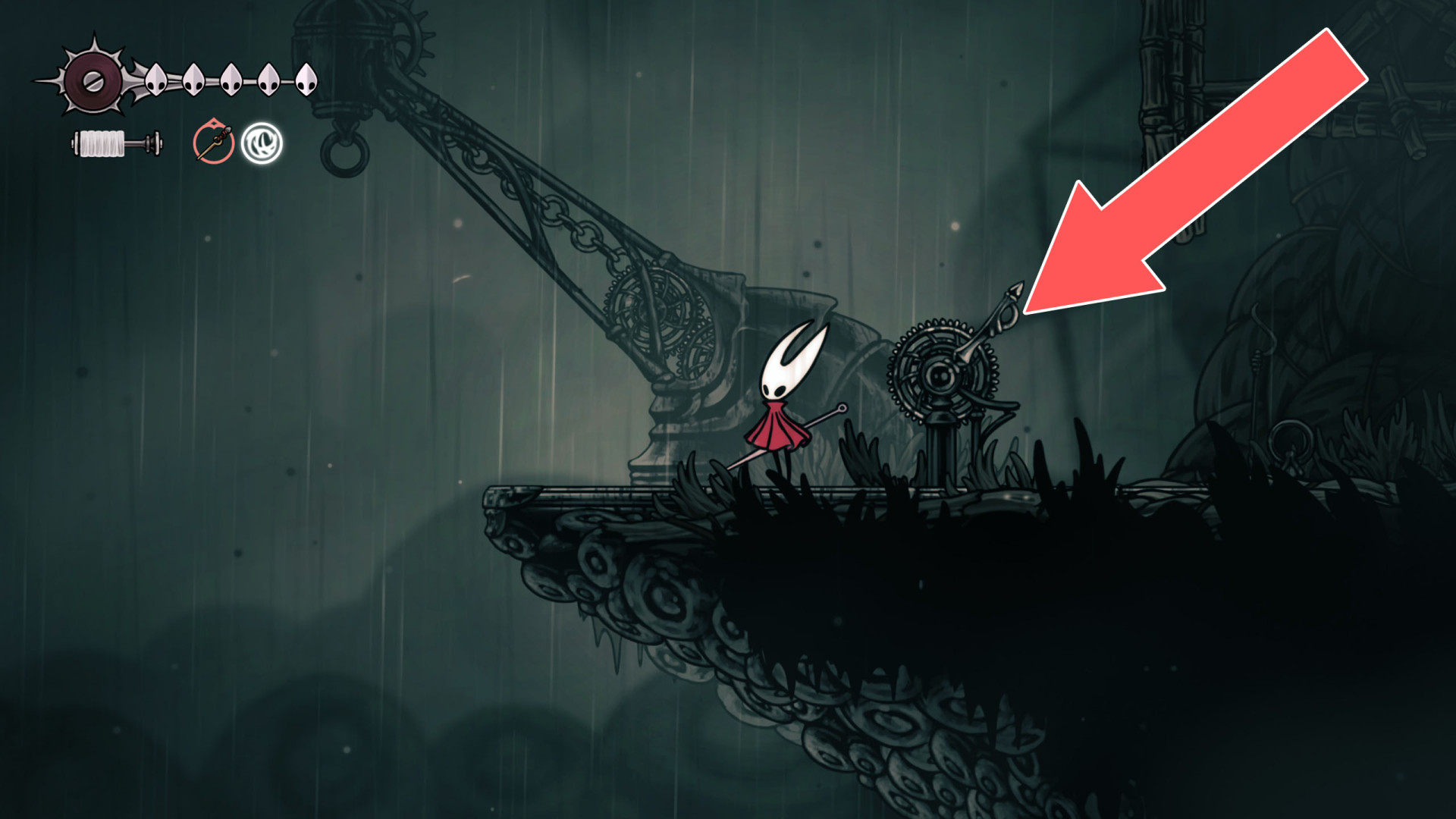
31Lever
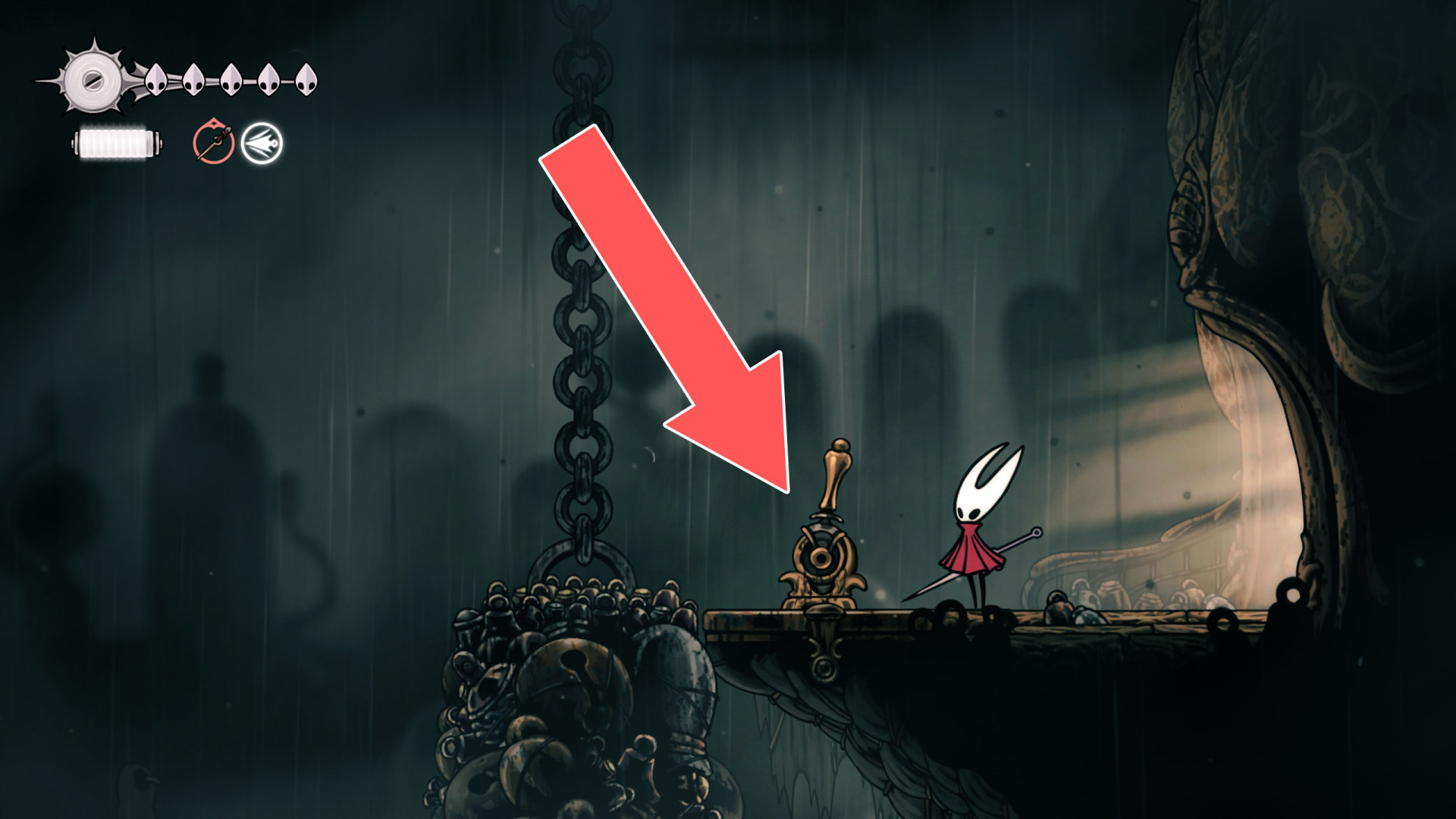
32Lever
Opens a passage
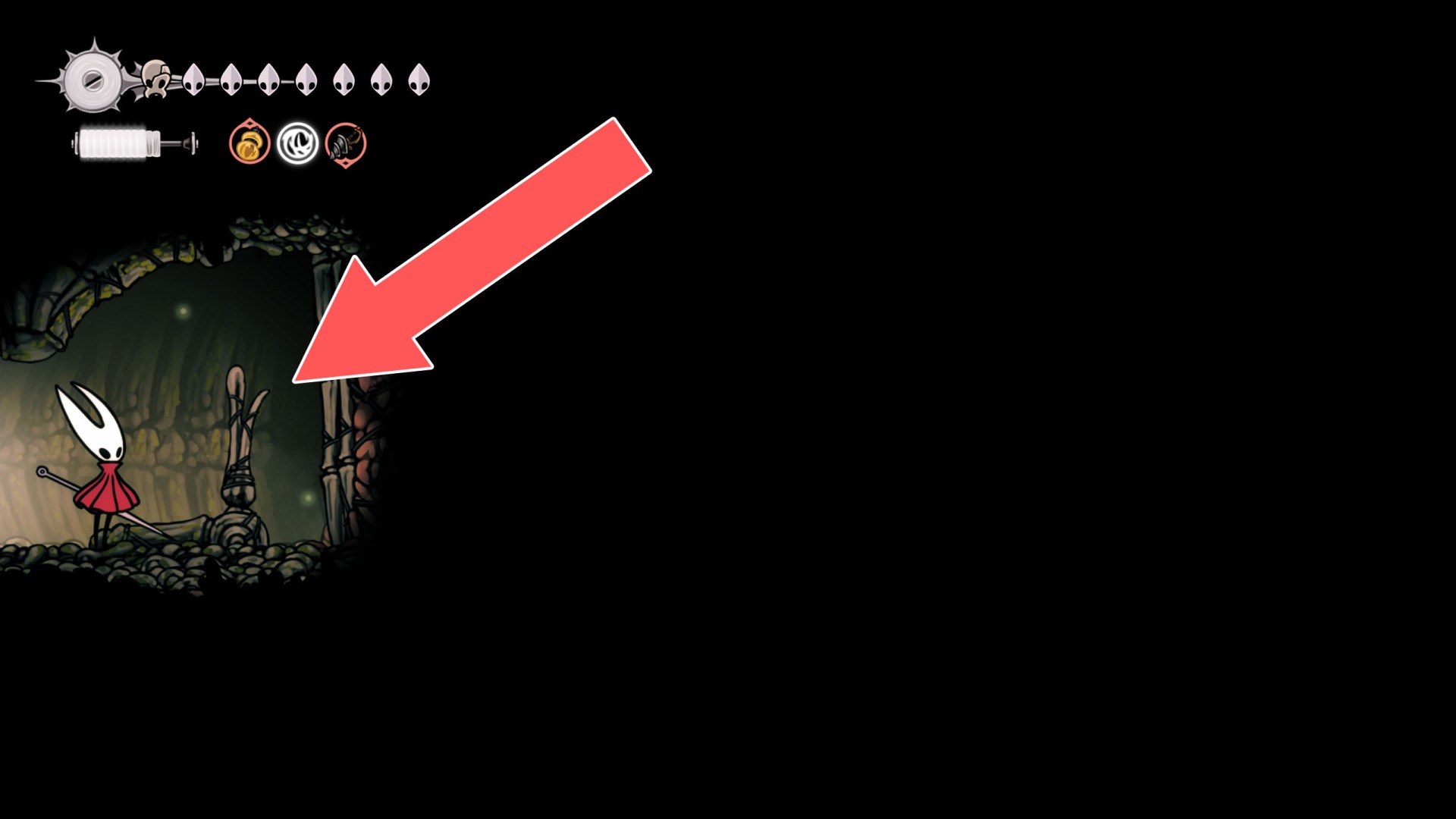
33Lever
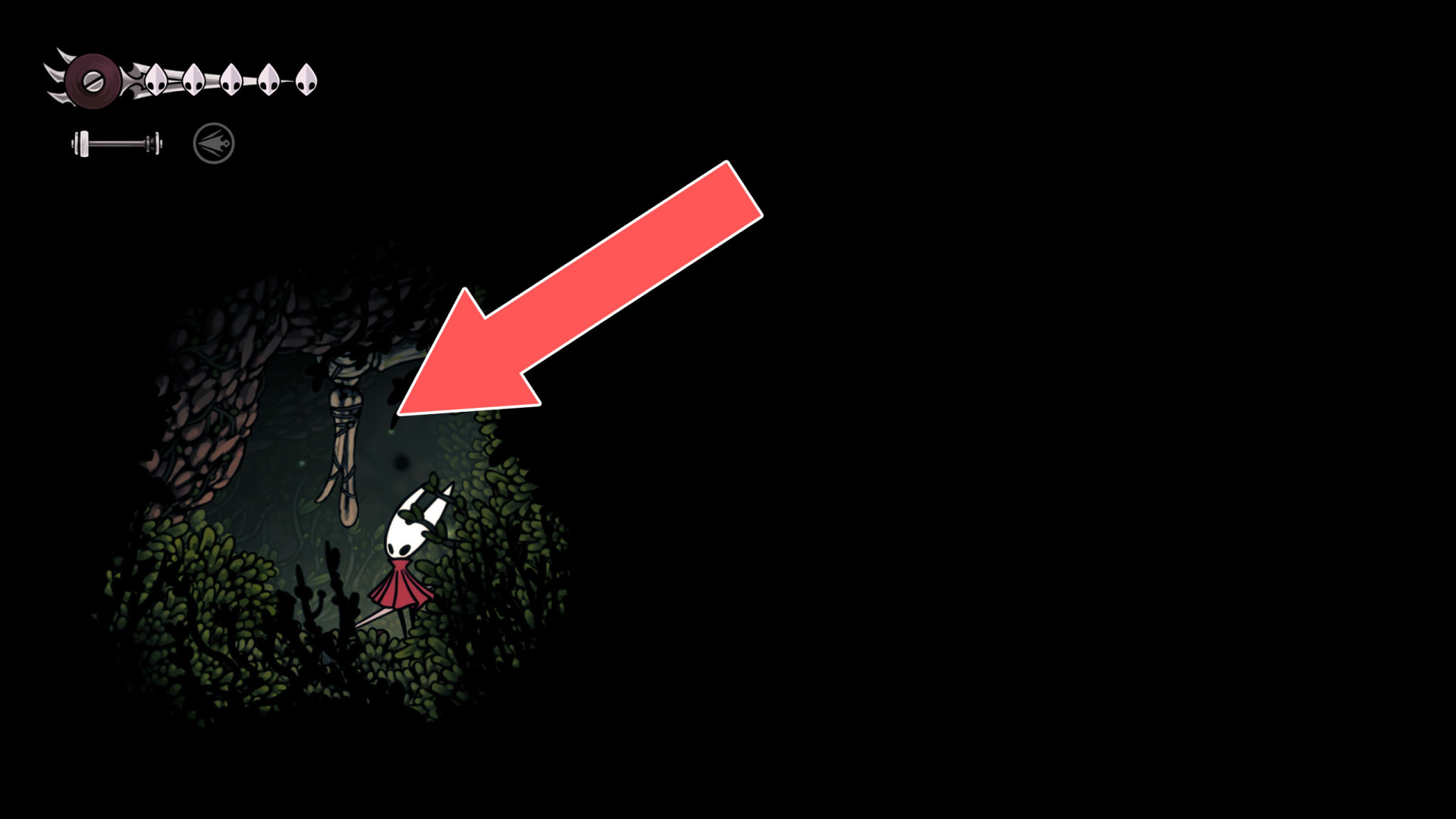
34Lever
Drops a nearby weight, which creates a passage to the room below.
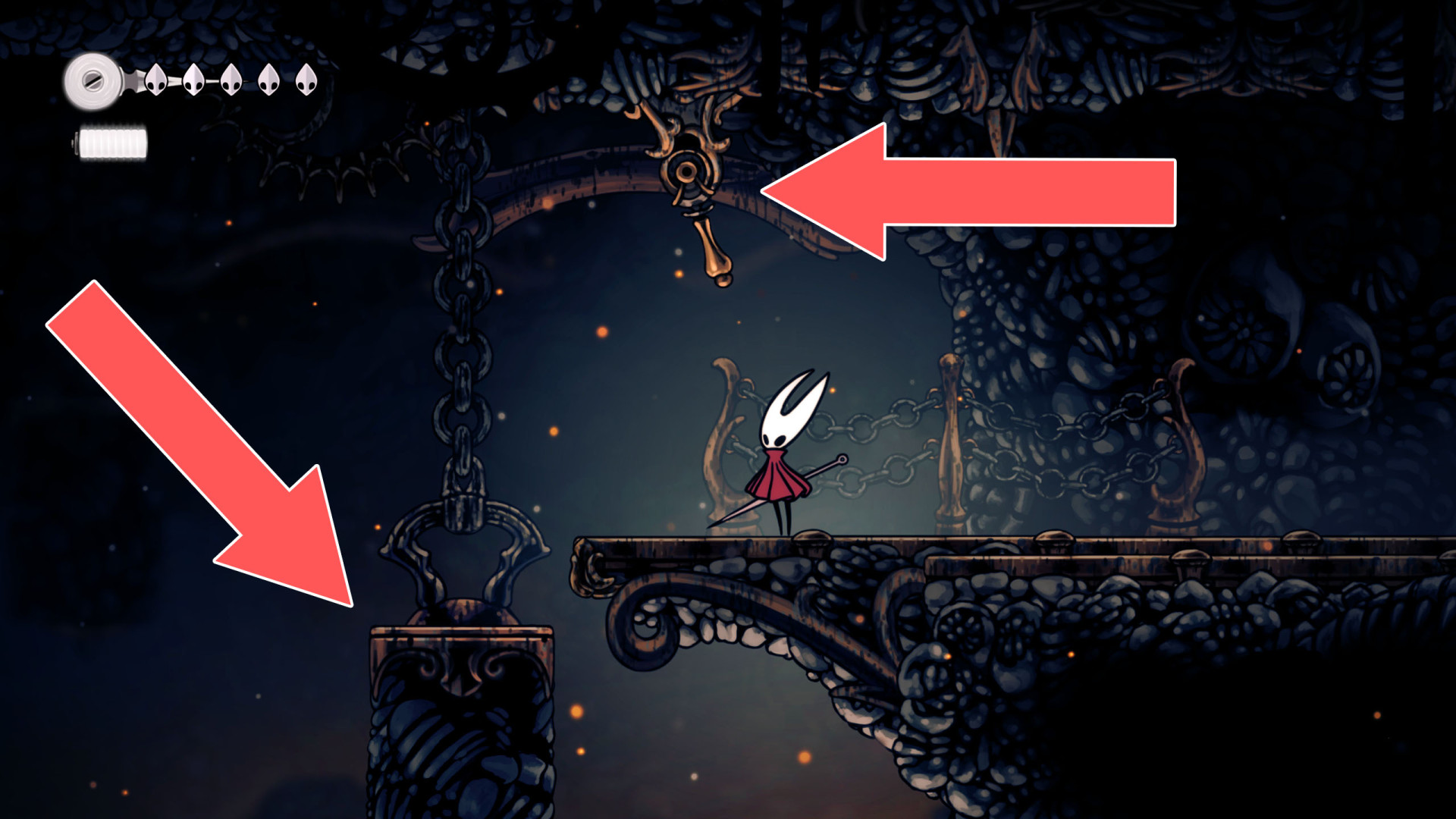
35Lever
Lowers the weight suspended above it.
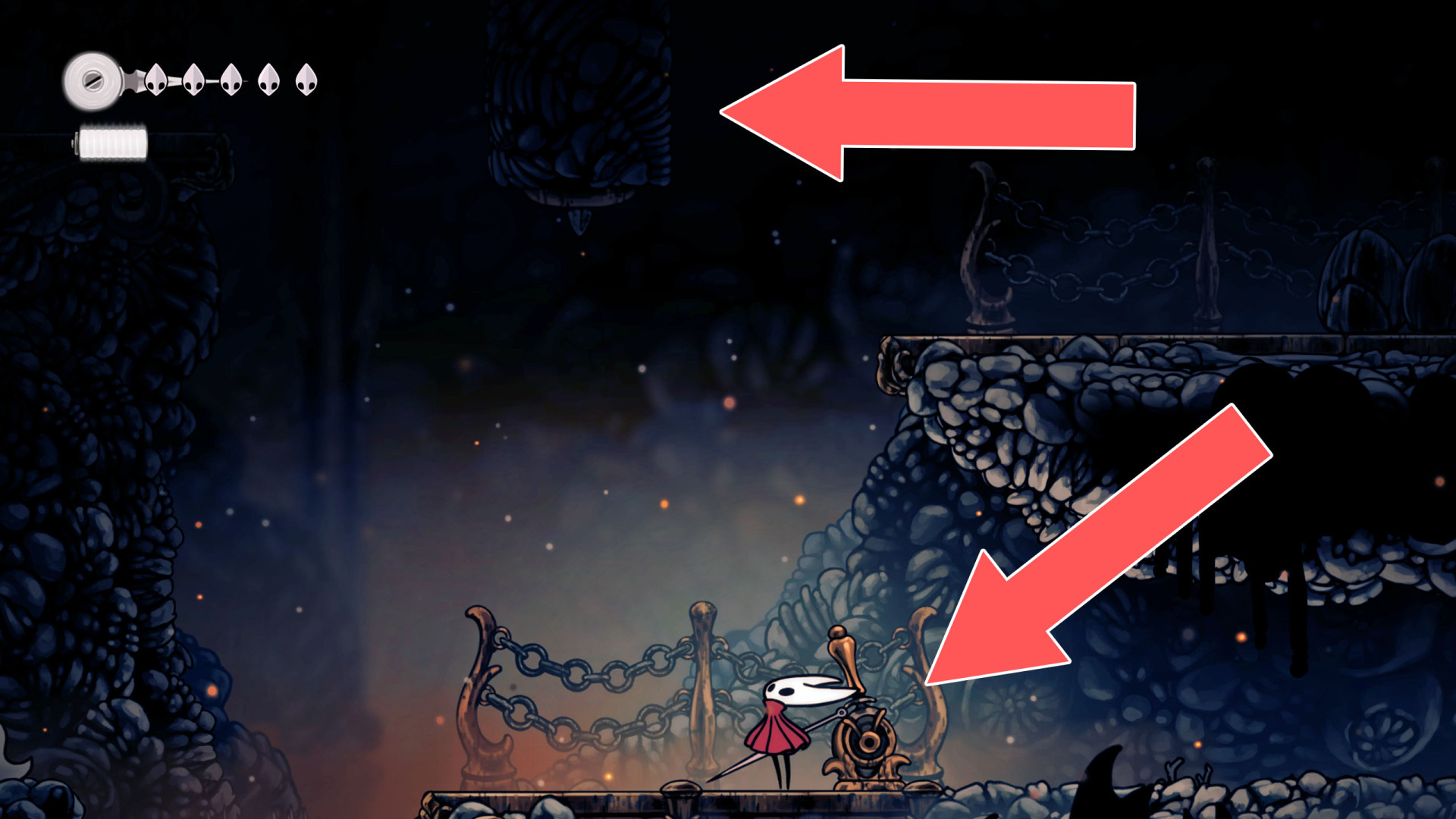
36 Lever
Lever
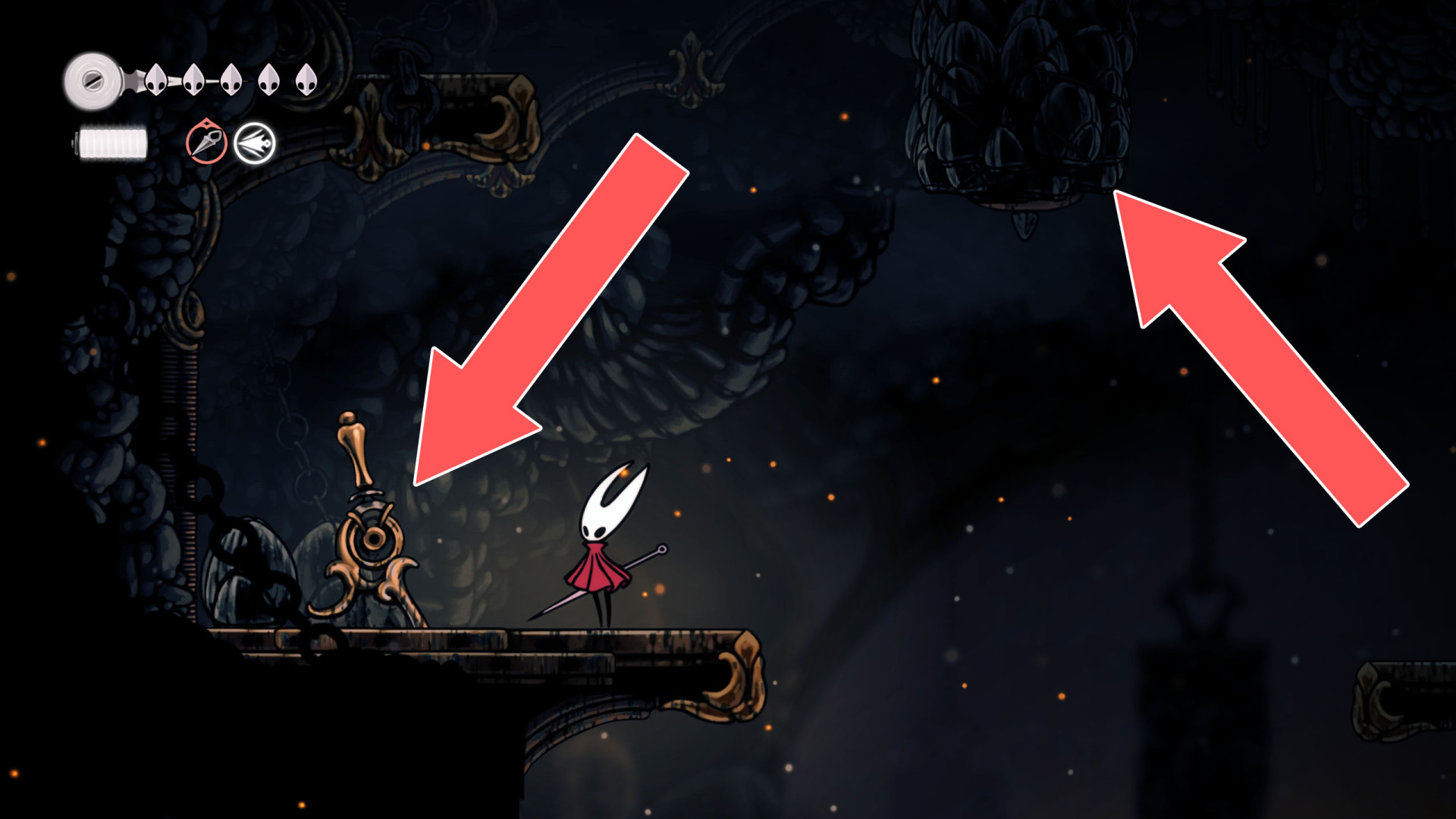
37Lever
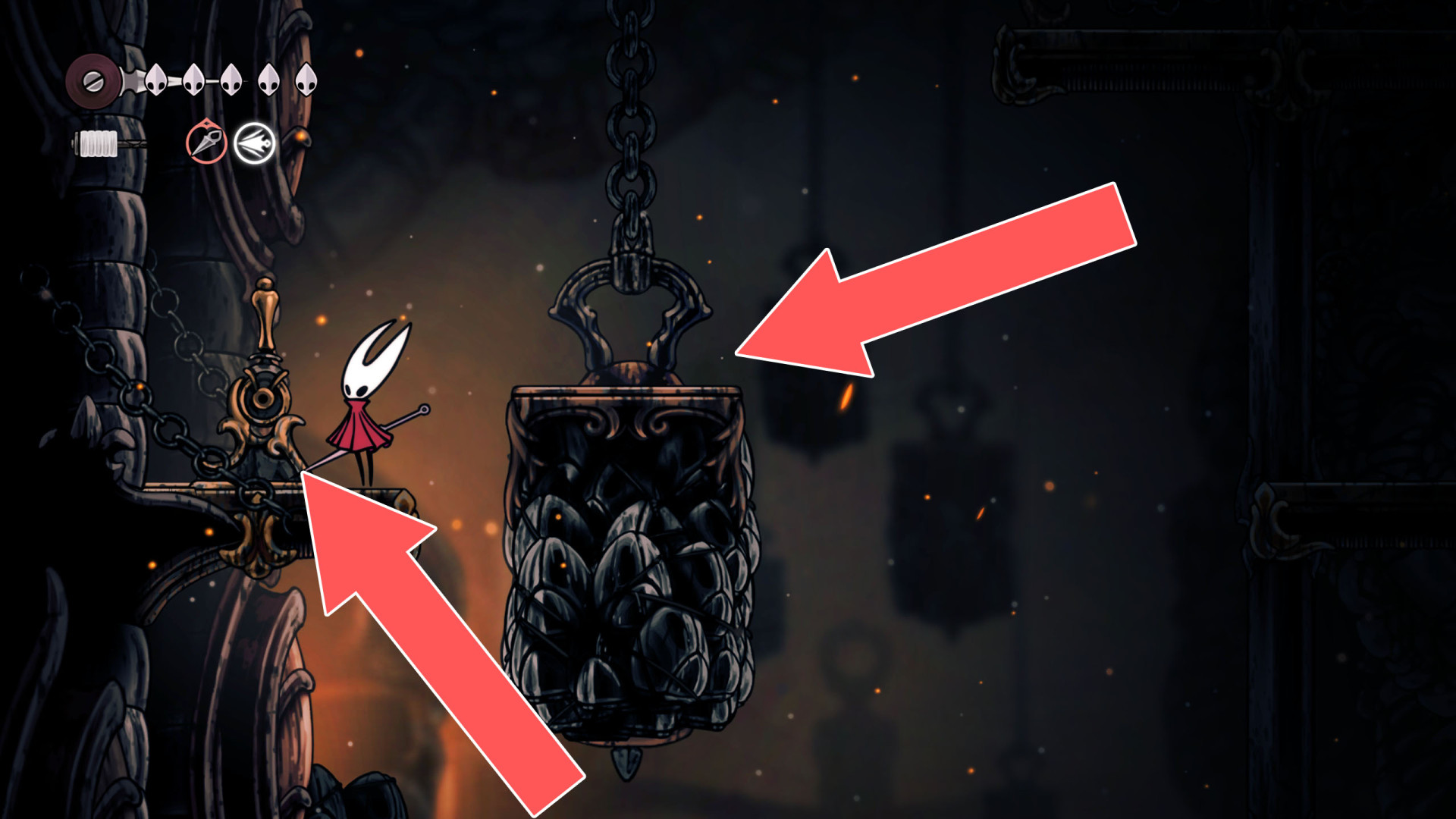
38Lever
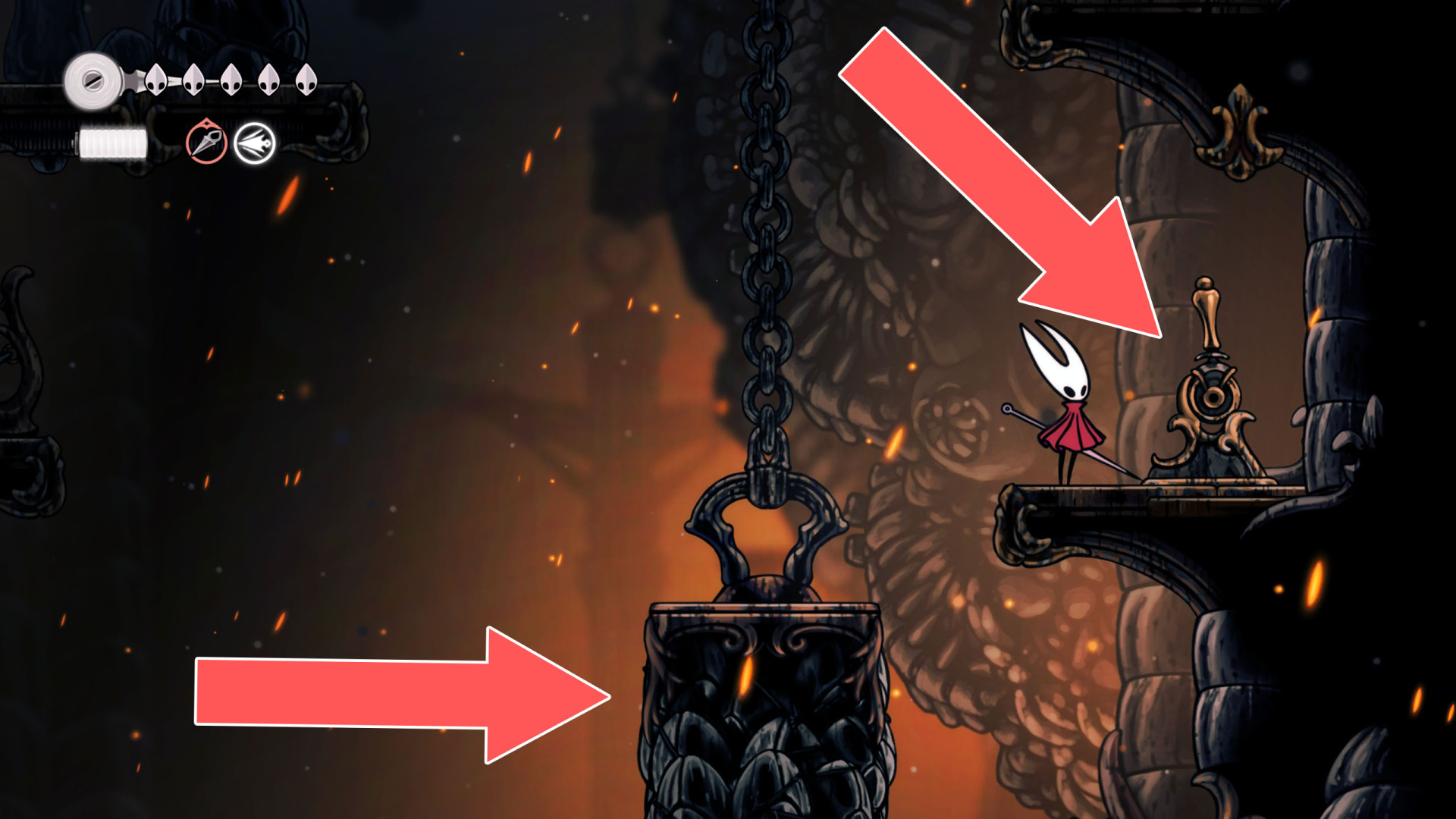
39Lever
Hit this lever to change the layout of the platforms, which will let you get to the Spool Fragment (Deep Docks).
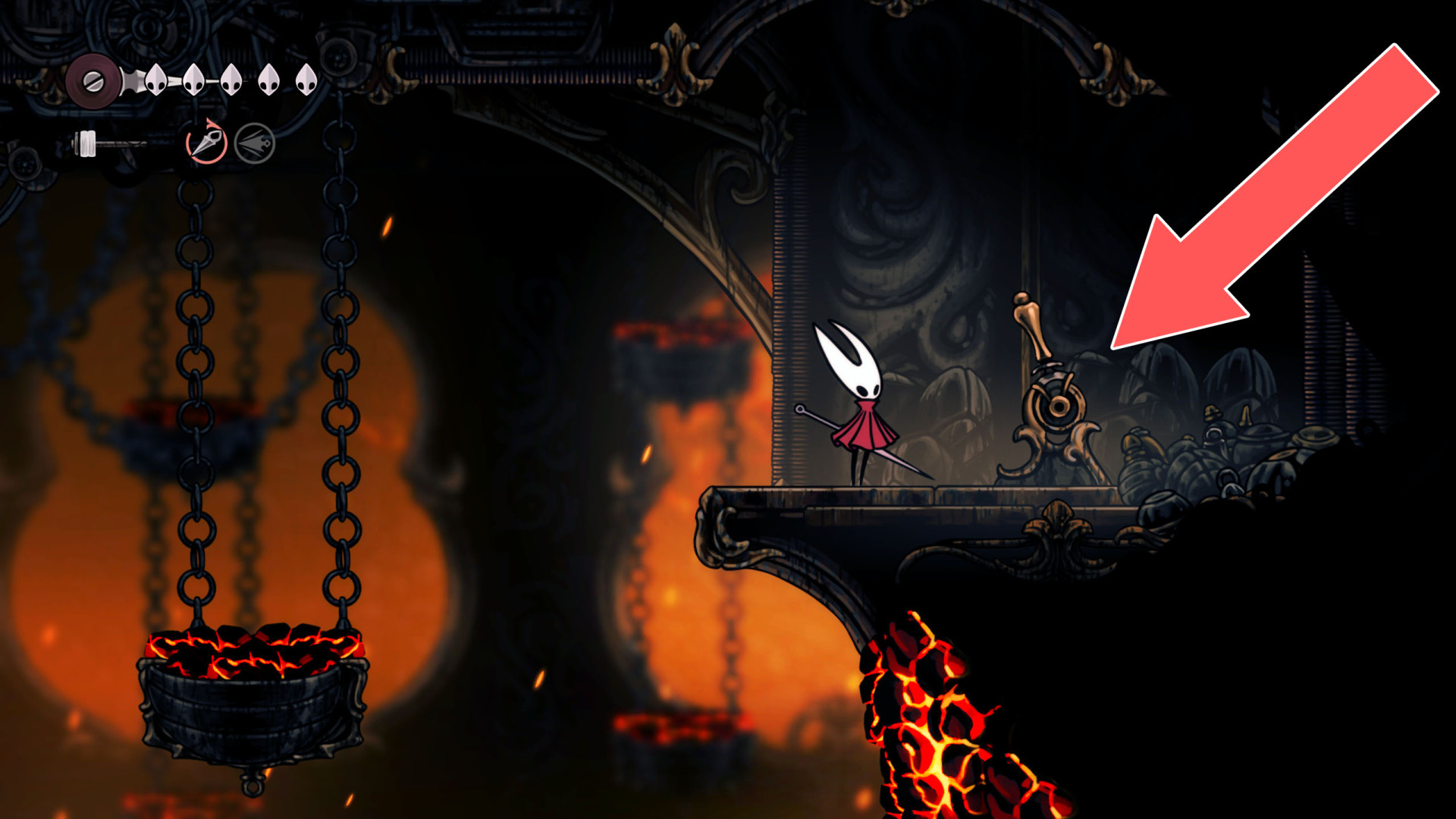
40Lever
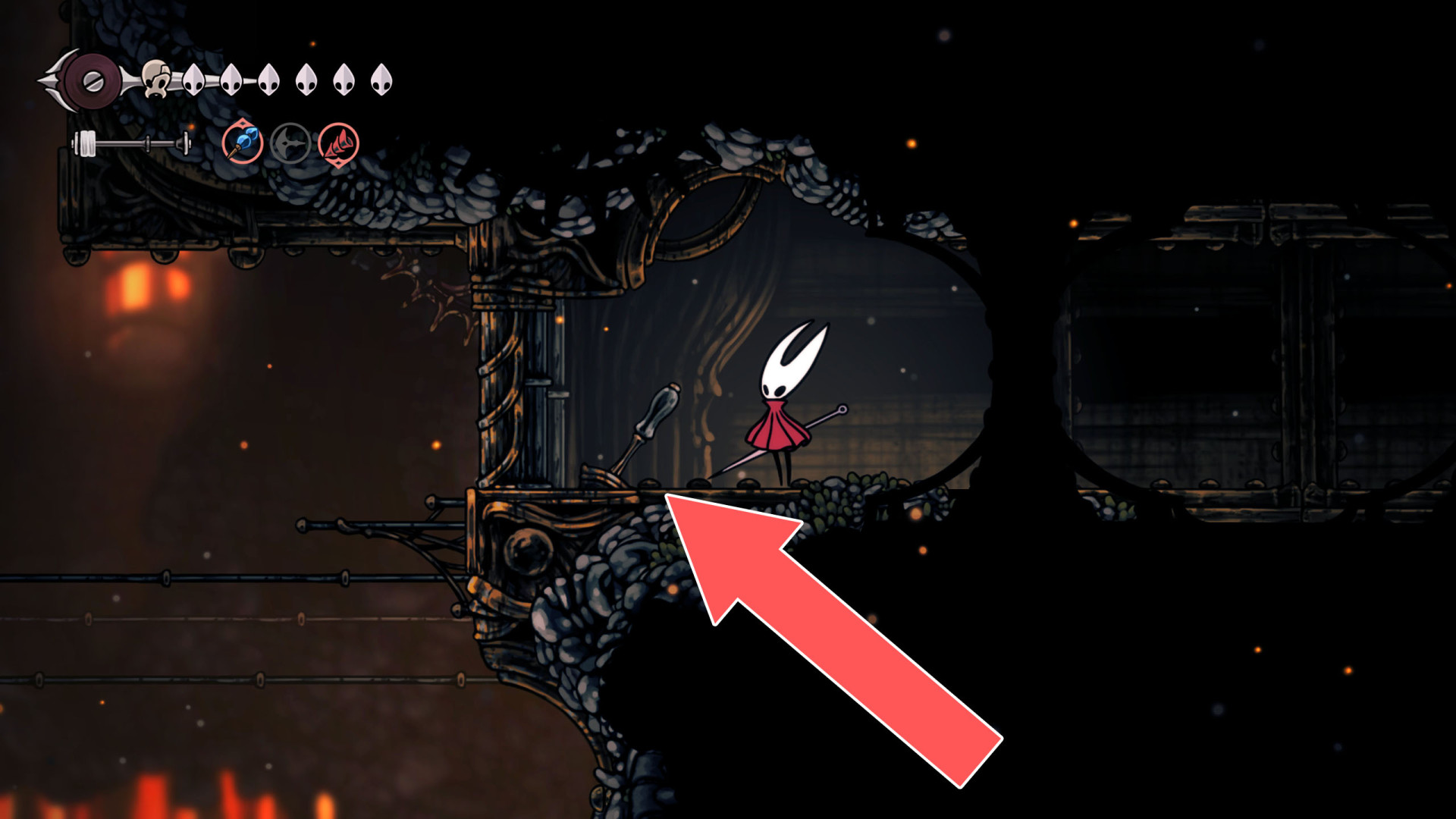
41Lever
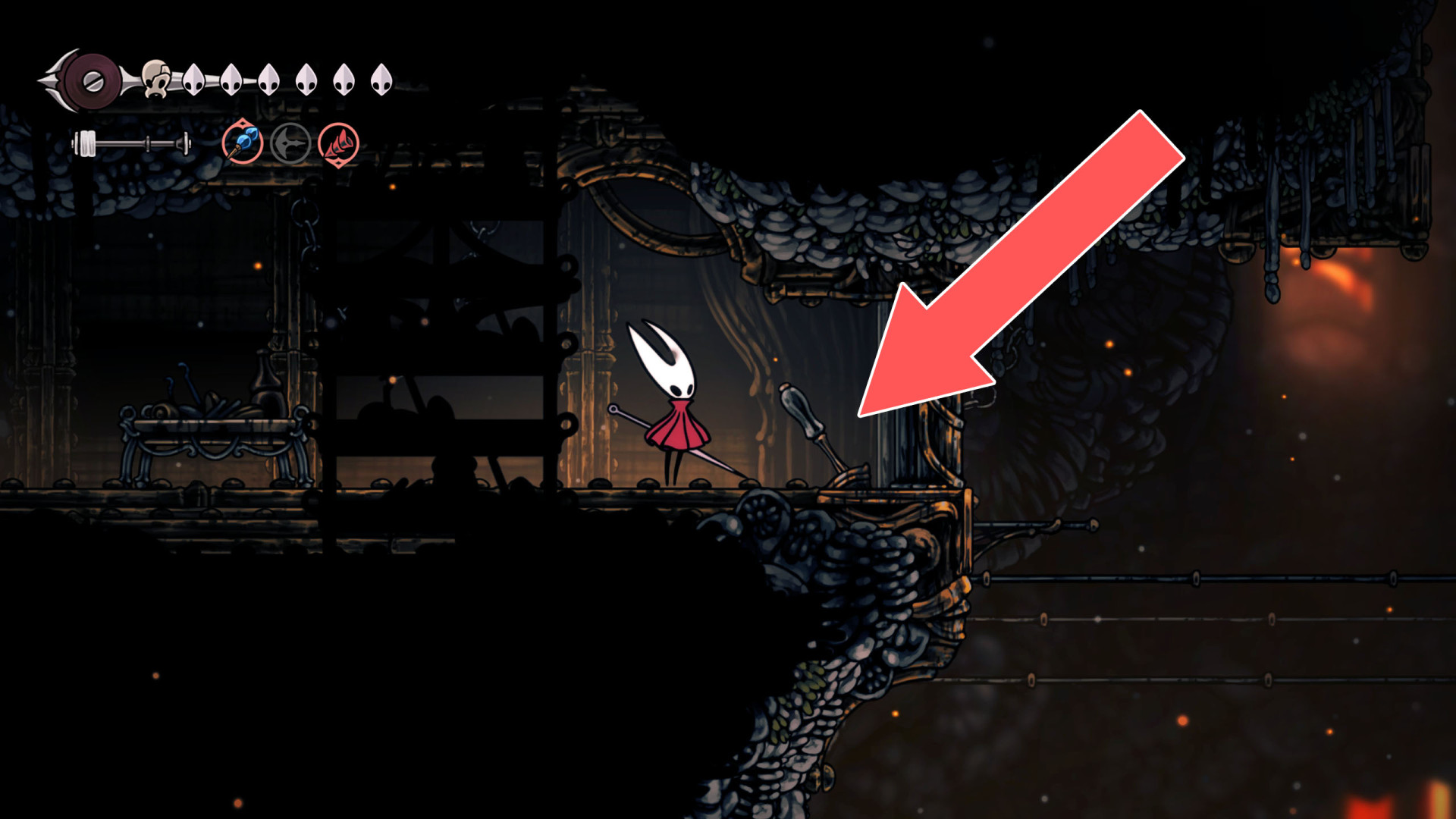
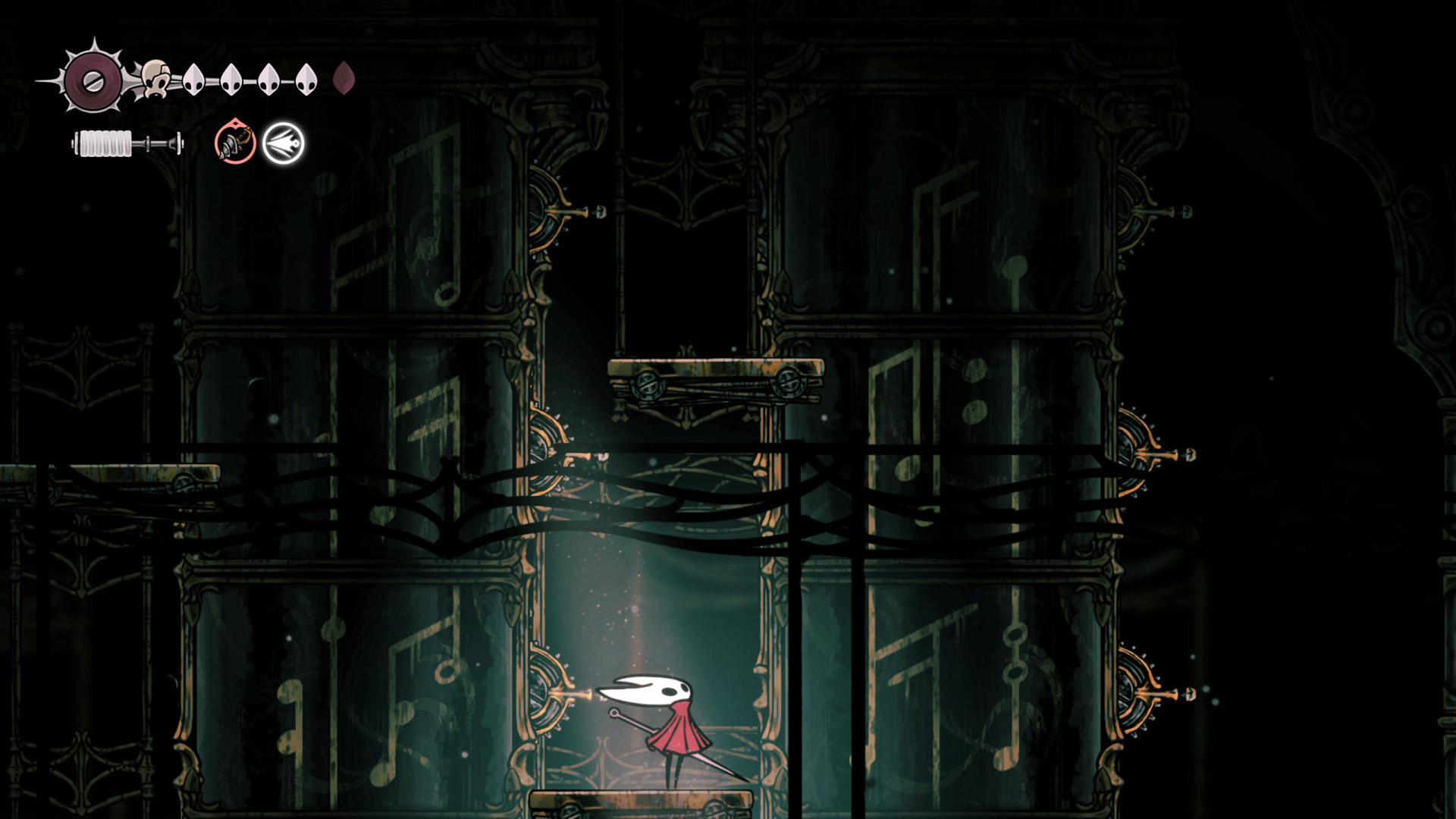
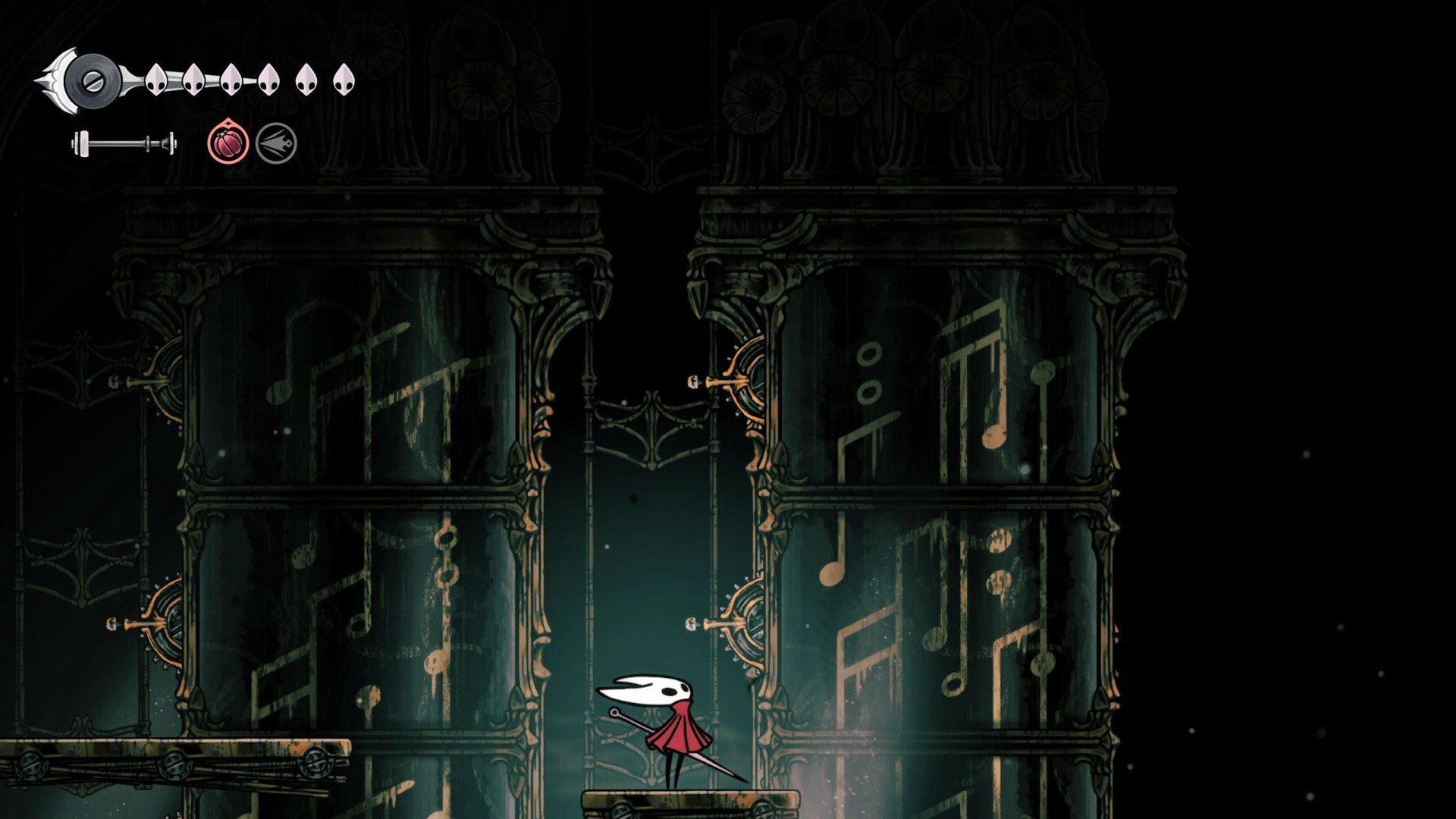
42Music Pillars Puzzle
Hit the levers and position the pillars so that the patterns on each section match. The pillar will then slide into the ground. Start by matching the two upper sections of the pillar and work your way down.
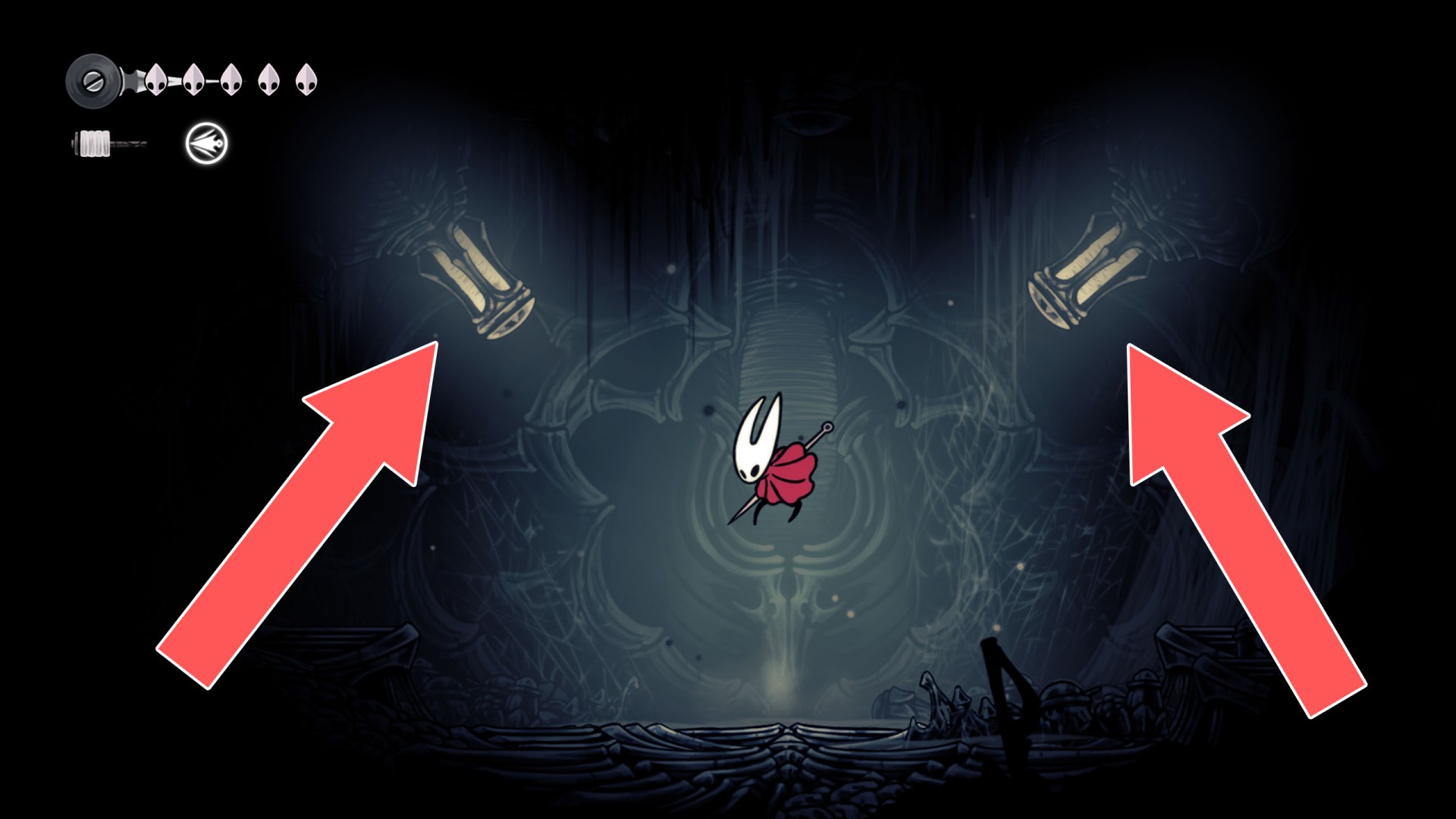
43Power Cylinders
Hit both to turn the power back on.
44Wheel