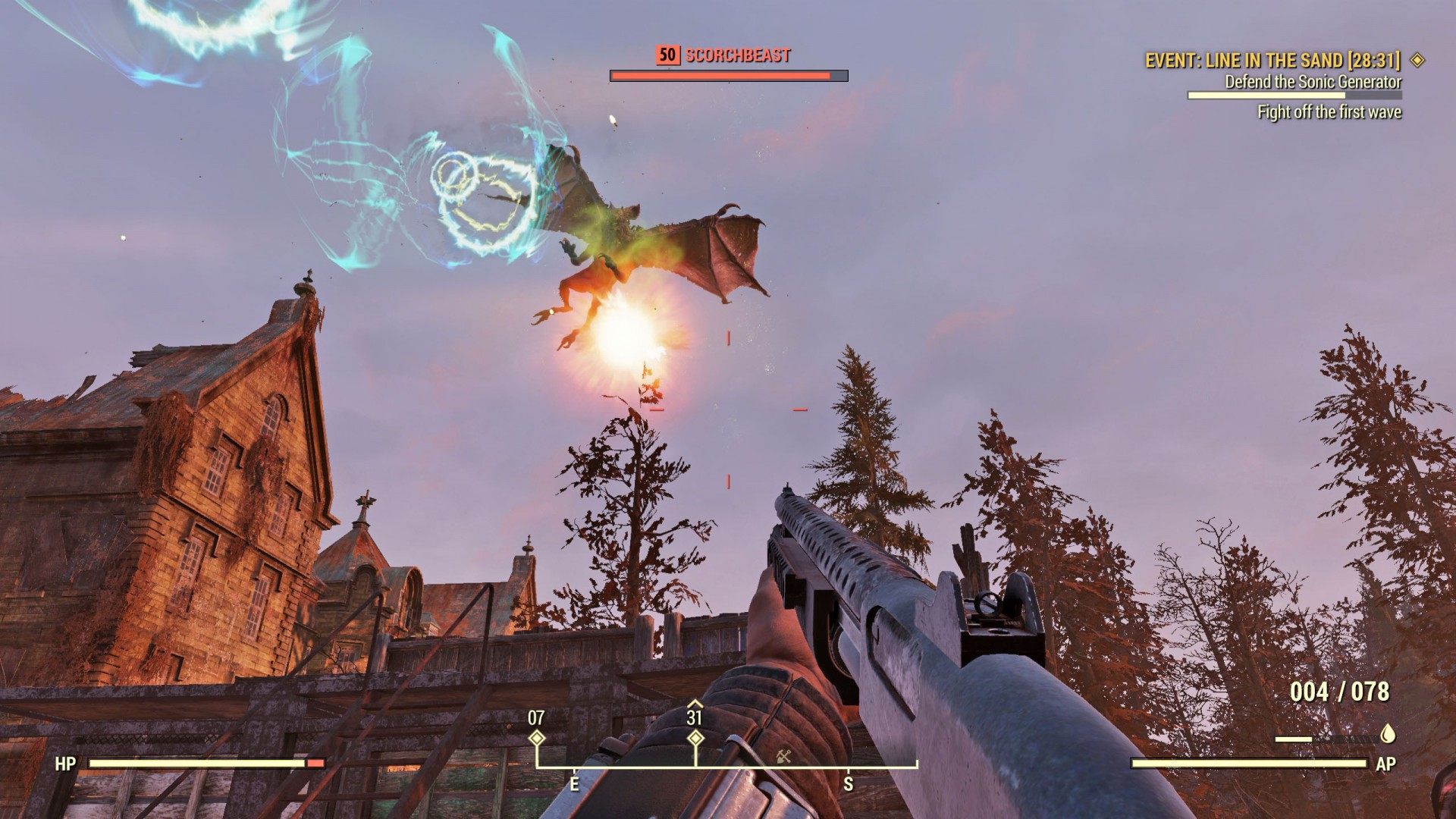
Scorched are amassing! Fortunately, Fort Defiance's defenses are online.
Note: Currently, this page contains raw quest data only. I know that it is not much, and I will try to update it with more valuable information as soon as possible.
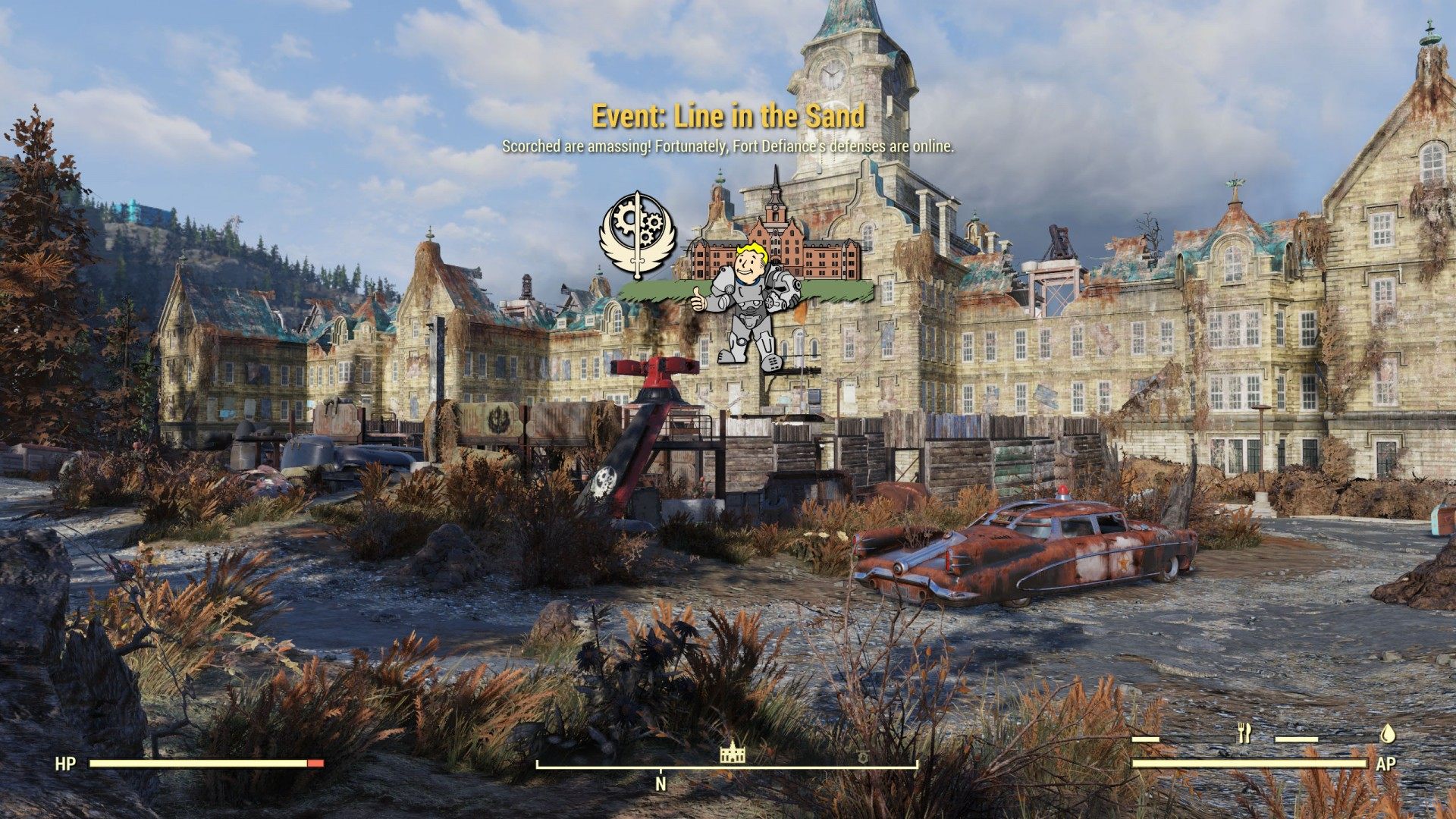
Scorched are amassing! Fortunately, Fort Defiance's defenses are online.
Note: Currently, this page contains raw quest data only. I know that it is not much, and I will try to update it with more valuable information as soon as possible.
A mass of Scorched has been detected. If we get the Sonic Generator online we can fight them using the Brotherhood of Steel's defenses.
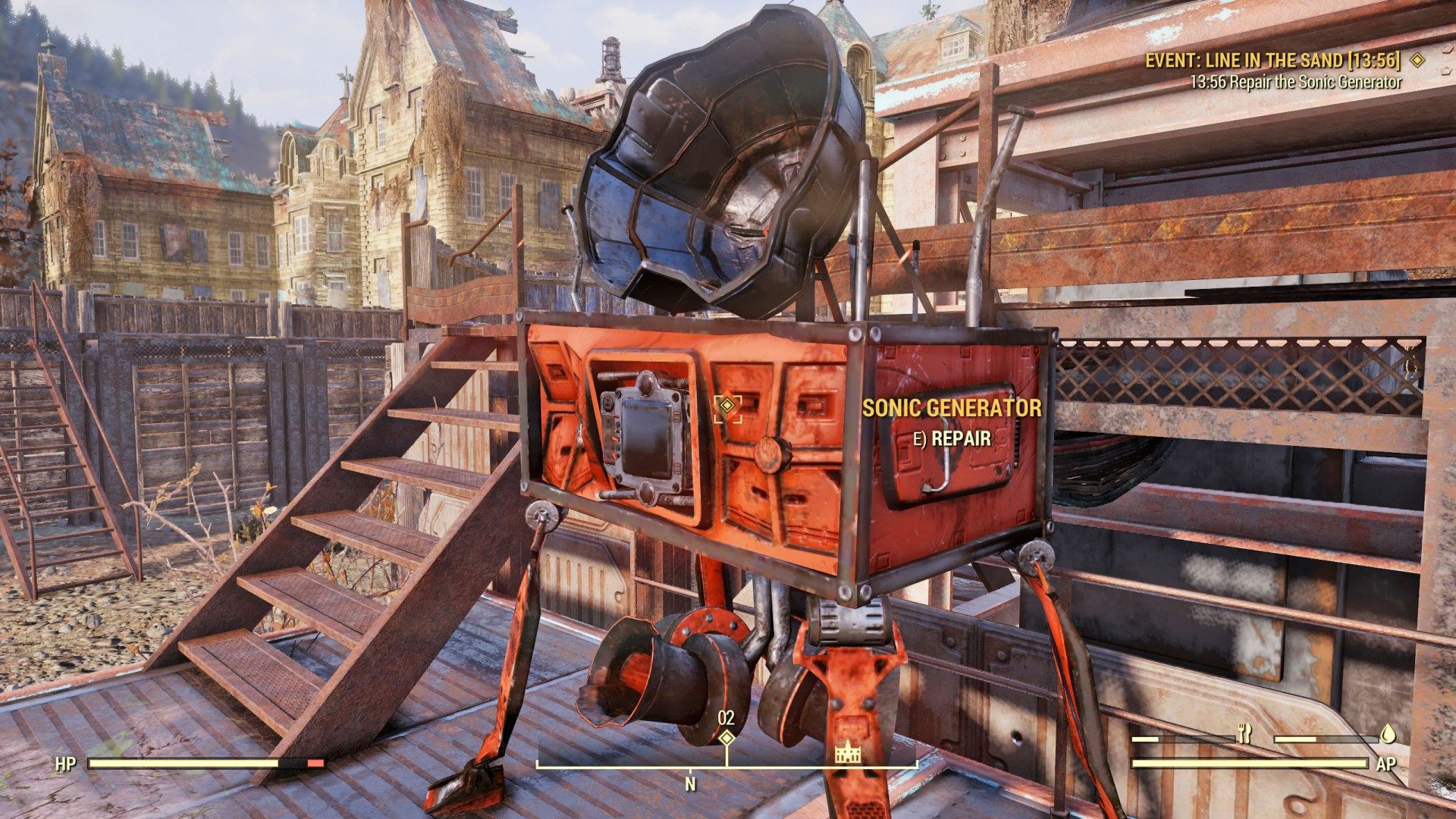
Use Brotherhood of Steel Defense Terminal > Initiate Pre-Combat Check.
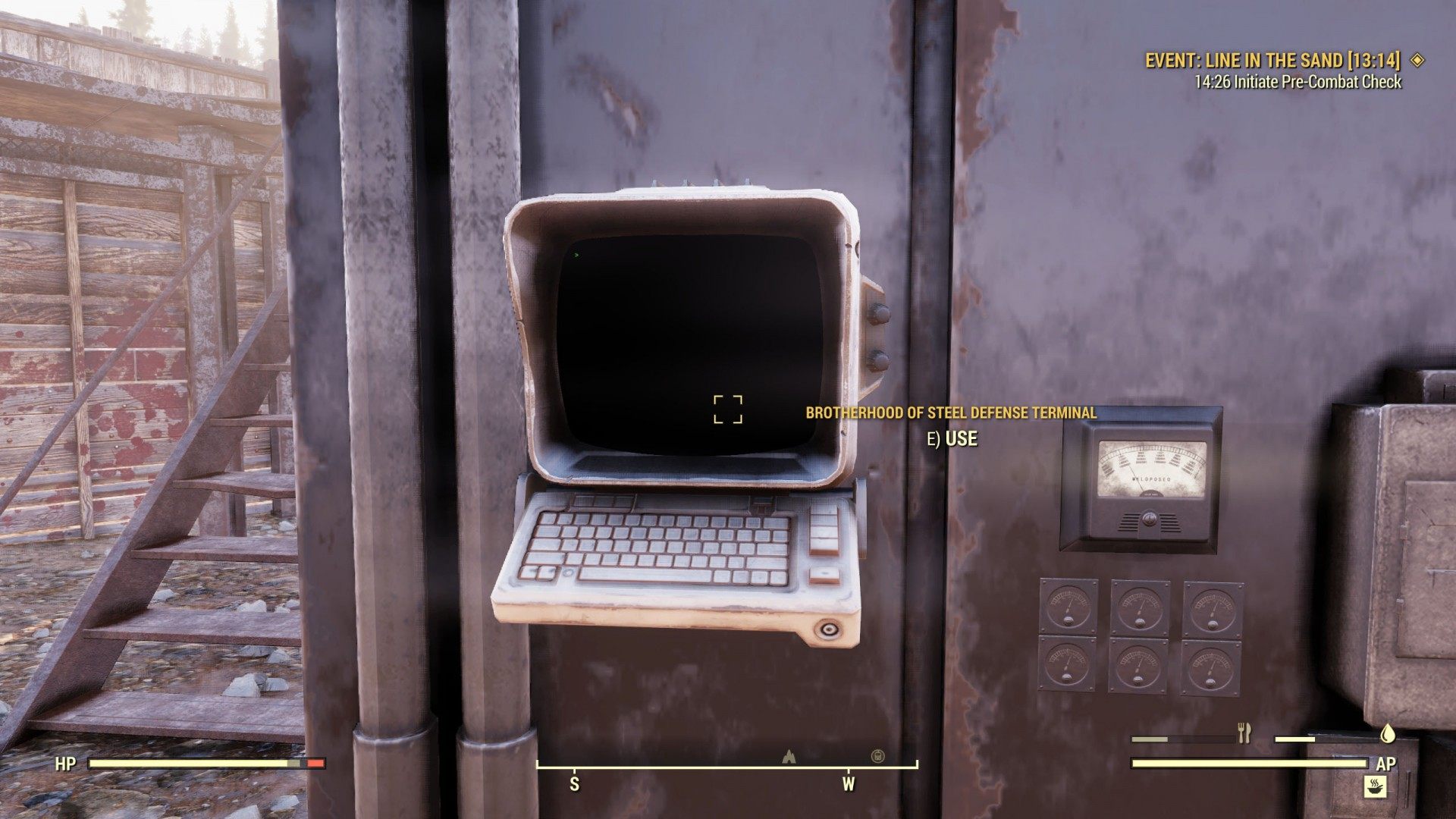
Repair Automated Surface to Air Missile.
Note: You can repair it many times during a fight.
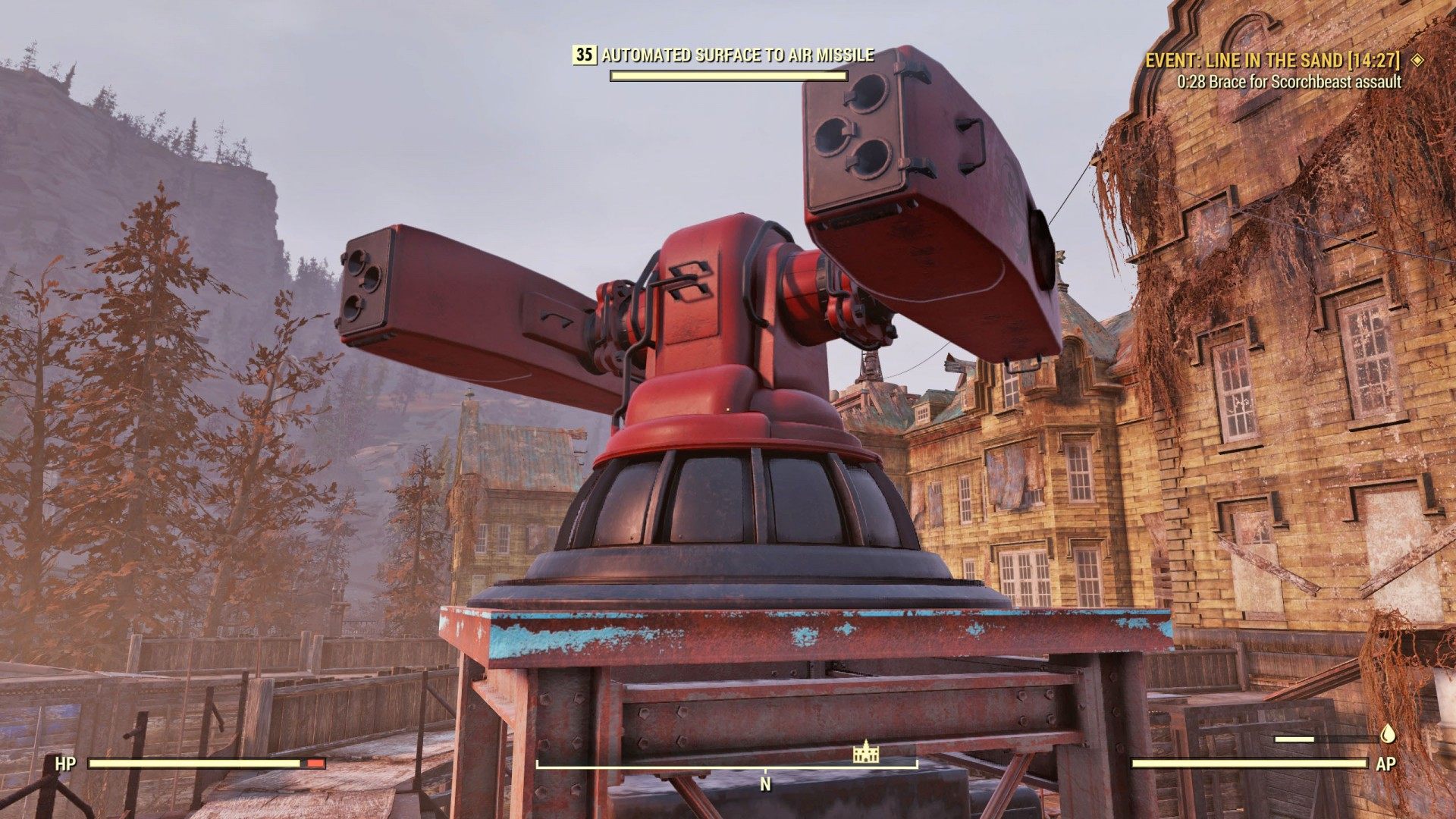
The Scorched are attacking Fort Defiance. We have to use the Brotherhood's defenses to defeat them.