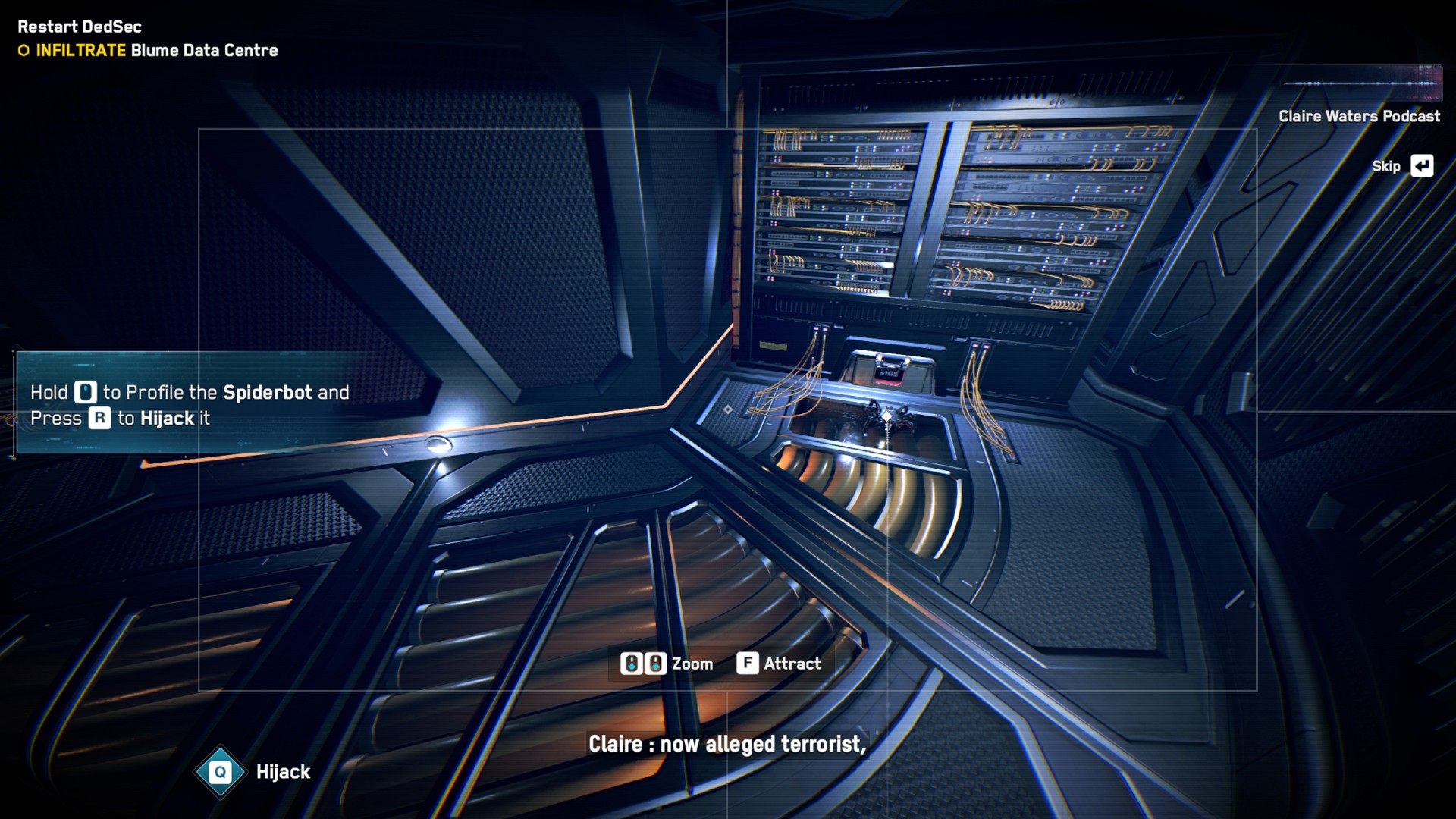
This mission begins after the "Operation Westminster" mission is completed. It starts in Blume Data Center and your first task will be to take control of the spiderbot.
It's been months since the tragic attacks and London is a changed city. DedSec seemed to disappear overnight and opinions on the resistance group are divided.
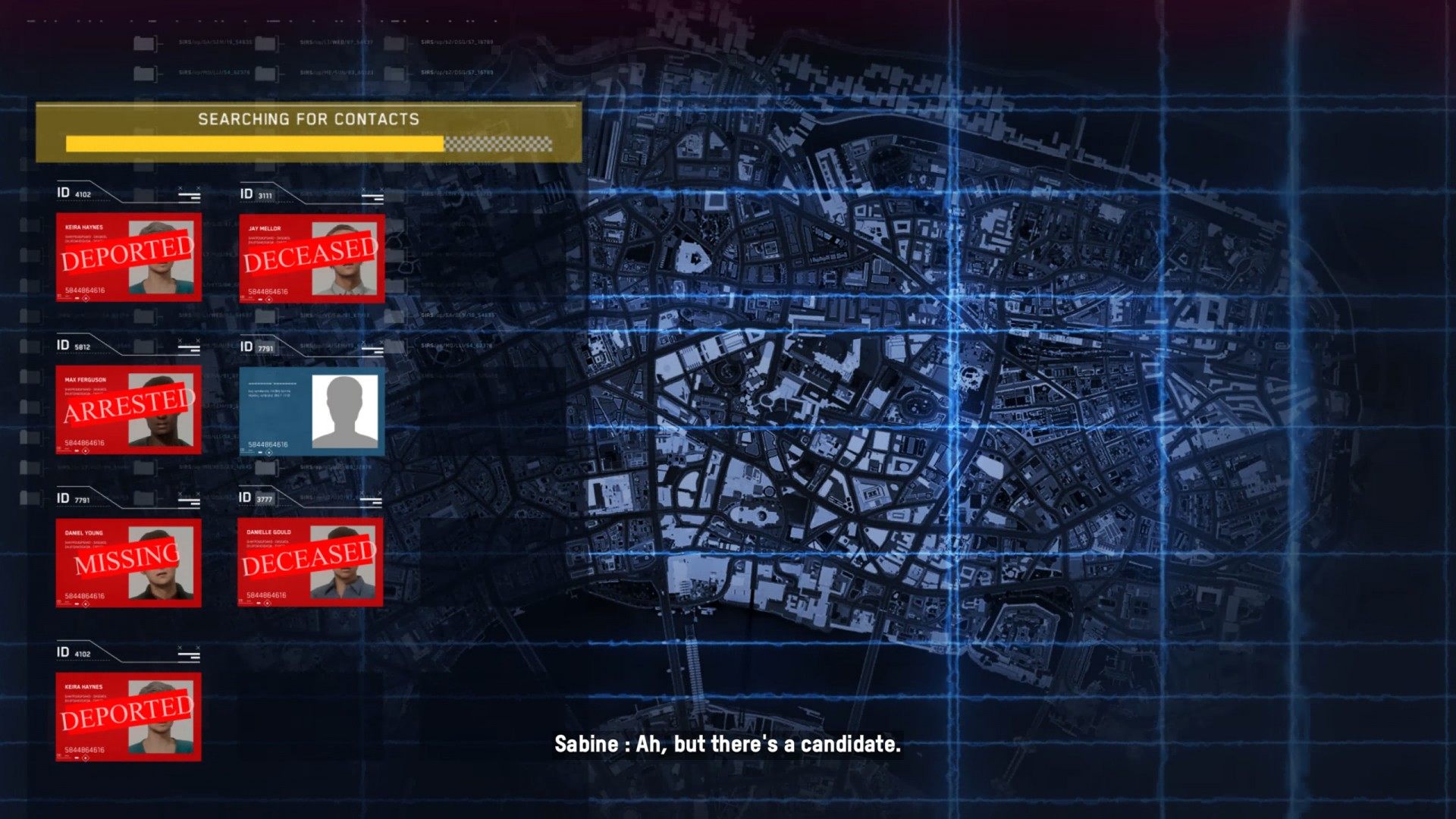
But it appears one DedSec member survived and is hoping to restart the movement. Answer Sabine's call and find the safehouse.
Reward:
1. INFILTRATE Blume Data Centre
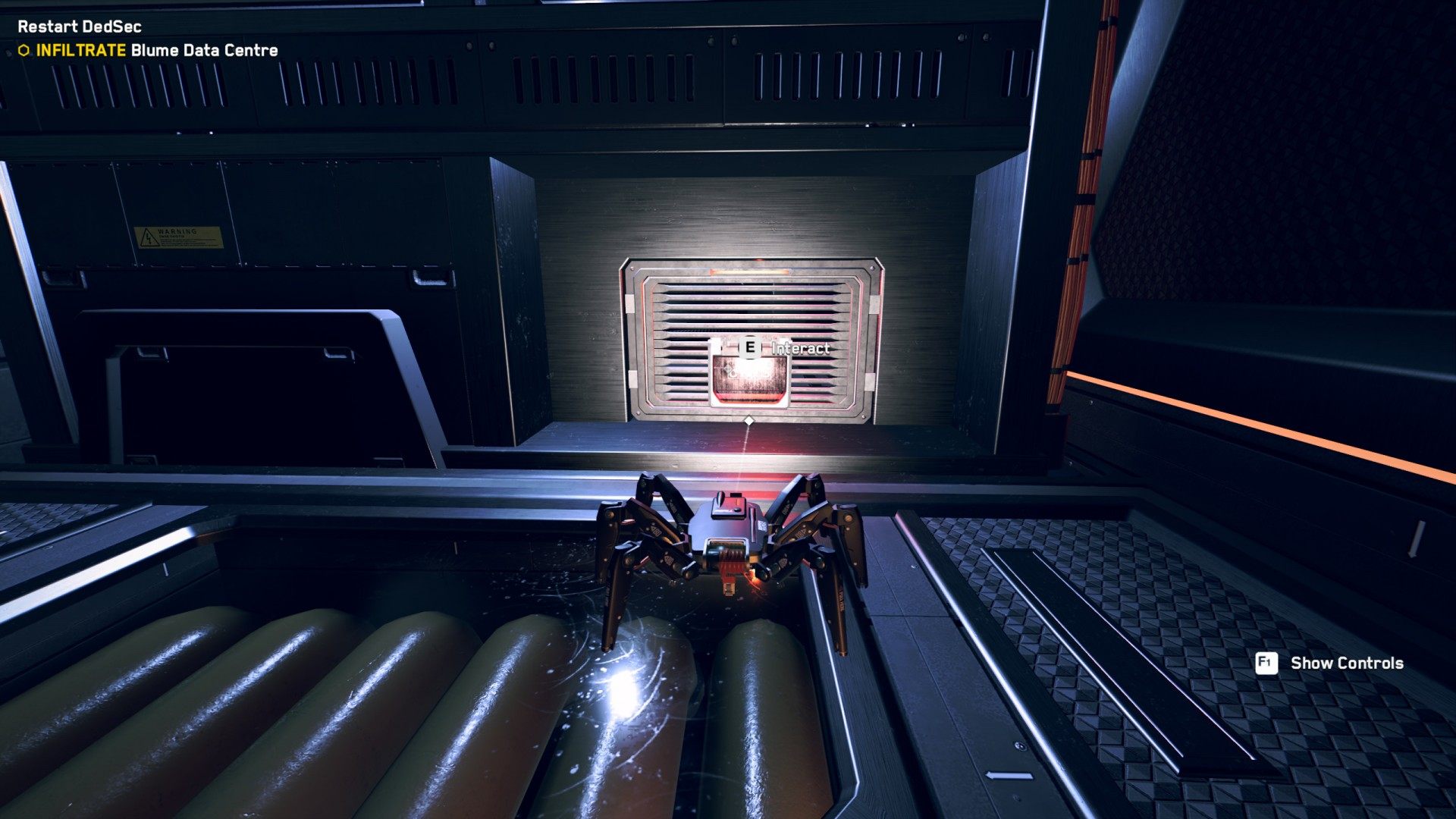
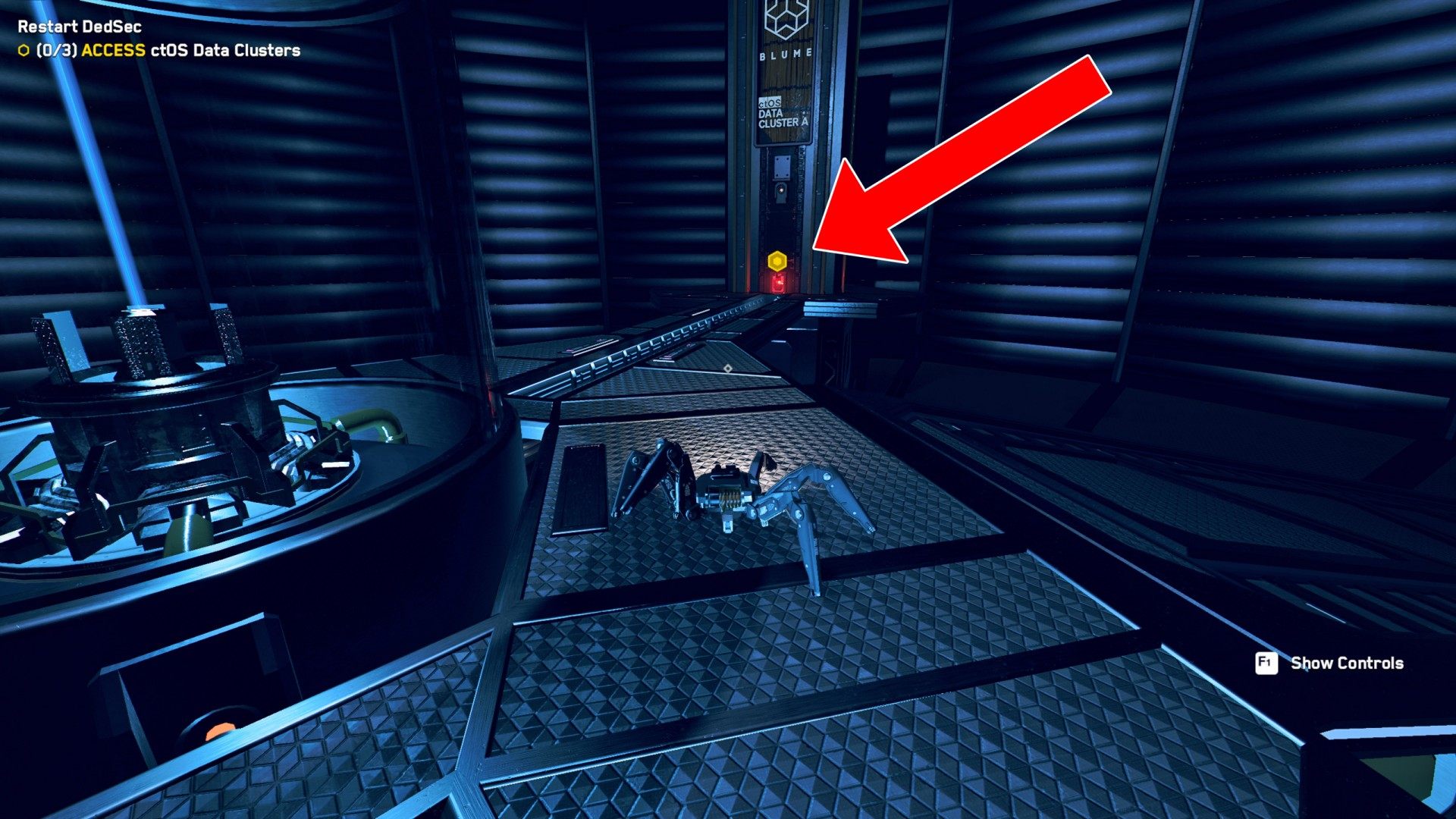
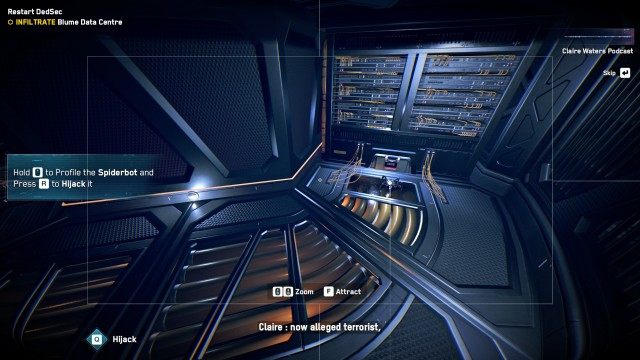
Aim at the spiderbot and hijack it. After you take the control of it, follow the path forward and jump over the ledge. On the other side, approach the small hole in the wall, and interact with it. Spiderbot will cross to the other side.
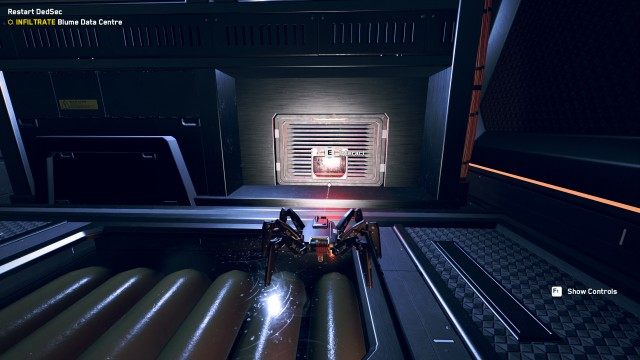
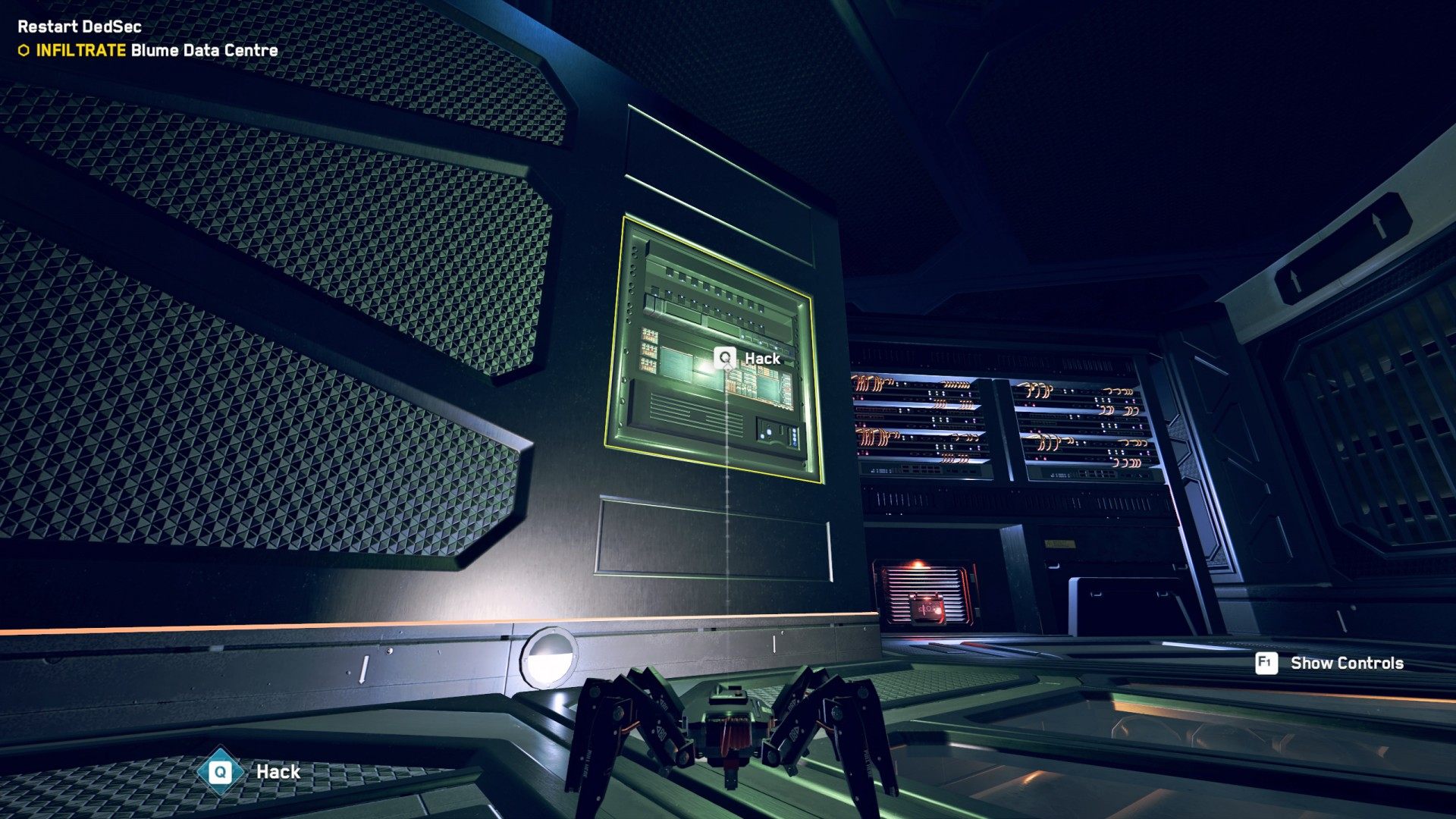
Approach the server on the right wall and load the visus into it. When the visus is loaded, the walls will move and you will be able to move on.
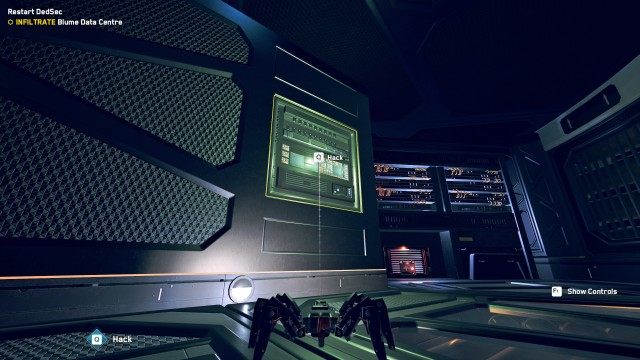
2. ACCESS ctOS Data Clusters (0/3)
Jump on the platform above and interact with the first data cluster. Once you do this you will gain access to the next two. When you have downloaded data from all three then you will gain access to the central unit.
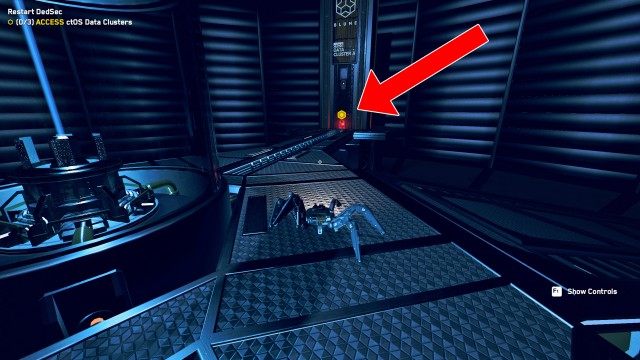
3. HACK into ctOS London
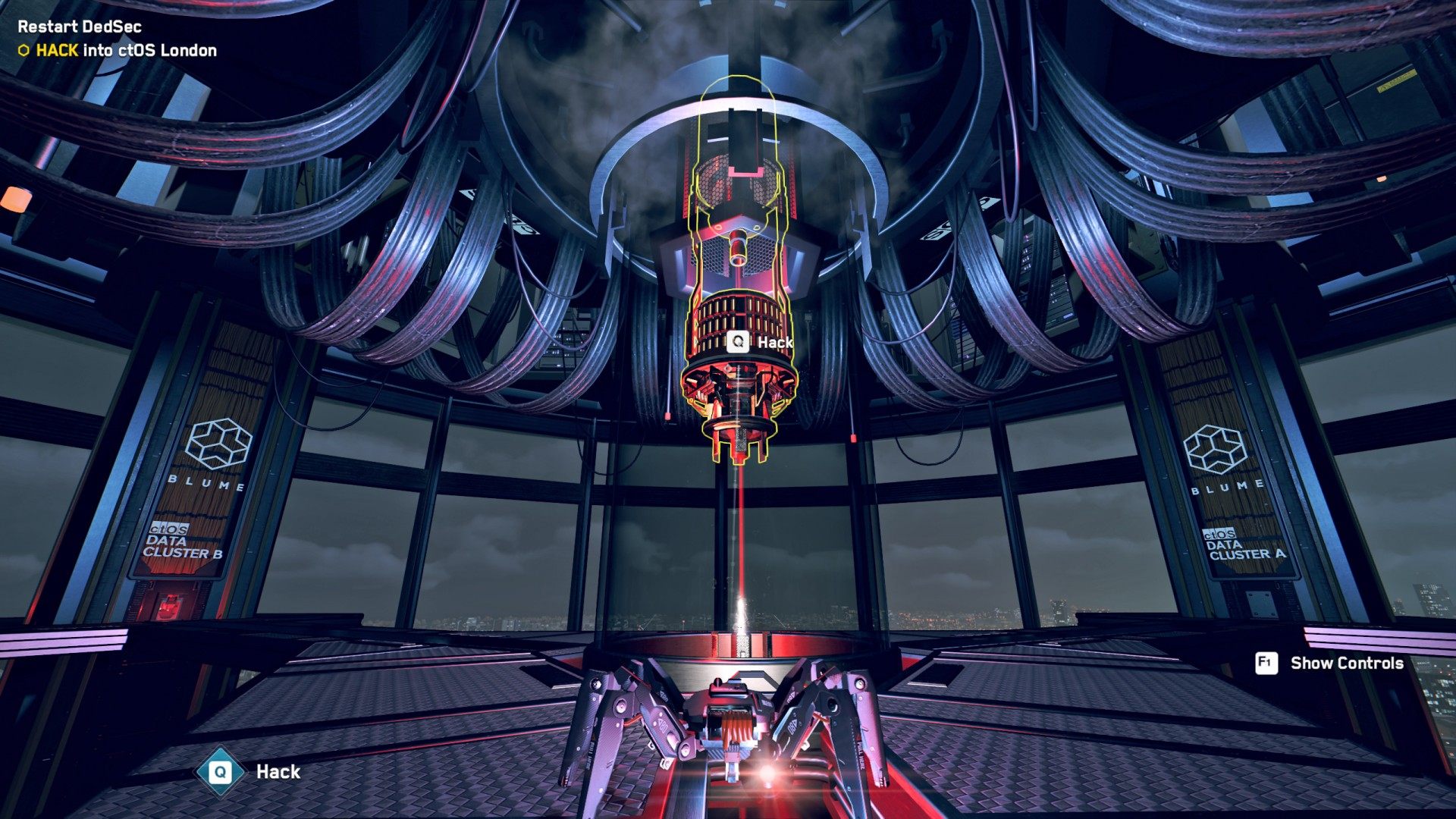
Approach the central unit and hack it and after a while you will be able to choose your first operative
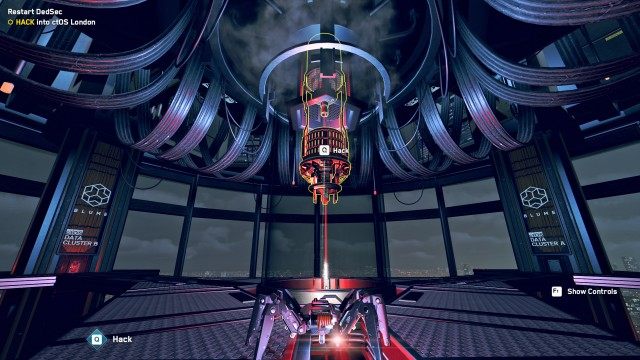
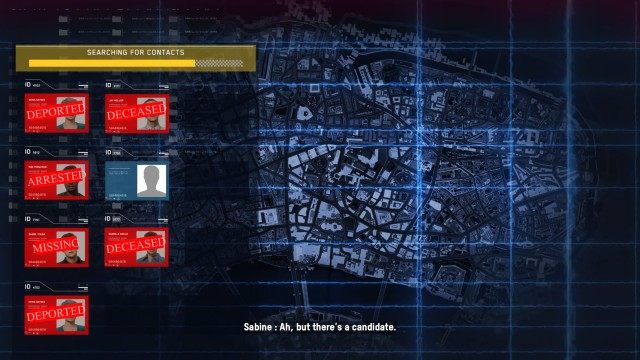
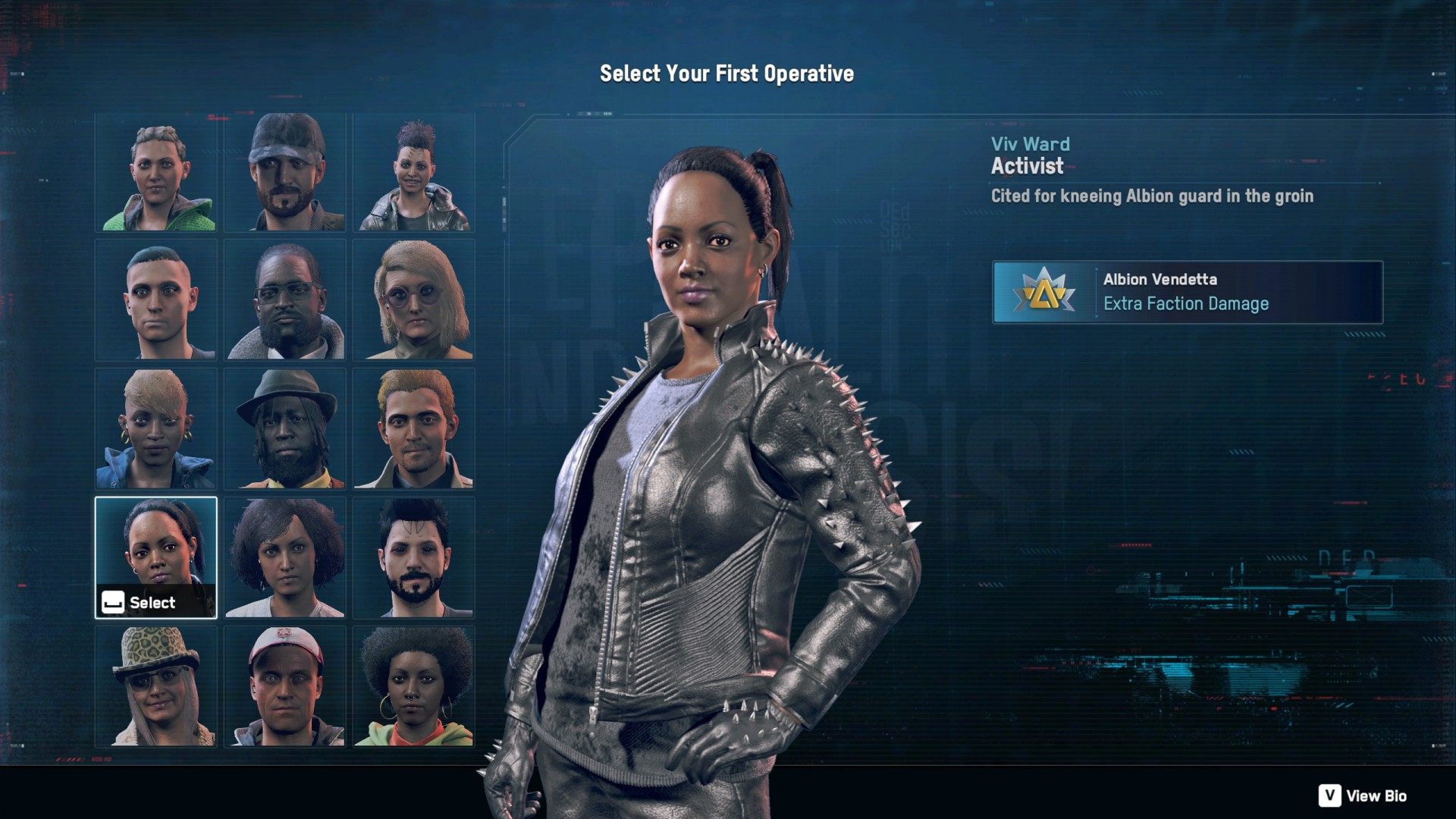
4. Select Your First Operative
You will be given a list of 15 randomly selected characters with different perks. Choose the one that suits you best. This will not be your only character. In the game you will be able to recruit many other operatives that you will be able to switch between.
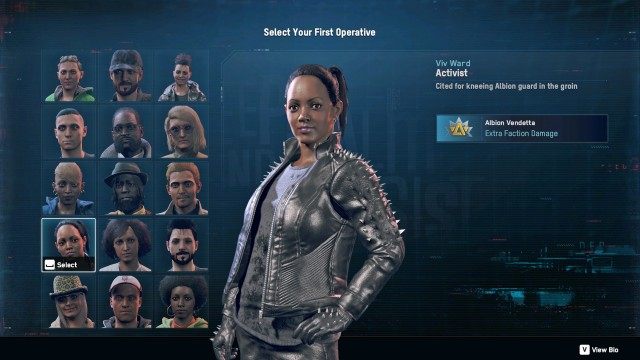
When you do this you will take control of the selected character and you will pop up on the streets of London.
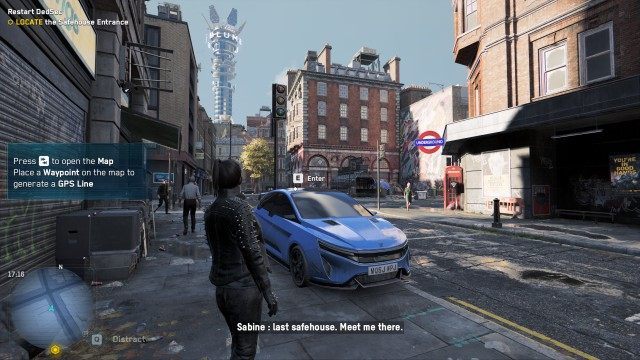
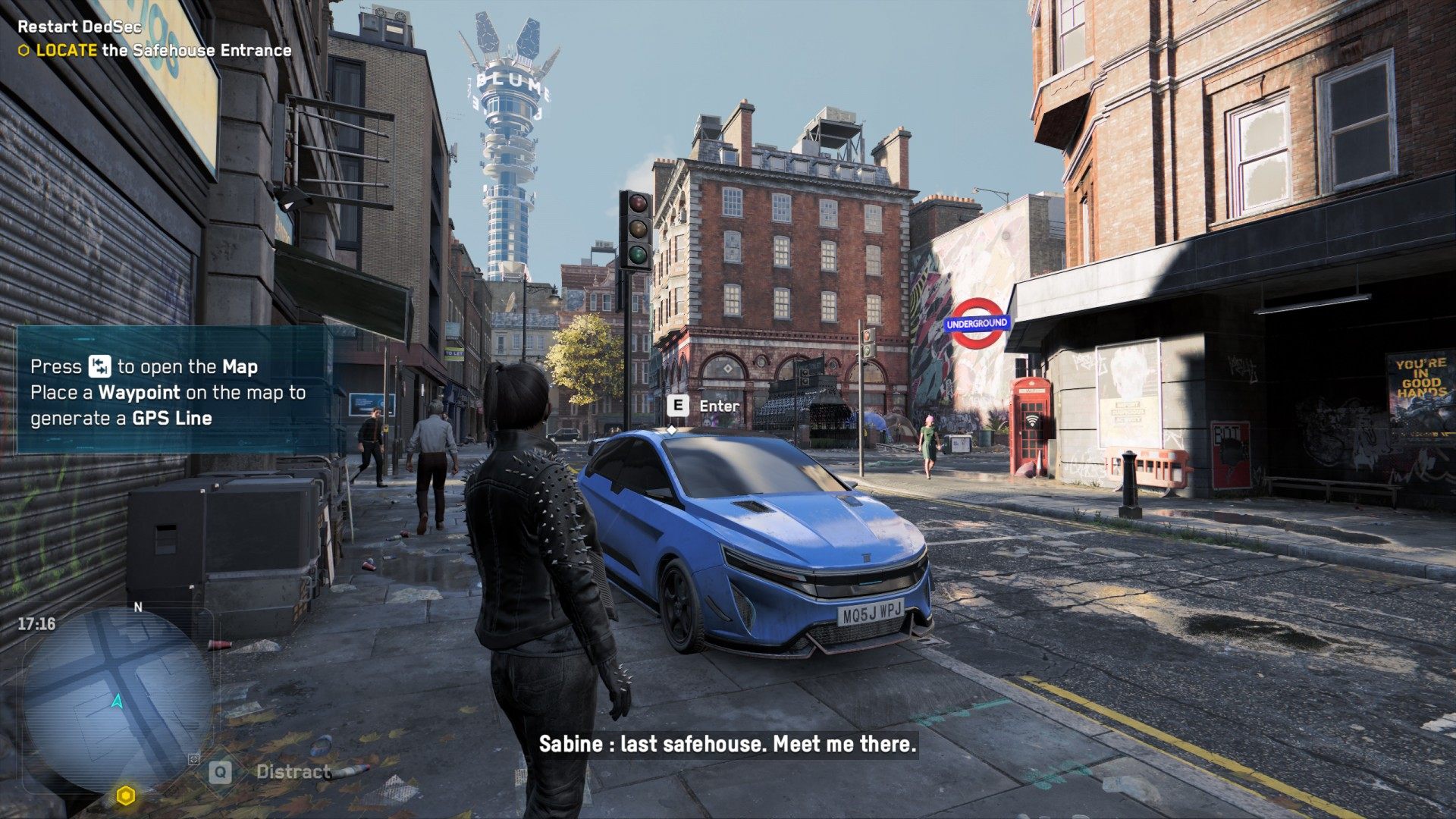
5. LOCATE the Safehouse Entrance
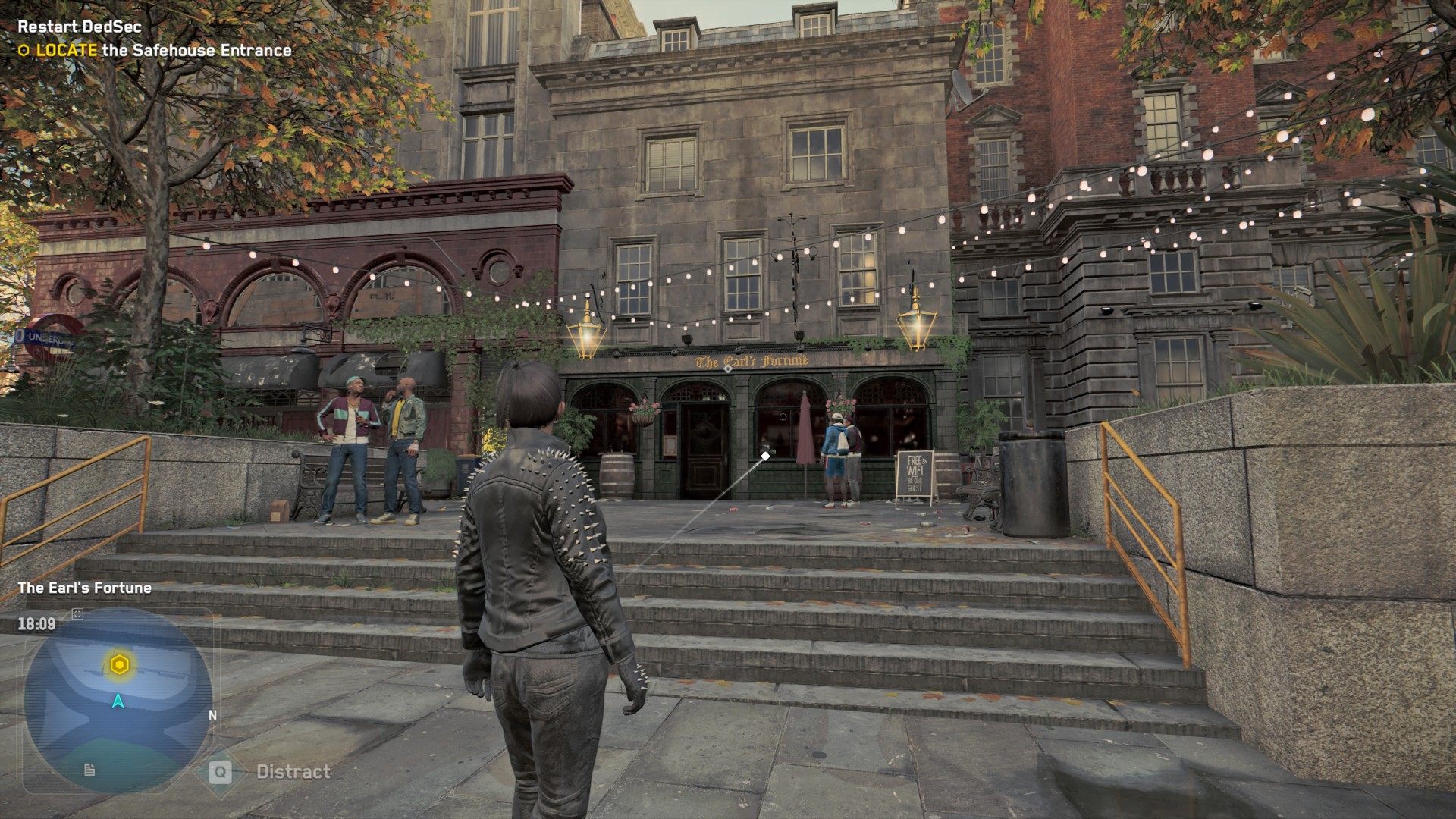
Go to the location marked on the map. It is best to use a vehicle for this, for example a car standing nearby. The entrance to the DedSec Safehouse is located inside the The Earl's Fortune / Connie's Pub pub.
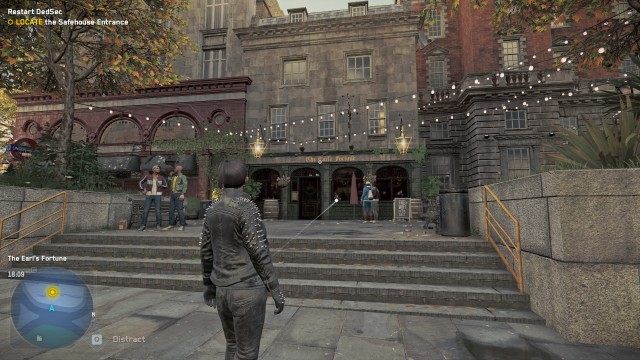
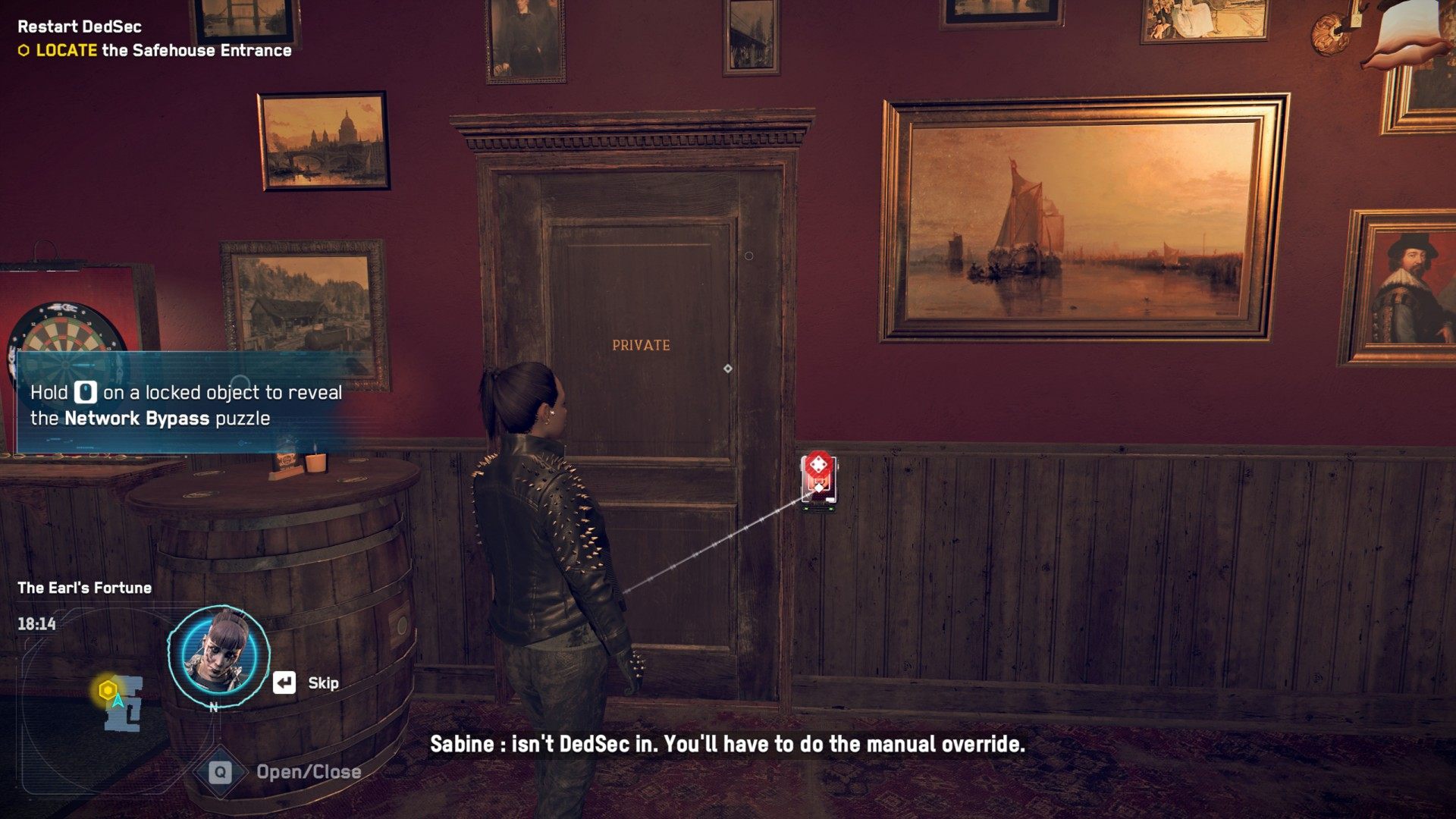
Enter the pub there and approach the locked door marked private. Before you can enter this door you need to solve a puzzle.
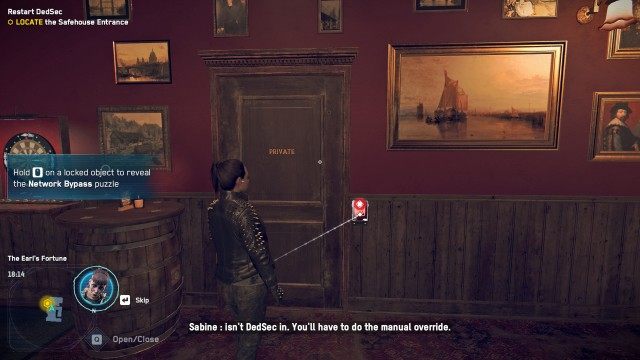
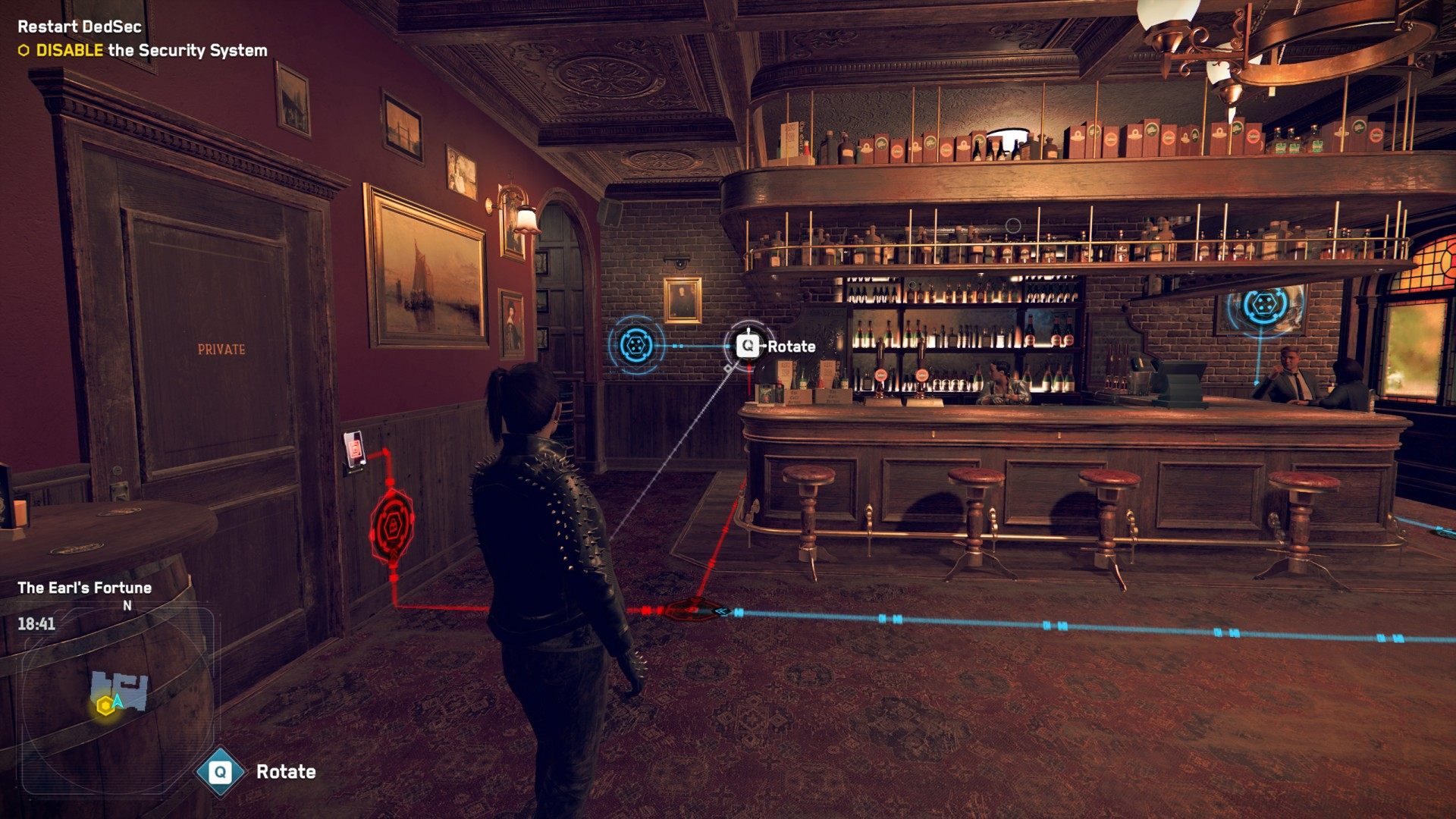
6. DISABLE the Security System
Rotate and unlock the nodes so that you get the blue line to reach the last one next to the door. You will then be able to hack it and open the door.
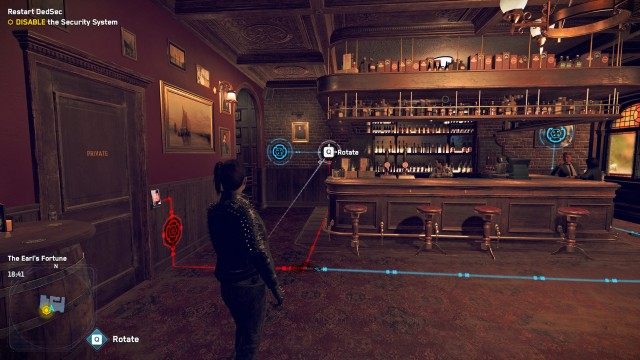
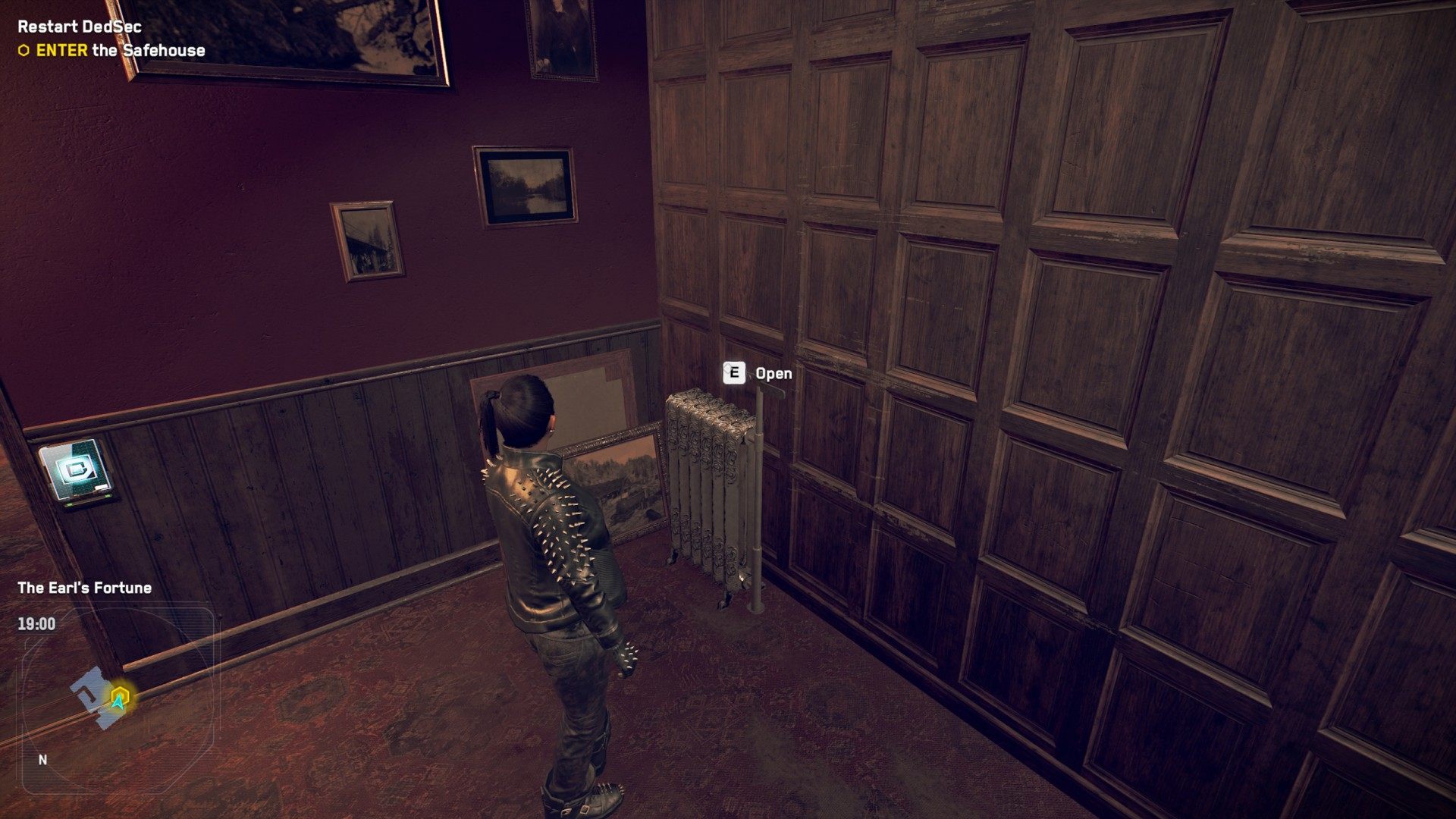
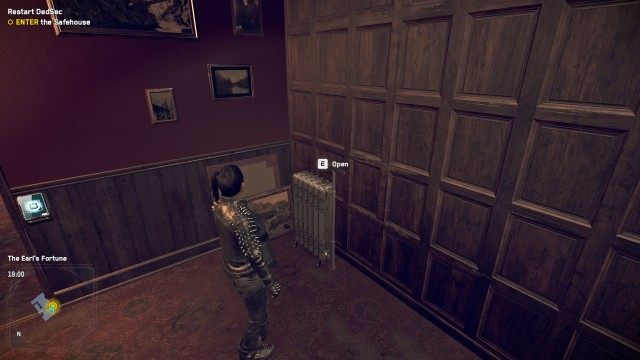
7. ENTER the Safehouse
Enter the room and pull the lever located there. A hidden passage will open and you will enter the DedSec Safehouse.
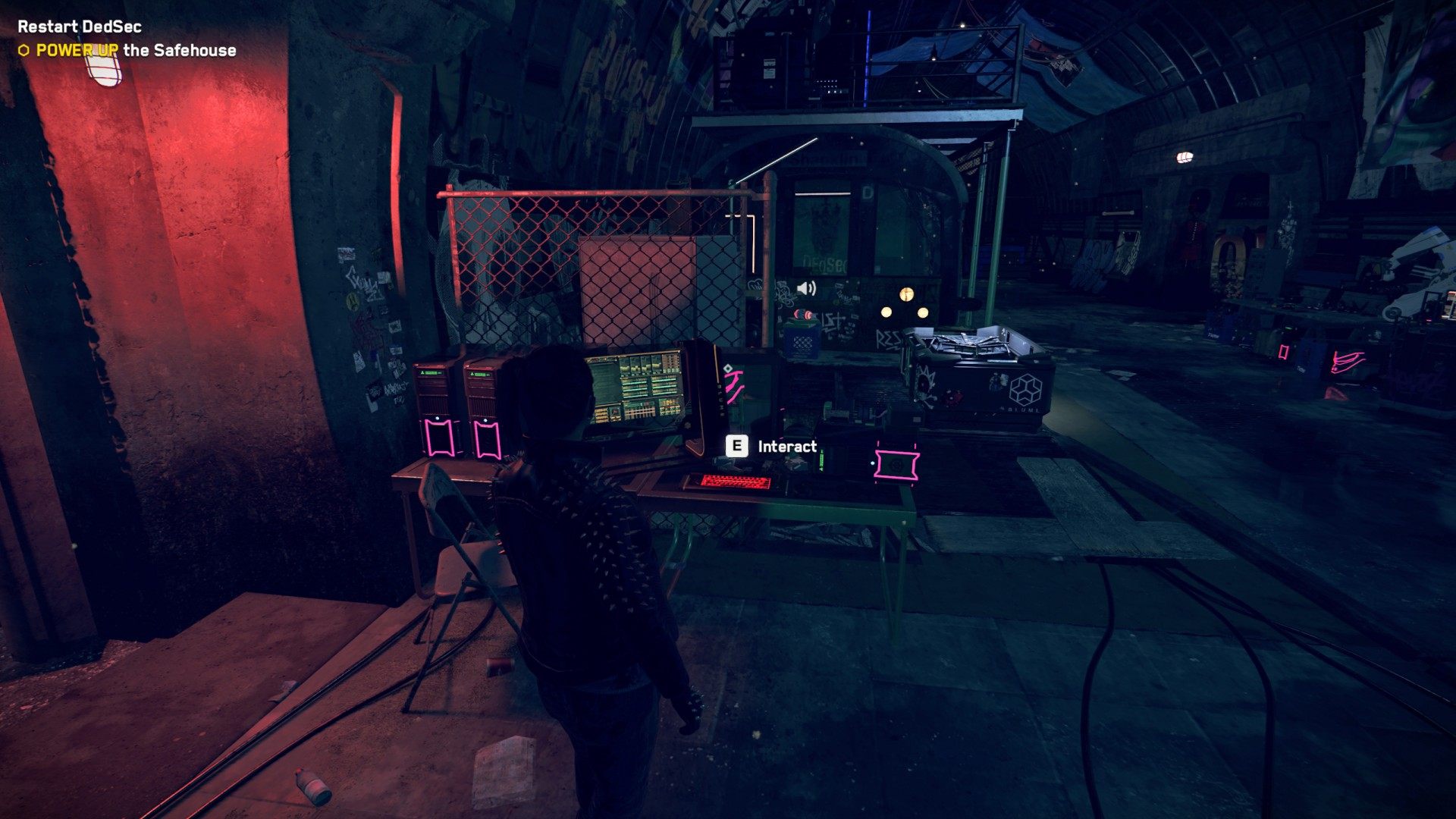
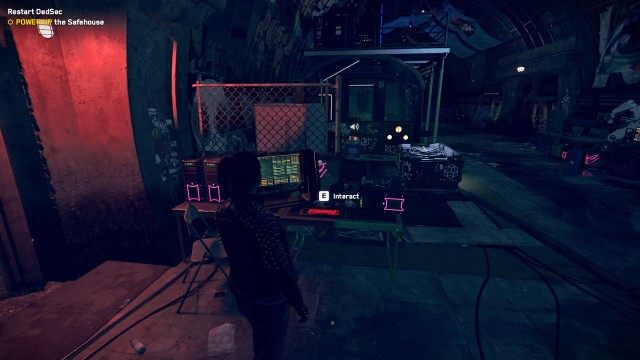
8. POWER UP the Safehouse
Go down the stairs and use the computer to restore power.
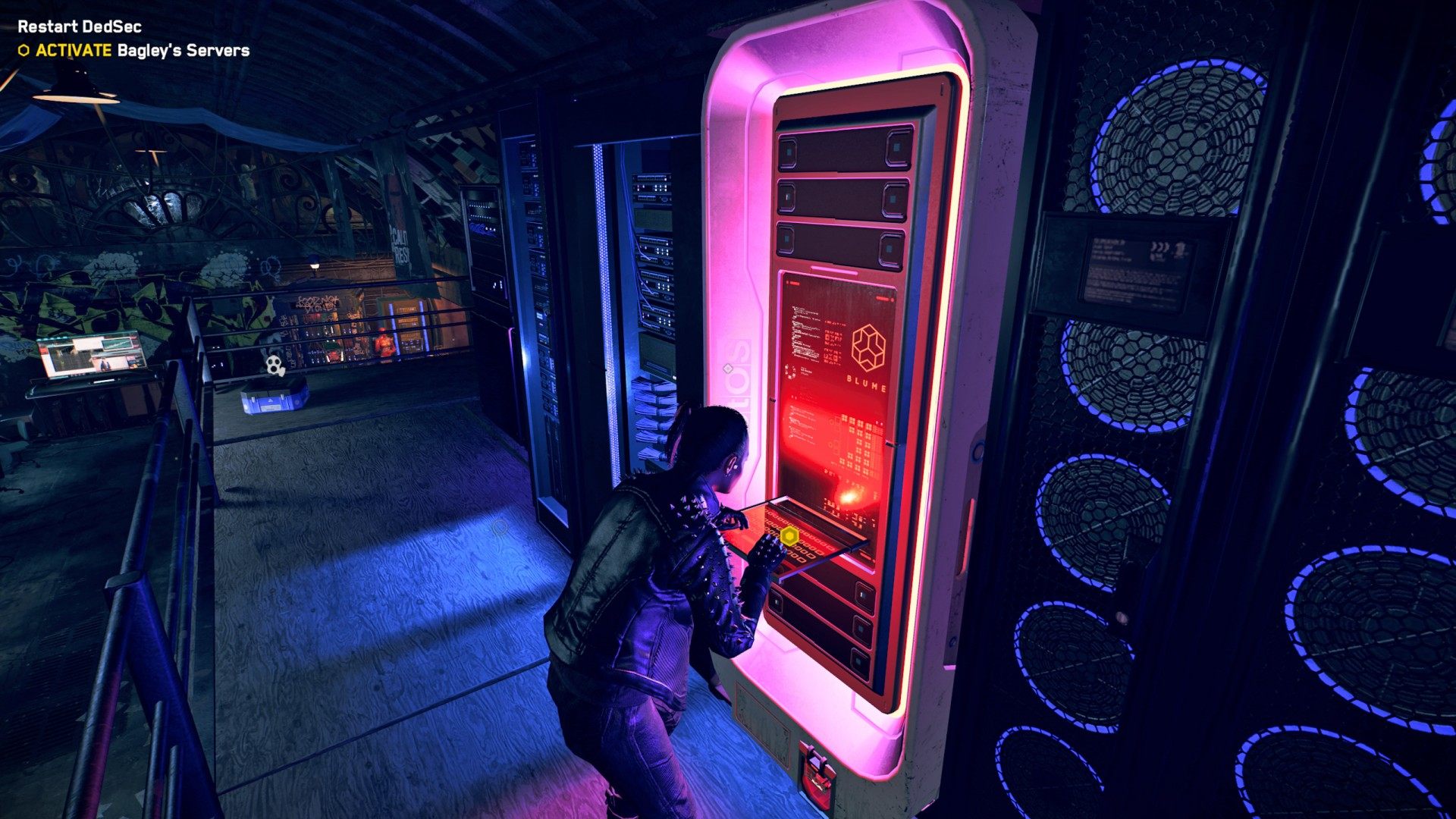
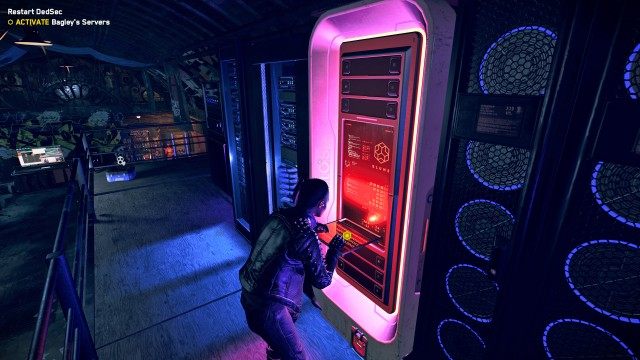
9. ACTIVATE Bagley's Servers
Approach the server standing on the platform above and activate it.
10. CONTACT Sabine
Use the comms to contact Sabine.
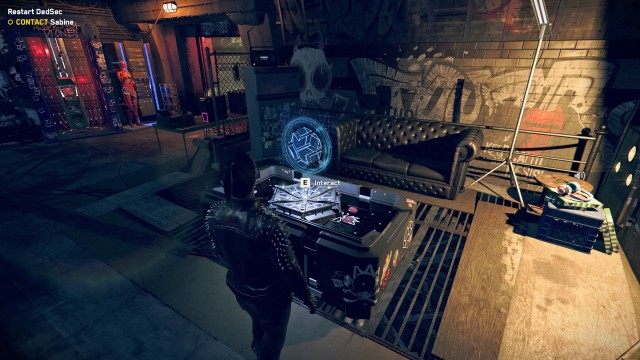
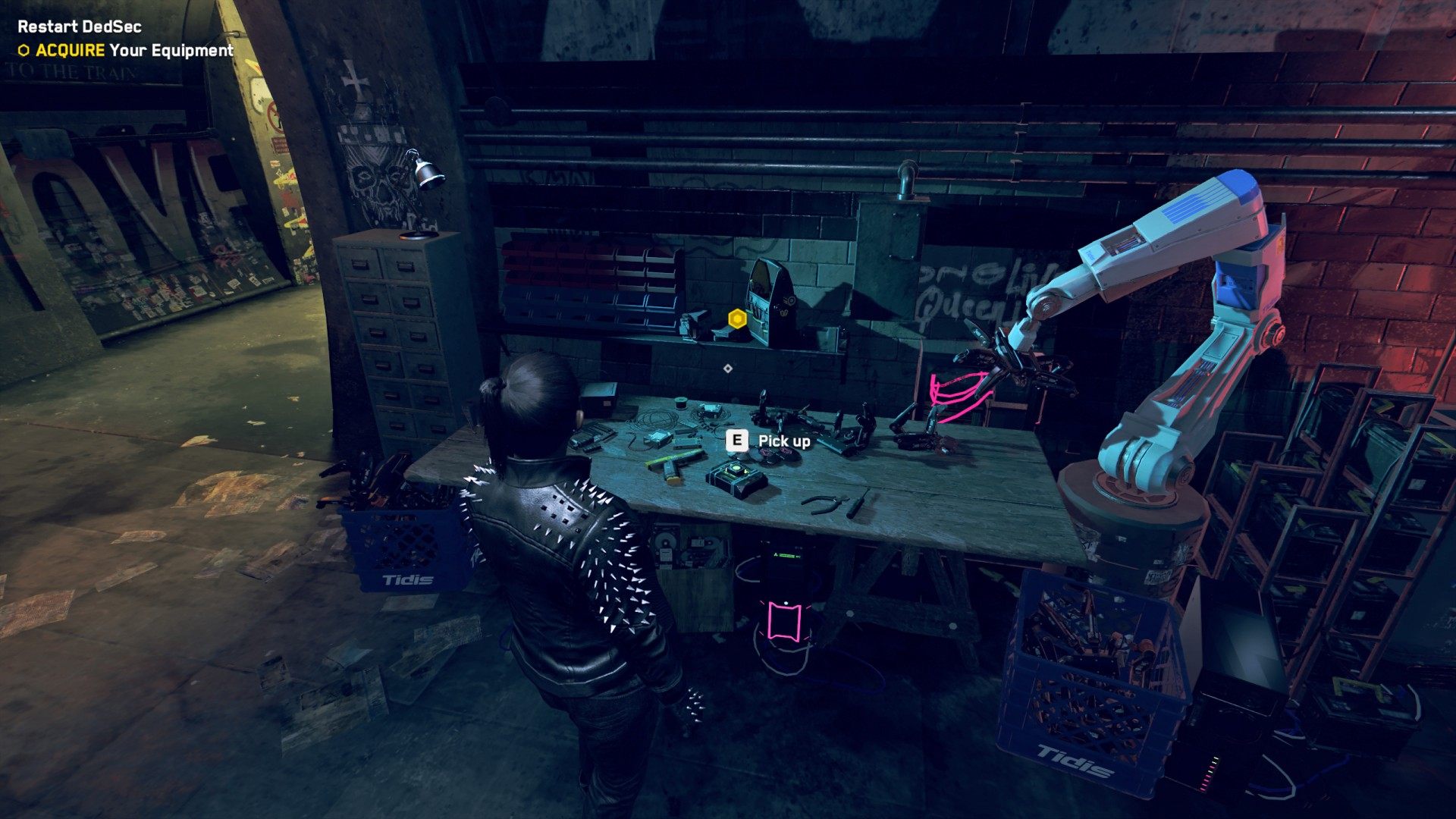
11. ACQUIRE Your Equipment
Approach the table and take the sidearm and 10 Tech Poins lying on it. With these you will be able to buy your first gadget.
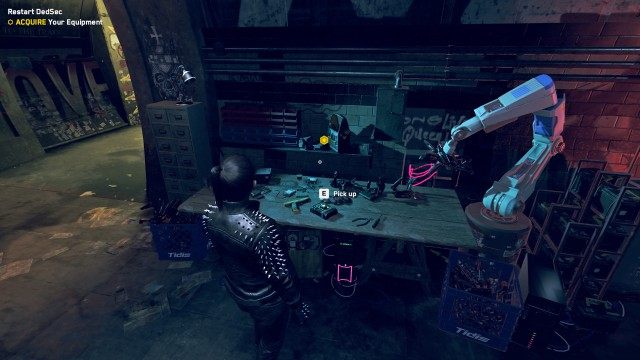
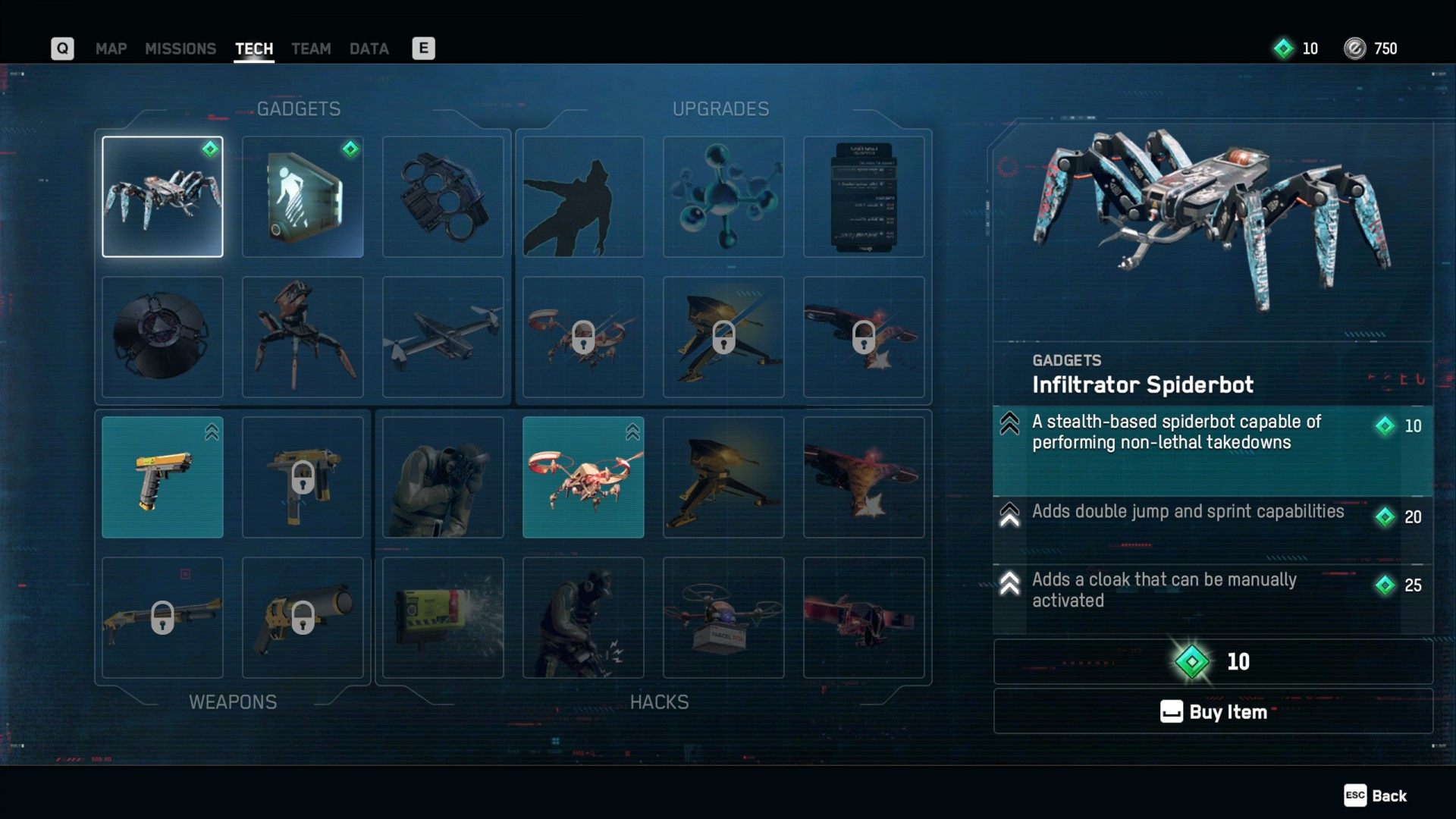
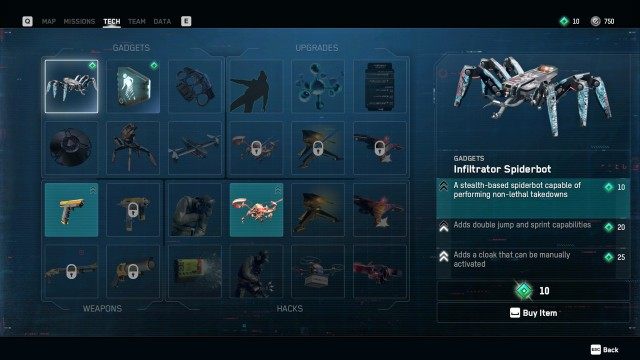
12. PURCHASE a New Gadget in the Tech Menu
Enter the "Tech" tab. With the 10 Tech Points you just acquired, you will be able to buy an Infiltrator Spiderbot or AR Cloak.
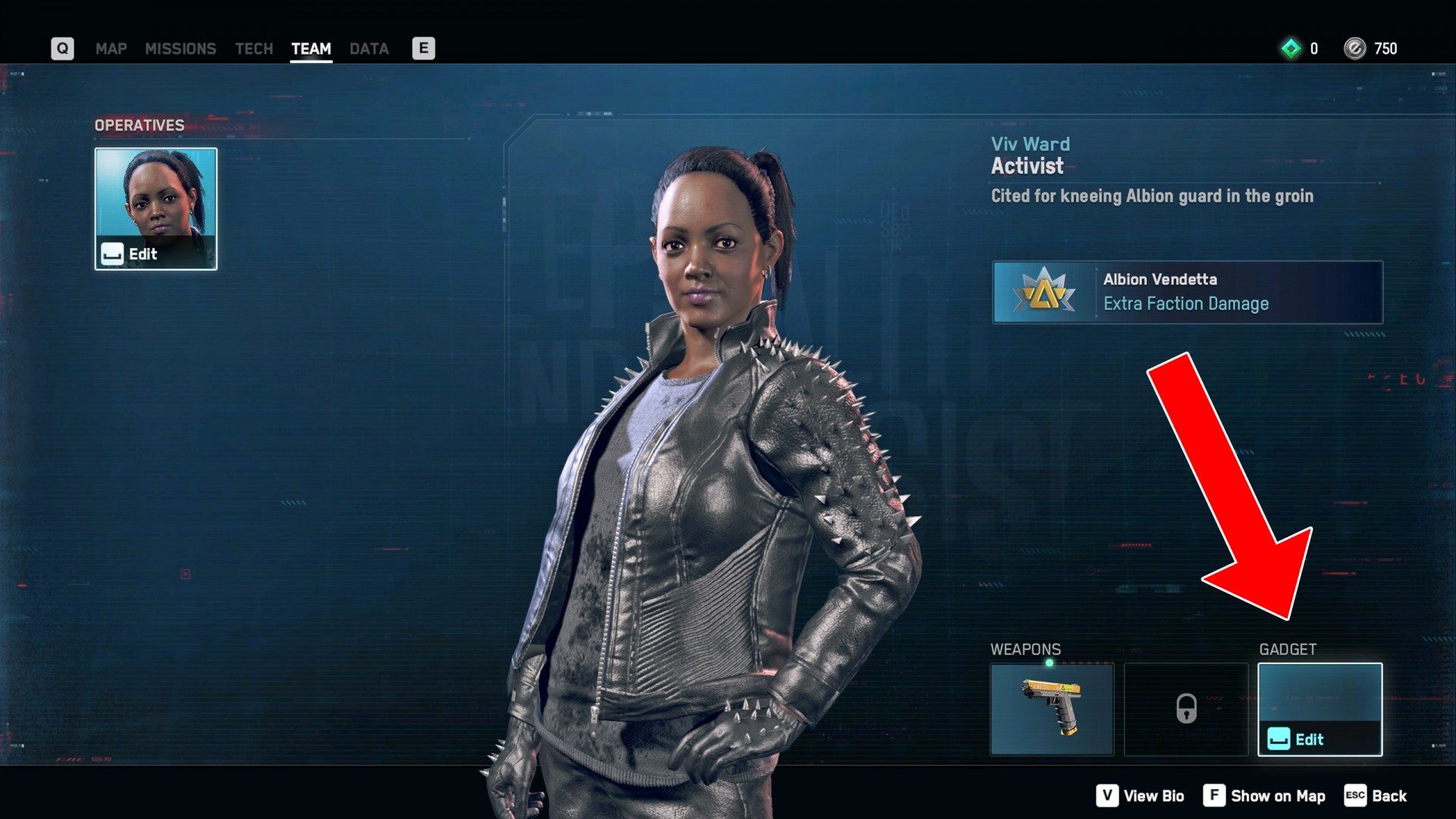
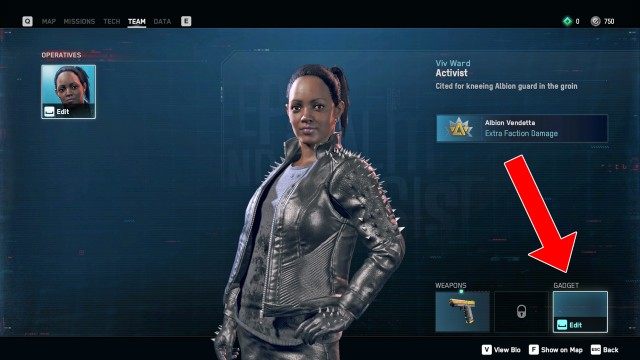
13. EQUIP a New Gadget On Your Operative in the Team Menu
Enter the "Team" tab and equip yourself with the gadget you just bought.
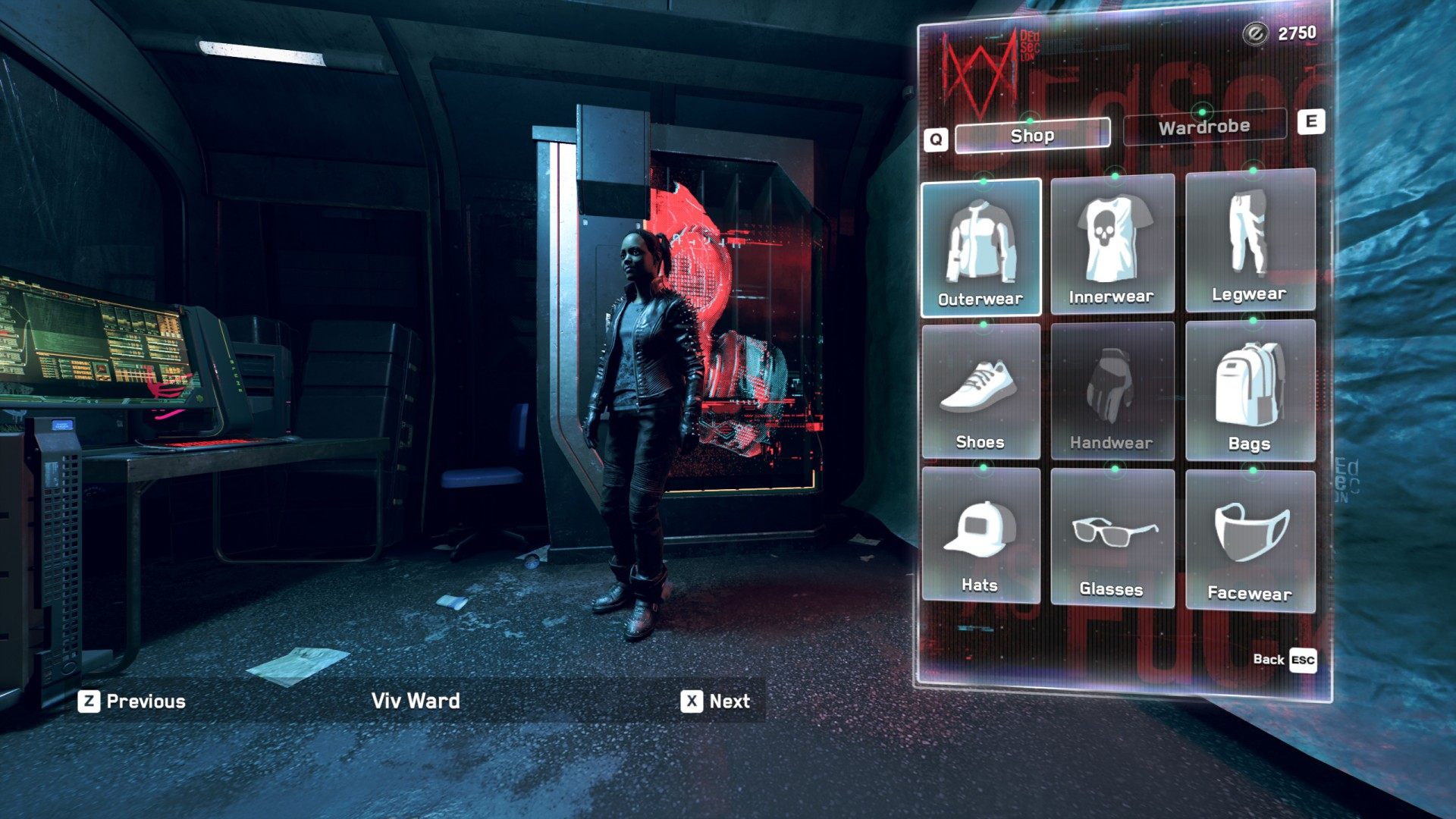
14. ACCESS the DedSec Shop
Note: At this point you should have received all the items, ETO, or operatives that you are entitled to because, for example, you bought the collector's edition of the game, the season pass, etc.
Approach and interact with the shop machine.

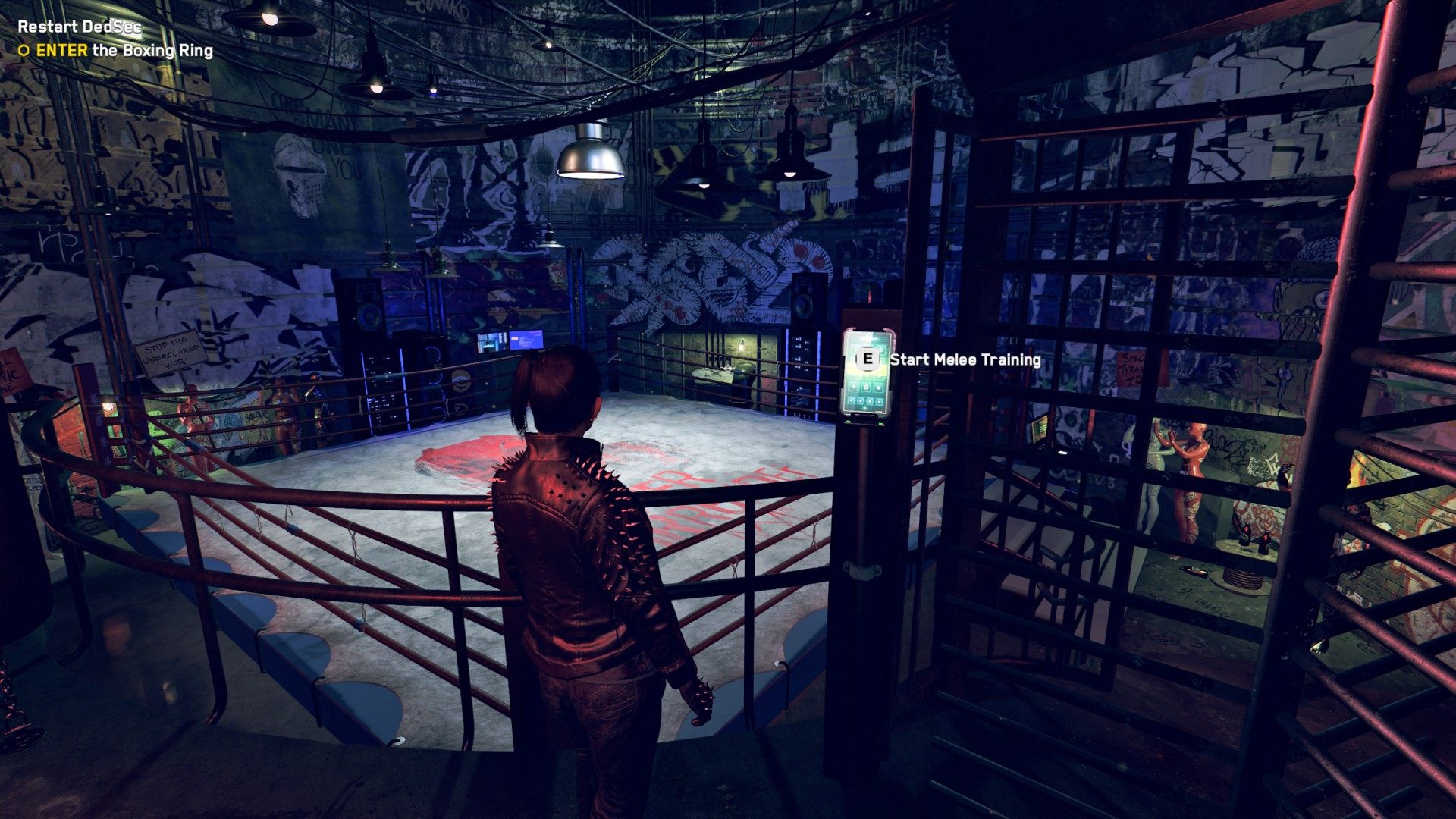
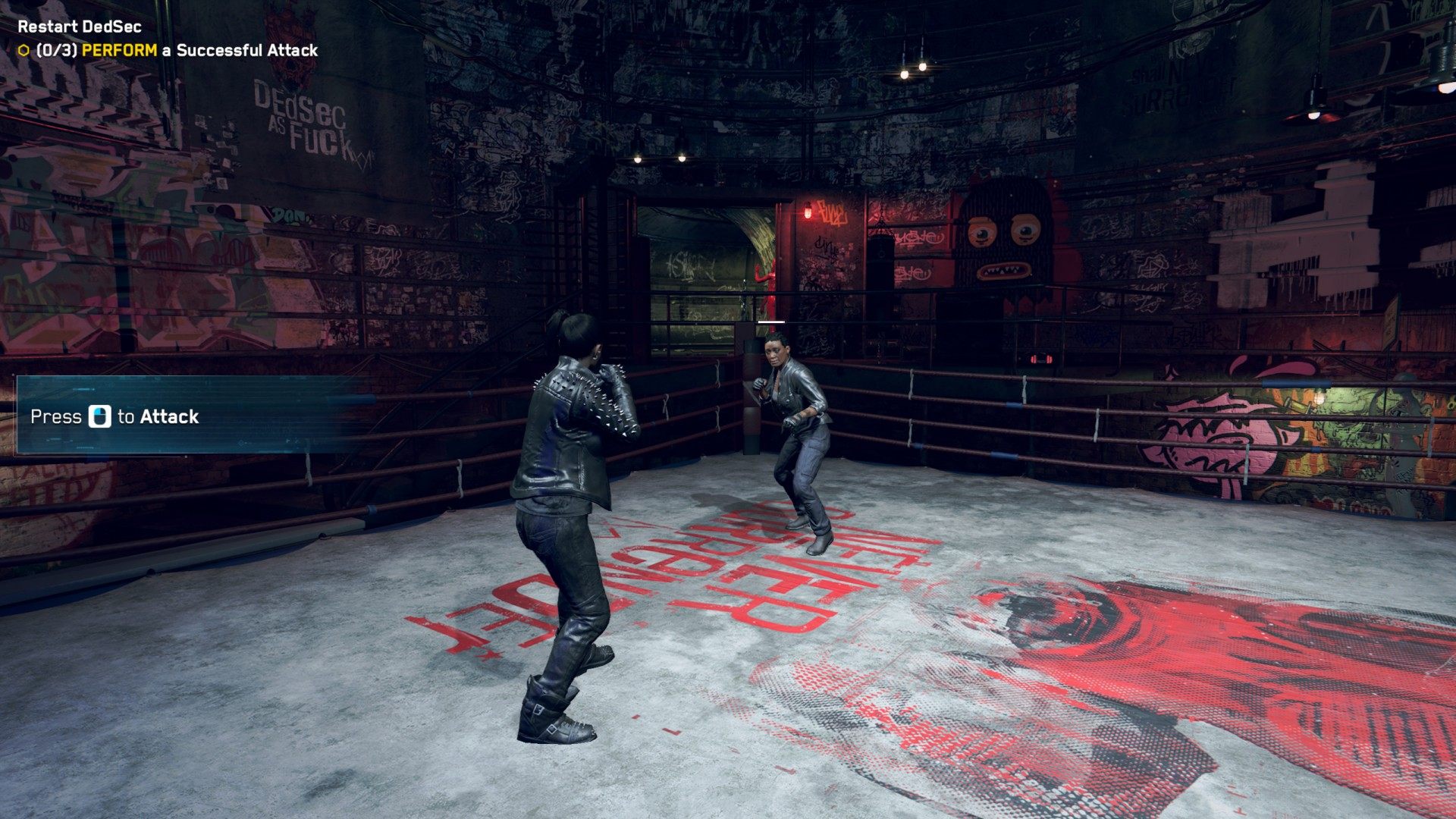
15. ENTER the Boxing Ring
Head to the ring and begin your melee training.
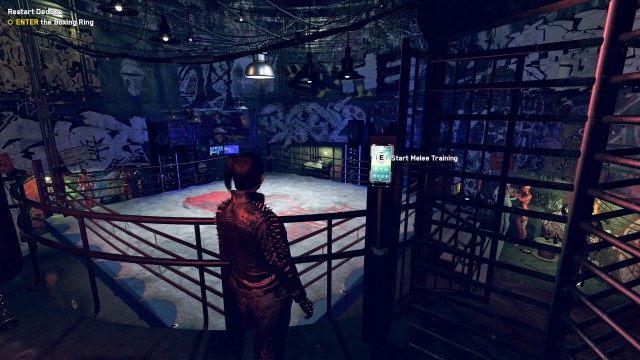
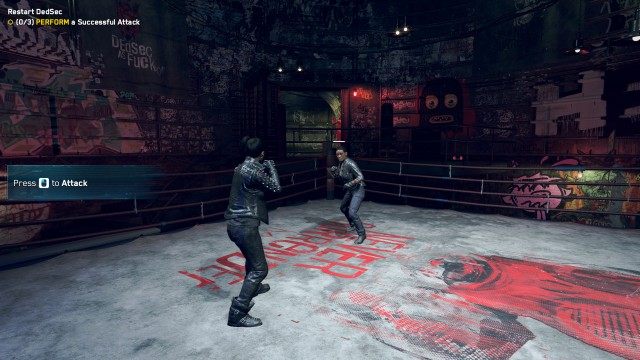
Follow the given steps to complete the training:
- PERFORM a Successful Attack (0/3)
- PERFORM a Successful Guard Break (0/3)
- PERFORM a Successful Counter Attack (0/3)
- DEFEAT Connie Robinson
Upon completion of the training, you will receive 100 ETO.
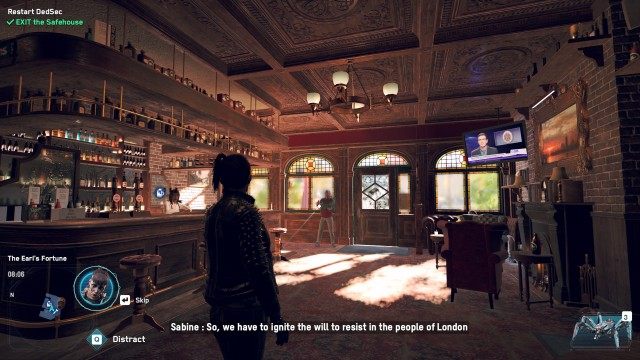
16. EXIT the Safehouse
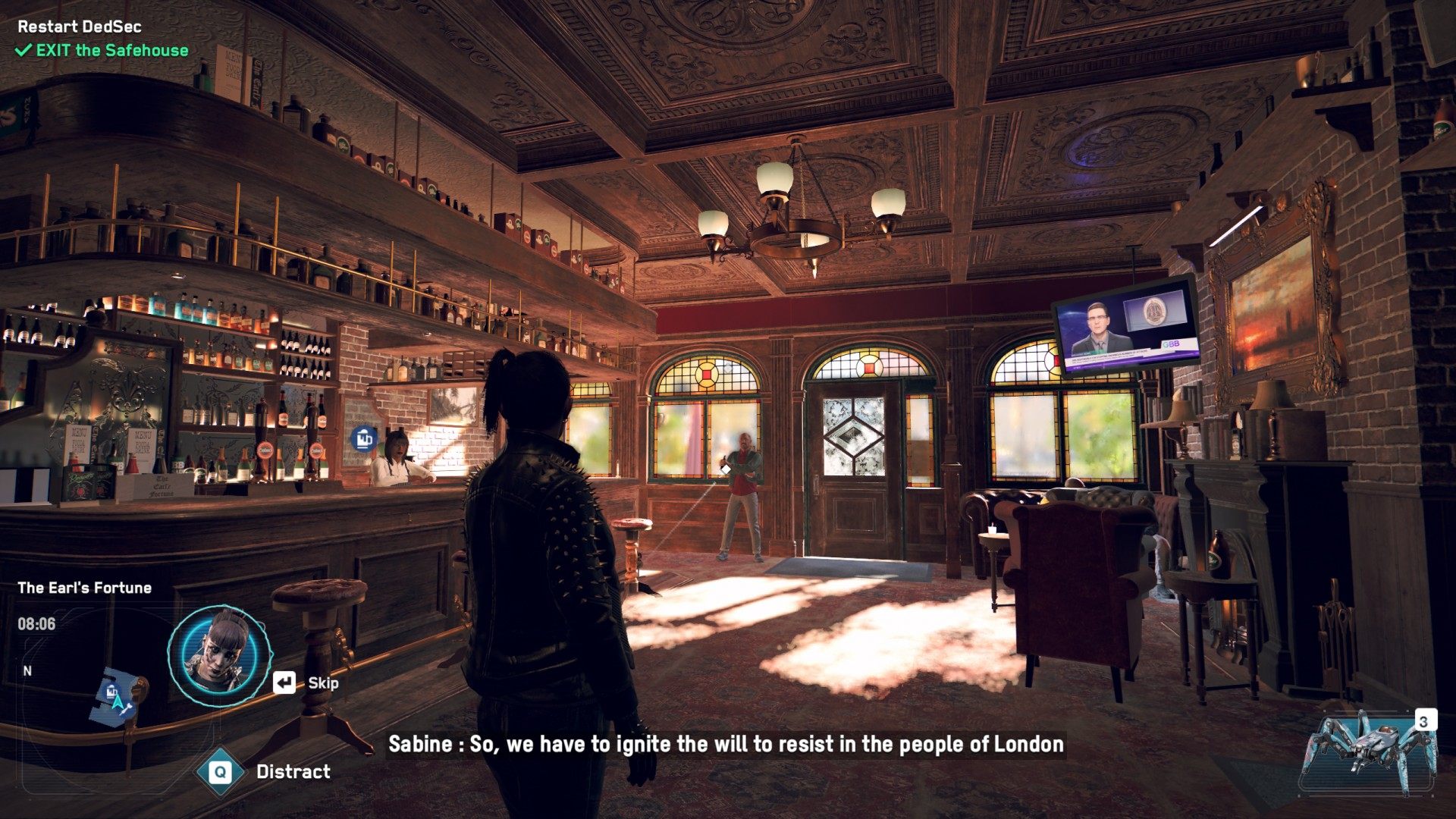
Leave the hideout the same way you got here. When you get to the bar, Sabine and Bagley will tell you what to do next, this mission will end and the next one - "Light A Spark" - will begin.